
MetForm
93Elementor forms builder to create WordPress forms like contact form, booking form, feedback form, survey form,...
Free
600k+ installs 4.7★ (504)
This plugin allows you to integrate your restaurant's Zenchef reservation widget directly on all pages of your website.

Zenchef widget integration is a WordPress plugin that allows restaurants to embed a reservation widget on their website. This integration enables customers to make reservations directly without navigating away from the page.
The plugin offers a global widget that appears on all pages and can be customised using a shortcode for specific pages or posts. Users can adjust settings such as restaurant ID, position, and appearance through the shortcode, making it suitable for websites managing multiple restaurants.
Best for: This plugin is best for restaurant websites looking to streamline their reservation process.
What it does well
Where it falls short
Zenchef widget integration provides a straightforward solution for restaurants to manage reservations online. However, the lack of detailed feature information may limit its appeal for some users.
Zenchef's own description of Zenchef widget integration, lightly tidied.
This plugin allows you to integrate your restaurant’s Zenchef reservation widget directly on all pages of your website, allowing your customers to take reservations directly without having to switch page.
You can also customize the integration according to your needs.
Once your restaurant’s ID is set, the widget is added automatically to every page of your website, with a floating booking button positioned according to the settings.
You can also place the widget inline on a specific page or post using the [zenchef_widget] shortcode. With no attributes, it uses the same settings as the global widget:
[zenchef_widget]
You can override any of the settings per-page (useful for sites managing several restaurants):
[zenchef_widget restaurant_id="367219" open_delay="0" position="center"]
All of the settings from the admin page can be overridden as shortcode attributes:
[zenchef_widget restaurant_id="367219" language="fr" primary_color="#cc0000" hide_button="1" auto_open="0" disable_gtm="1" disable_ga4="1"]
When the shortcode is used on a page, the floating global widget is not also injected, so there is never a duplicate.
Tip for the Gutenberg editor: Insert the shortcode using a Shortcode block (Add Block / Shortcode), not a Paragraph block — Paragraph blocks can auto-format quotes and break the attributes. The widget only renders on the front-end of your site; Gutenberg does not preview shortcodes inside the editor.
For plugin support, please visit the support center.
Other plugins for taking bookings.
Elementor forms builder to create WordPress forms like contact form, booking form, feedback form, survey form,...

Calculated Fields Form: complete WordPress form builder for contact,booking,quote,payment forms & more,wit...

Appointment booking plugin for WordPress. Let clients self-schedule 24/7, accept payments at booking, and redu...
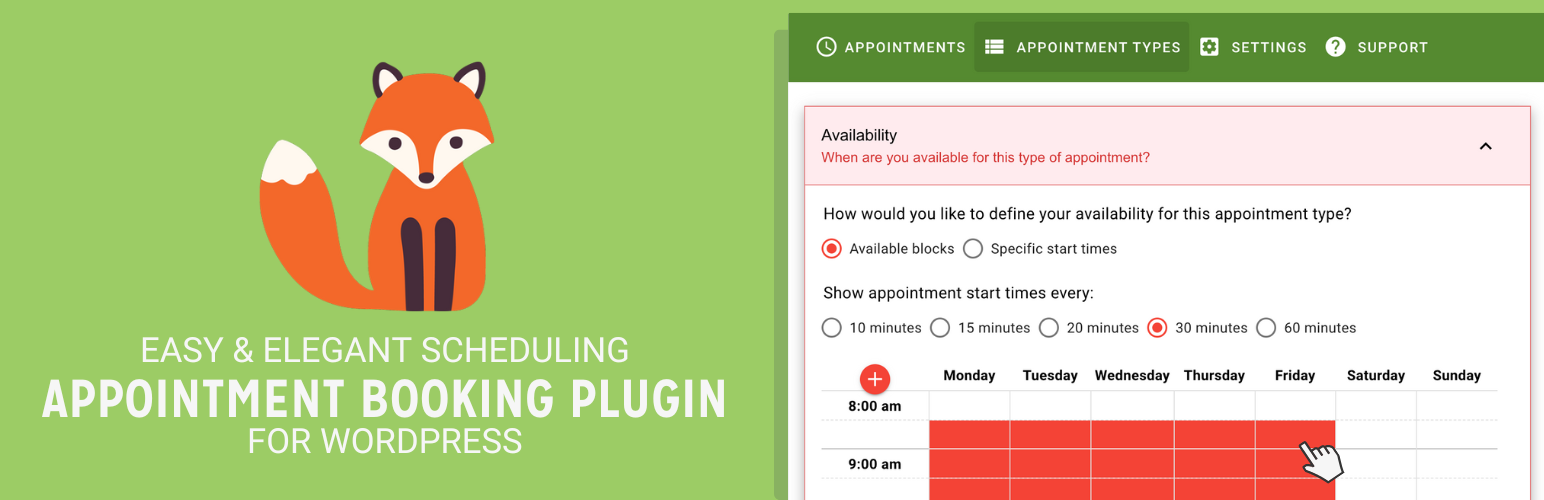
Unlimited appointments, booking calendars, and notifications. Powerful appointment booking plugin and booking...
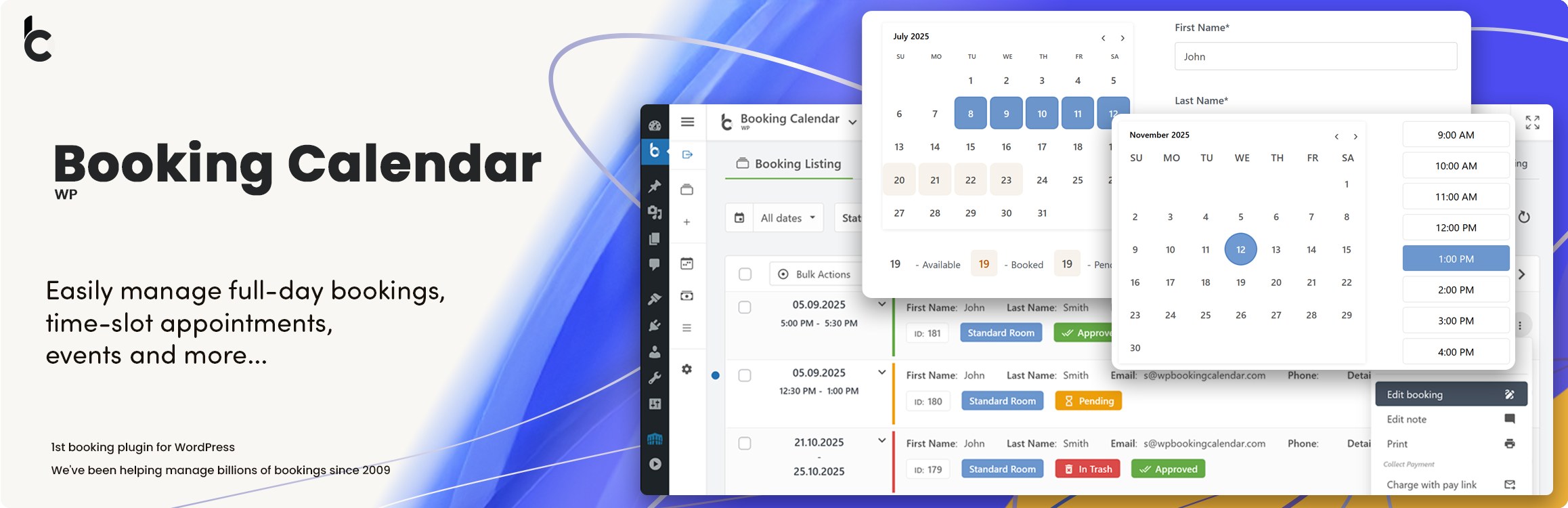
WP Booking Calendar plugin for full-day bookings, time-slot appointments, rentals & events. Accept booking...

Amelia is a powerful booking plugin for appointments and events. Manage scheduling, calendars, and availabilit...