
Join millions who empower their websites with ElementsKit Elementor Addons. Get templates, & 100+ widgets...
Free
1M+ installs 4.9★ (2,036)
Building websites just got easier! Zion Builder is a visual website builder with powerful design features to help you build interactive websites.
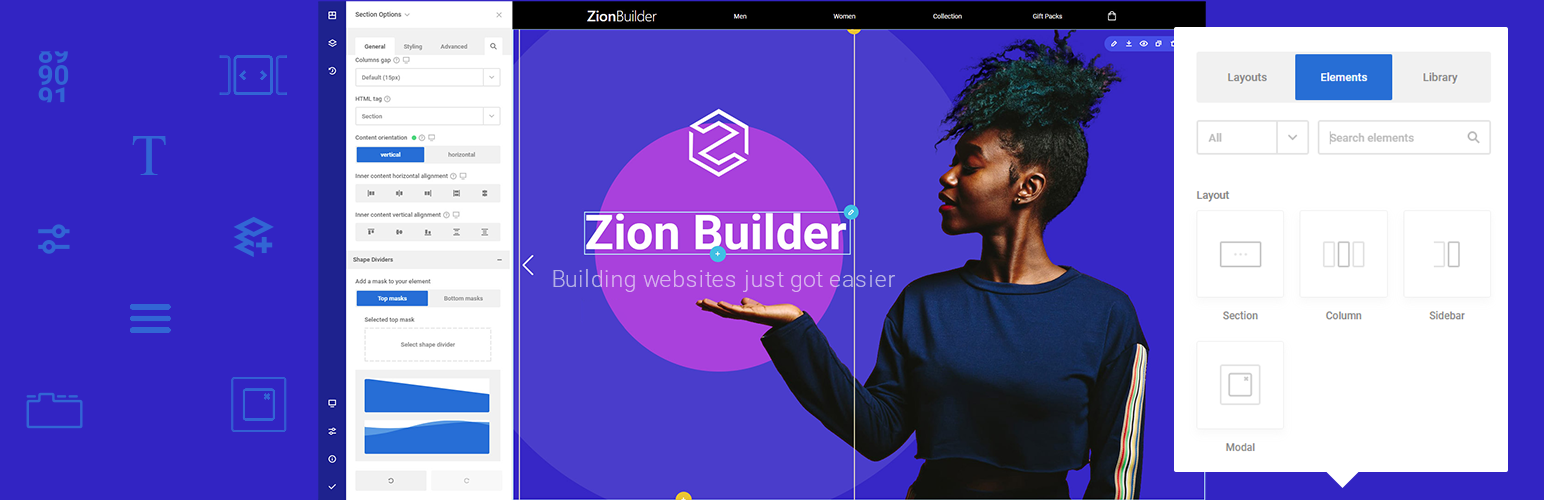
Zion Builder is a WordPress plugin designed to facilitate website creation through a drag-and-drop interface. It offers a range of elements and pre-made templates that can be easily added to pages, allowing users to customise their designs without needing coding skills.
The plugin includes features such as live responsive editing, global styles for consistent design, and a custom rich text editor. It is suitable for beginners and those looking to enhance their website's speed and performance while maintaining creative control over their designs.
Best for: This plugin is best for beginners and users looking for an intuitive page builder to create responsive websites.
What it does well
Where it falls short
Zion Builder provides a user-friendly solution for building WordPress sites, particularly for those with limited technical skills. Its range of features supports creative design while maintaining ease of use.
Zionbuilder's own description of Zion Builder, lightly tidied.
Add elements and pre-made templates right where you need them from the page builder “Add Elements” Popup. This popup gives access to pre-made layouts, elements, and to the Library System.
Every element has the same easy to use and intuitive options pattern found in the “Element Options” panel. It consists of 3 main tabs: general, styling and advanced. The general tab contains options specific to the edited element, the style tab contains options that can be used to style every aspect of the element while the advanced tab contains options for changing the element name, id, animations and more.
To apply the same styles on multiple elements, Global CSS Classes were implemented. They can be styled either from the page options panel or from the Element options panel. No coding skills required.
Visually decide the sizes, colors, or positioning of the elements for each screen. This means that any changes made to the mobile view, will only appear on that device and it will not affect the other devices, which will still maintain the original design options.
The inline editor is triggered on text click and provides options such as font family, size, weight, spacing, alignment, or text-transform. It can also be dragged anywhere on the screen so it doesn’t interfere with the design.
Multiple gradients may be layered by making use of color opacity. When set a lower opacity of gradient colors, other gradient layers become visible. This is a powerful and unique feature that lets you add a distinctive touch to your design.
Saving system, history of your actions, post revisions, users permissions, or easily discard changes give you the power of becoming the sole creator of your website. Shortcuts for undo and redo are also available.
Other plugins for building pages visually.
Join millions who empower their websites with ElementsKit Elementor Addons. Get templates, & 100+ widgets...
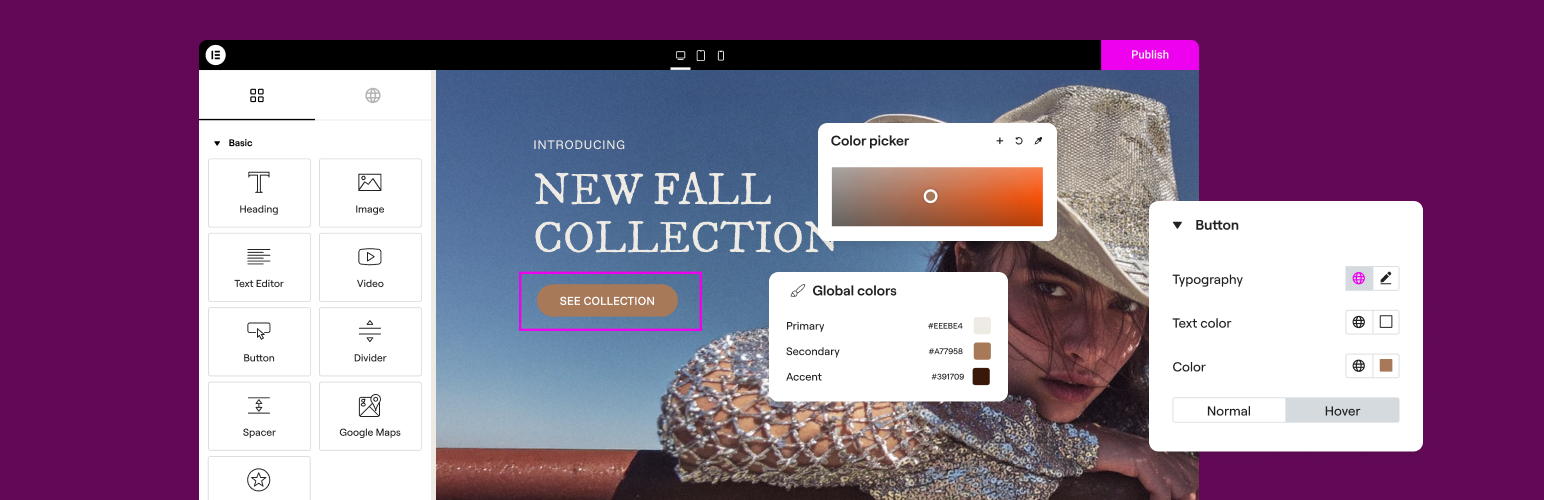
The Elementor Website Builder has it all: drag and drop page builder, Atomic Editor, pixel perfect design, glo...

The growing library of 300+ ready-to-use templates that work with all WordPress themes including Astra, Hello,...

Easy Drag & Drop Page Builder. A complete solution to create a WordPress Website, Custom Themes, Landing P...
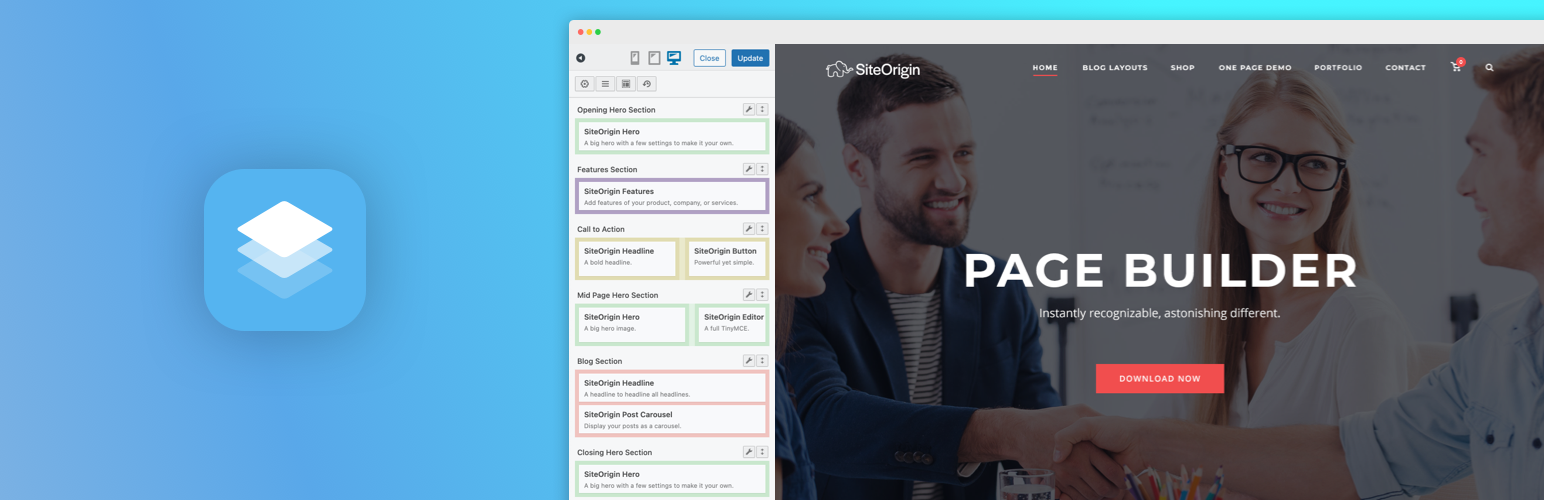
Build responsive page layouts using the widgets you know and love using this simple drag and drop page builder...
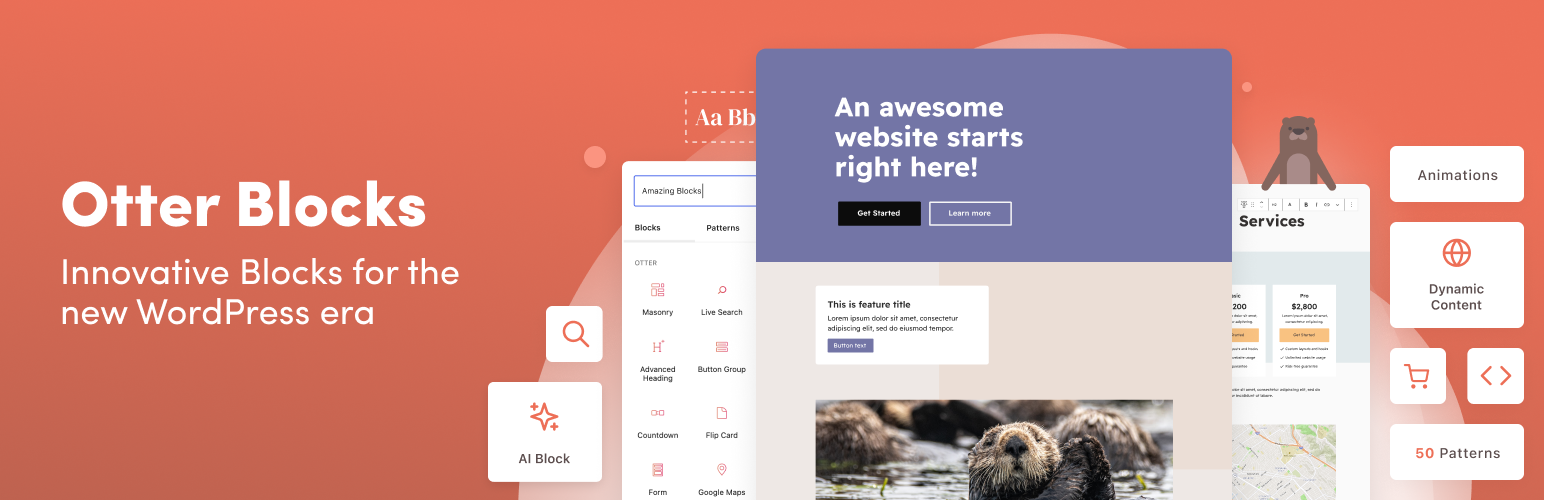
Quickly create WordPress pages with 20+ blocks, 100+ ready-to-import designs, and advanced editor extensions....