
Show a waitlist form on out-of-stock products and automatically email subscribers when items are restocked. Tu...
Free
20k+ installs 4.7★ (122)
Generate & print barcode labels for WooCommerce products and orders. Put various data on labels like price, SKU, name, attributes, customer data, etc

Print Labels with Barcodes is a WordPress plugin designed for WooCommerce users to generate and print barcode labels for products and orders. It allows you to include various product information such as price, SKU, and attributes on the labels, which can be printed on different types of printers, including thermal label printers.
This plugin is suitable for store owners looking to streamline their inventory and order management processes. By using barcodes, you can quickly access product details through a POS system or mobile app, enhancing workflow efficiency as your store grows.
Best for: This plugin is best for WooCommerce store owners needing efficient inventory and order management solutions.
What it does well
Where it falls short
Print Labels with Barcodes offers a practical solution for generating barcode labels in WooCommerce, though details on limitations are not provided.
Dmitry V. (CEO of "UKR Solution")'s own description of Print Labels with Barcodes. Create price tags, product label..., lightly tidied.
Generate & print barcode labels for WooCommerce products and orders. Put various data on labels like price, SKU, name, attributes, customer data, etc
✔ Generate and print barcode labels for products & orders
✔ Printers support: A4, Letter, P4 & label/thermal printers
✔ Labels can contain: barcode, name, SKU, price, attributes, etc
When your store is growing it could be pretty difficult to manage inventory and orders effectively. Try to improve your workflow by printing barcode labels for your products.
Printed labels can contain various product information which helps to understand the basic details about the product.
And the barcode (on the label) allows to get all the product information from WooCommerce using your POS system.
In combination with our Barcode Scanner plugin, you can scan the barcode and get all the basic product details to manage inventory as fast as possible. And the mobile app allows to scan the barcode and manage your inventory right from the smartphone.
The barcodes on the labels can be scanned by various software and devices. You may already have some barcode scanning plugin (or POS system) which will allow you to scan and manage the products/orders.
However, if you don’t have such plugin yet, we recomend you to use our lite Barcode Scanner plugin for fast and effective inventory/order managment.
With this plugin you simply scan the barcode and associated product or order will be shown to you in a few seconds. And the iOS/Android app will allow you to do so from the smartphone.
Plugin allows to create labels for existing products.
You can print labels (with or without the barcode) in 4 different ways:
* “All Products” page – you can check/select a few products and then press “Product Label” button at the top of the product list.
* “All products” page – create label for 1 specific product by clicking on “Label” icon near each product in the product list.
* “Product edit” page – you will find button “Product Label” above product description for the current product.
* “Product edit” page – you will find buttons “Product Label” for each variation in the “Variations” section.
Use this plugin to create labels for purchased items in the order.
There 3 ways to create such labels:
* “Orders” page – check/select one or a few orders and press “Product Label” button at the top of he order list.
* “Inner Order” page – Open one specific order and press “Product Label” button on the right hand side (in a widgets section).
* “Inner Order” page – Each purchased item has a “Select” checkbox which you can mark and then press “Create Product Labels” button below the purchased items.
** Basic version: **
1. You will get 2 more label templates with possibility to add up to 8 product fields/text to the barcode label.
First template optimized for the barcodes (CODE128, CODE39, UPC-A, UPC-E, EAN-13, EAN-8) and the second one is optimized for the 2D barcodes (QRCode, DataMatrix).
So, depending on your case you are getting label template which will fit barcode and texts in the most optimized way possible.
2. Help of configuring the printer settings in your OS (via AnyDesk or TeamViewer)
Other plugins for managing stock.
Show a waitlist form on out-of-stock products and automatically email subscribers when items are restocked. Tu...
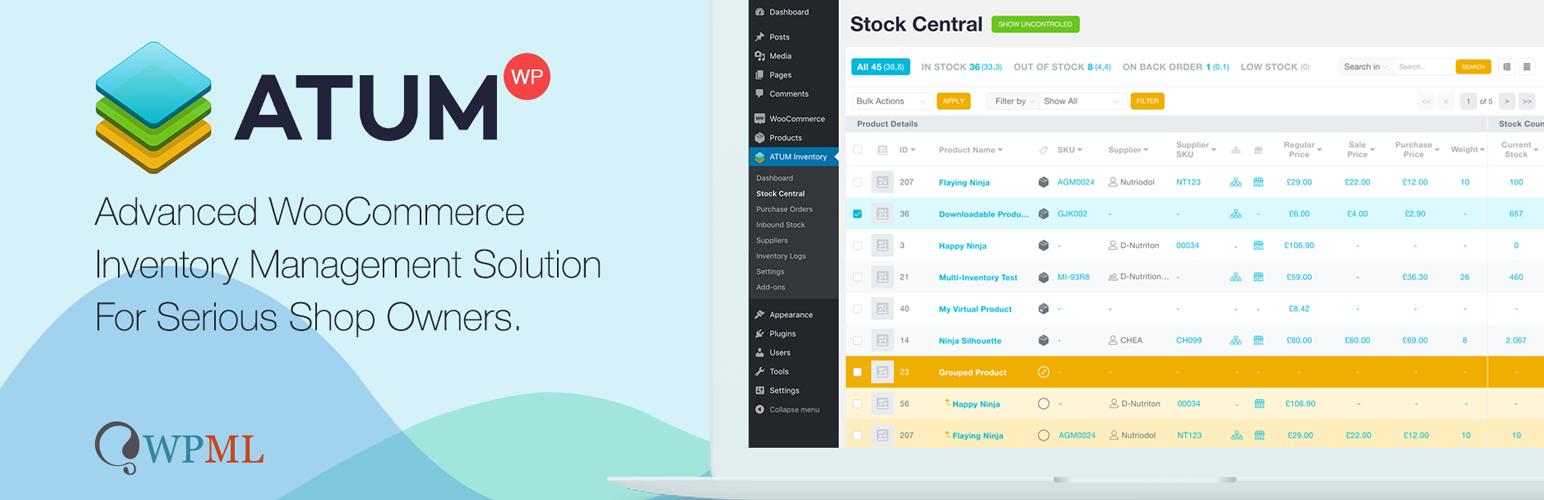
WooCommerce Full Inventory Management, Purchase Orders, Suppliers, Inbound Stock, Inventory Logs, WooCommerce...
Manage GTINs (EAN, UPC, ISBN, etc.) effortlessly in WooCommerce! Create, save, search, and display EANs easily...

Free: WC Wishlist, Email automation, Elementor Widgets. Premium: Back-in-Stock Notifier, Save for Later, Multi...

WooCommerce Zoho Connector allows you to quickly integrate WooCommerce Orders with Zoho CRM, Books, Inventory...
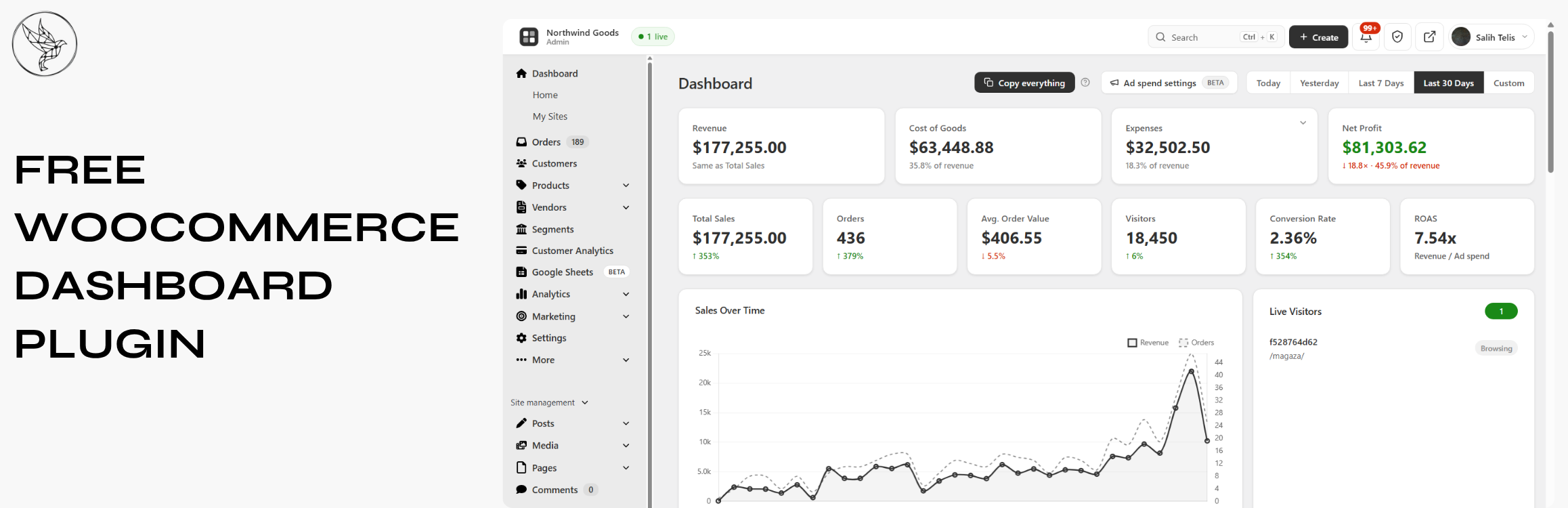
Free WooCommerce dashboard & sales report: abandoned cart recovery, Google Sheets sync, ROAS, bulk editor...