Show a waitlist form on out-of-stock products and automatically email subscribers when items are restocked. Tu...
Free
20k+ installs 4.7★ (122)
WooCommerce Zoho Connector allows you to quickly integrate WooCommerce Orders with Zoho CRM, Books, Inventory and Invoice.

Integration for WooCommerce and Zoho CRM, Books, Invoice, Inventory, Bigin is a WordPress plugin designed to connect your WooCommerce store with various Zoho applications. It allows you to automatically create leads, contacts, accounts, and deals in Zoho when an order is placed through WooCommerce. The free version supports integration with Zoho Books, Inventory, and Invoice, while additional features are available in a premium version.
To set up the integration, you can connect your Zoho account via OAuth 2.0 authentication, map WooCommerce order fields to Zoho objects, and choose events for when order data should be sent to Zoho. The plugin also includes error reporting and logging features to track the status of each order sent to Zoho.
Best for: This plugin is suitable for WooCommerce store owners who use Zoho for CRM and invoicing.
What it does well
Where it falls short
The plugin provides a straightforward way to integrate WooCommerce with Zoho applications, making it useful for businesses looking to streamline their order management and customer relationship processes.
CRM Perks's own description of Integration for WooCommerce and Zoho CRM, Books, Invoice, In..., lightly tidied.
Easily create leads, contacts, accounts, deals or any object in Zoho (CRM, Books, Inventory, Invoice) when an order is placed via WooCommerce. Free version supports Contacts in Zoho Books, Zoho Inventory and Zoho Invoice, all other features are available in Premium version. Learn more at crmperks.com.
Connect Zoho Account
Connect Zoho (CRM, Books, Inventory, Invoice) Account to WooCommerce store by simply oauth 2.0 authentication. Also you can connect multiple Zoho accounts.
Fields Mapping
Simply Select Zoho(CRM, Books, Inventory, Invoice) Object then map WooCommerce Order fields to Zoho Object(Contact, Account, Lead, Deal, custom module etc) fields.
Export Event
Choose event, when WooCommerce Order data should be sent to Zoho(CRM, Books, Inventory, Invoice). For example , send WooCommerce Order to Zoho on Order Completion.
Primary Key
Instead of creating new Object(Contact, Account, Lead, Deal, custom module etc) in zoho(CRM, Books, Inventory, Invoice), you can update old object by setting Primary Key field.
Error Reporting
If there is an error while sending data to Zoho, an email containing the error details will be sent to the specified email address.
Zoho(CRM, Books, Inventory, Invoice) Logs
Plugin saves detailed log of each WooCommerce Order whether sent (or not sent) to Zoho and easily resend an Order to Zoho(CRM, Books, Inventory, Invoice).
Send Historical Orders/Customers to Zoho
Other plugins for managing stock.
Show a waitlist form on out-of-stock products and automatically email subscribers when items are restocked. Tu...
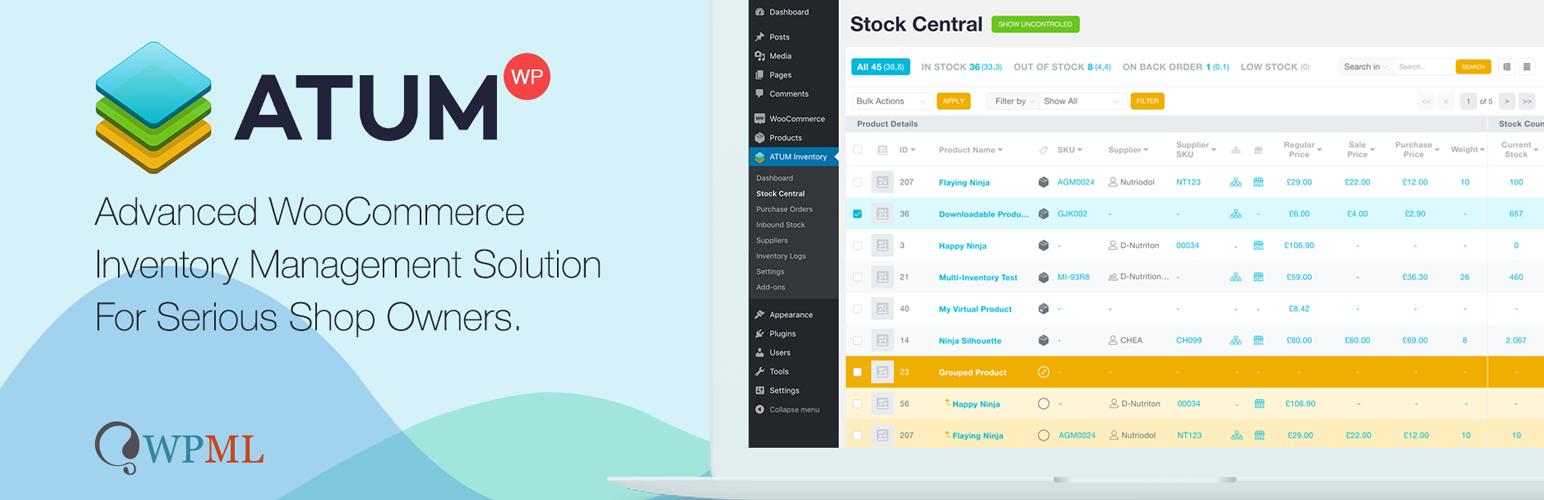
WooCommerce Full Inventory Management, Purchase Orders, Suppliers, Inbound Stock, Inventory Logs, WooCommerce...
Manage GTINs (EAN, UPC, ISBN, etc.) effortlessly in WooCommerce! Create, save, search, and display EANs easily...

Free: WC Wishlist, Email automation, Elementor Widgets. Premium: Back-in-Stock Notifier, Save for Later, Multi...
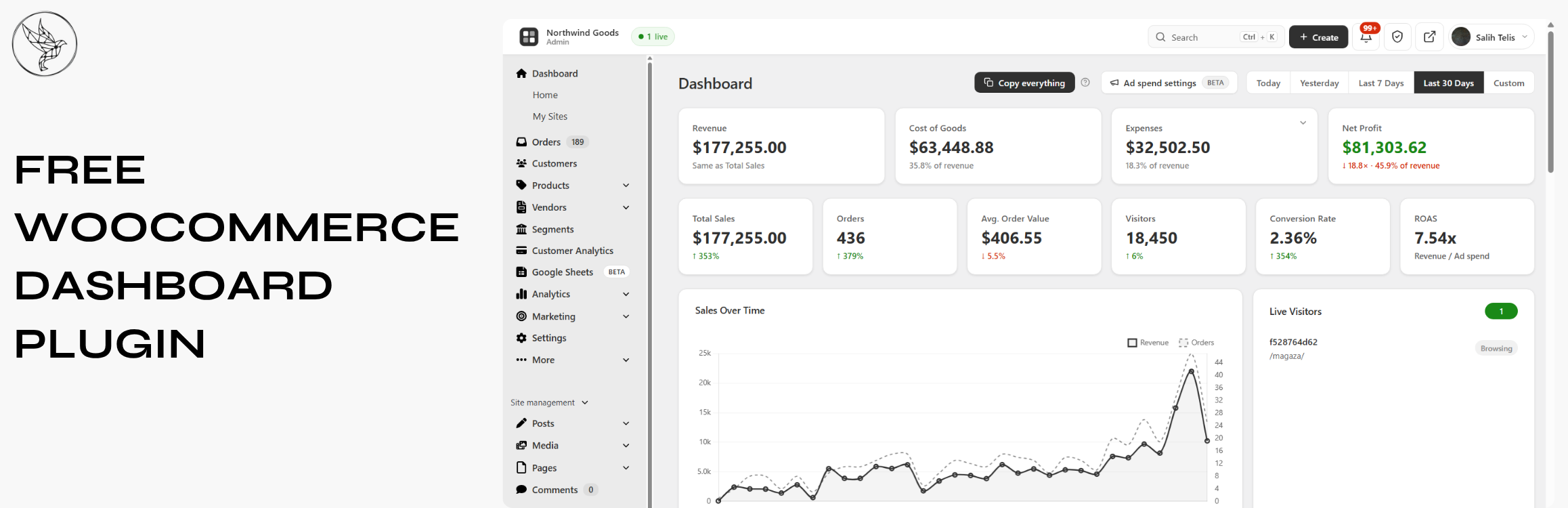
Free WooCommerce dashboard & sales report: abandoned cart recovery, Google Sheets sync, ROAS, bulk editor...
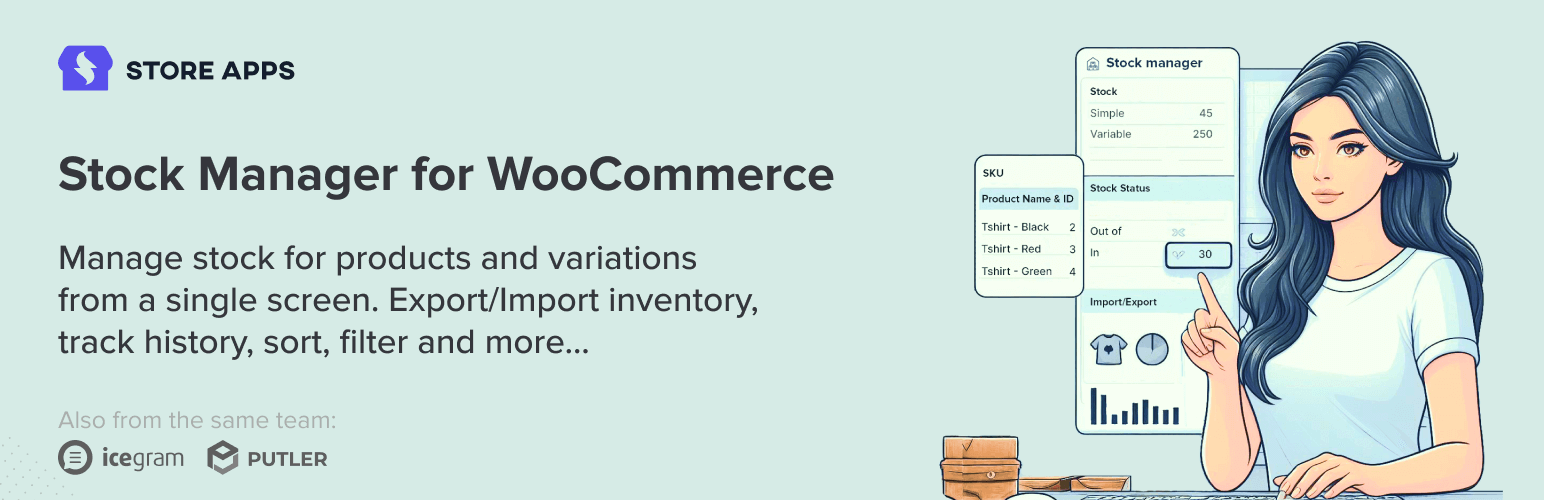
WooCommerce stock management plugin to manage and edit product stock and their variables from a single dashboa...