WP Accessibility fixes common accessibility issues in your WordPress site.
Free
60k+ installs 4.8★ (68)
AudioEye automatically finds and fixes common accessibility issues on your site. This plugin provides an easy way to install AudioEye’s accessibility …

Accessibility by AudioEye is a WordPress plugin designed to help you identify and resolve accessibility compliance issues on your website. It tests for over 400 issues and automatically fixes many of them, while providing a reporting dashboard for those that require manual intervention. The plugin requires an active subscription to an AudioEye Plan for full functionality.
This plugin is suitable for website owners who are looking to improve accessibility in accordance with standards like ADA and WCAG 2.1 AA. It offers a usability toolbar and access to certified accessibility experts for additional support.
Best for: Website owners seeking to enhance accessibility compliance.
What it does well
Where it falls short
Accessibility by AudioEye offers a structured approach to improving website accessibility, but its reliance on a subscription may limit its appeal for some users.
netopsae's own description of Accessibility by AudioEye, lightly tidied.
AudioEye’s patented technology tests for over 400 accessibility and compliance issues, and fixes many of them automatically, reducing the time to make content accessible.
You will get your first AudioEye Accessibility Score the moment you install AudioEye on your site. From then on, AudioEye monitors your site for new issues with every site visitor, detecting and fixing hundreds of errors, while also providing you with a reporting dashboard that identifies what we cannot fix and needs your attention.
Technology can’t do it alone. With advanced plans, AudioEye has a team of certified accessibility experts who can help you throughout your accessibility journey. For those issues that we cannot fix automatically, we show you what the issue is, and how to address it on your site. If a lawsuit occurs, AudioEye is here to support you every step of the way.
Note: Use of the AudioEye plugin requires an active subscription to an AudioEye Plan. See pricing here. A link to sign up for a new account is presented during the plugin activation process. To log into an existing AudioEye account, you will need to provide your AudioEye Site ID.
Script delivery (CDN): AudioEye loads the storefront script (aem.js) from wsmcdn.audioeye.com by default today. We are migrating to wsv3cdn.audioeye-services.com. New setups without a saved Site ID use the new host by default; sites that already had a Site ID saved before the CDN preference existed keep the legacy host until an administrator enables the new host under AudioEye → Script CDN (Advanced) after allowlisting the new URL in any Content Security Policy (script-src, etc.). On first run, the plugin includes an optional onboarding step that explains how to allowlist the new host in your CSP.
Features included in all AudioEye base plans:
Features available in AudioEye custom plans:
Other plugins for accessible sites.
WP Accessibility fixes common accessibility issues in your WordPress site.

OneTap is a multilingual WordPress plugin designed for seamless website accessibility.

Free WordPress accessibility widget to improve accessibility for your website visitors. Supports efforts towar...
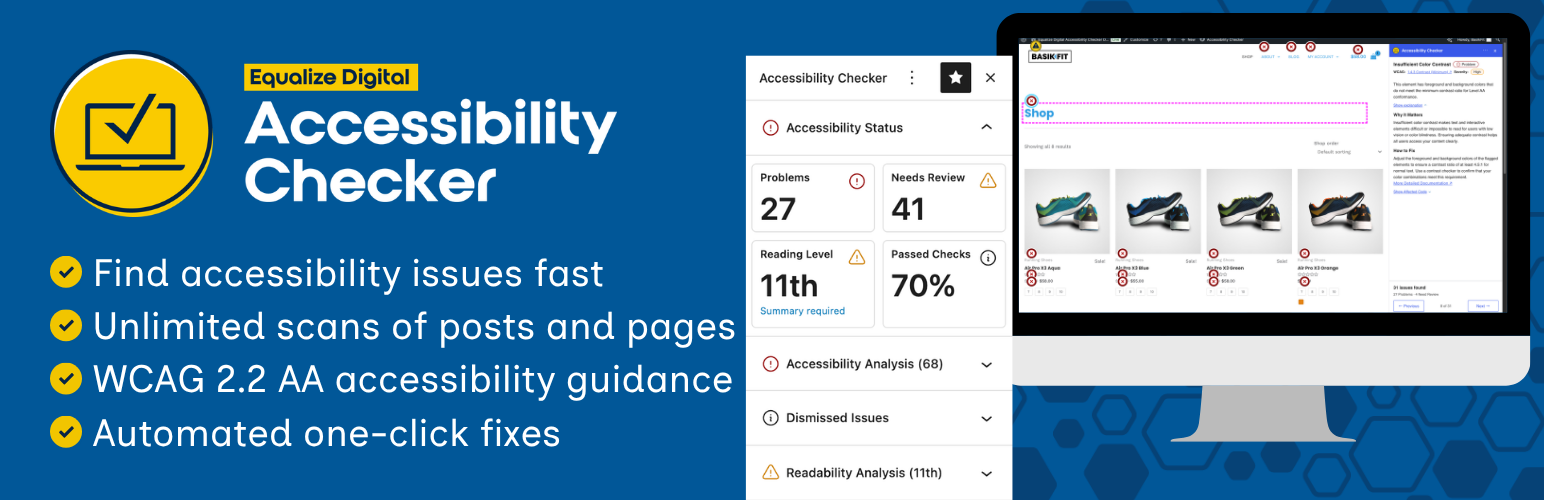
Find and fix accessibility issues with confidence. Real-time reports, automated fixes, and guidance. Reduce co...
Add, edit, and bulk-generate alt text for every WordPress image, manually or automatically using AI. Fix image...
Free text to speech with browser voices + premium AI voices from Google, OpenAI & ElevenLabs. Add an audio...