
Nested Pages
88Nested Pages provides a drag and drop interface for managing pages & posts in the WordPress admin, while m...
Free
90k+ installs 4.7★ (126)
Enable Columns, Filters, Quick Edit and Bulk Edit for ACF Fields in WordPress List Tables

ACF Quick Edit Fields is a WordPress plugin that enhances the Advanced Custom Fields (ACF) plugin by adding Quick Edit functionality. It allows you to view and edit ACF field values directly from the list views of posts, terms, and users. The plugin is designed for users who need to manage custom fields efficiently within the WordPress admin interface.
This plugin supports various ACF field types and enables features like sortable columns for scalar fields and bulk editing. However, it has known limitations with certain plugins and may not function optimally with WooCommerce.
Best for: This plugin is suitable for WordPress users who manage custom fields with ACF and require efficient editing capabilities.
What it does well
Where it falls short
ACF Quick Edit Fields provides useful enhancements for managing custom fields in WordPress, though users should be aware of its limitations with certain plugins.
podpirate's own description of ACF Quick Edit Fields, lightly tidied.
WordPress plugin which adds Quick Edit functionality to Advanced Custom Fields Plugin (Pro and Free 5+.
Column View:
Show Column will sho a column in the WP List Table.
Sortable Column will make the column sortable. This only works with primitive Field types like Text, Number, Range and so on.
Column weight gives you an option to take control of the column order. The higher the weight, the more to the right the column will be. Present columns will have defaults weights of multiples of 100 starting with zero for the checkbox column. For example to place an image column between the checkbox (column weight = 0) and title (column weight = 100) choose a value between 0 and 100.
Filter add a filter to the posts users or terms list.
Editing
Toggle QuickEdit and Bulk Edit to enable Editing in the list table view.
Searching
Enable Backend Search to make a field searchable in the list table view.
Location Rules
The plugin follows ACFs location rule logic as far as possible. If you have a field group that is only applies to posts in a specific category or with a certain post starus, then columns and quick edit will only show up, if you have filtered the posts by that category ar post status.
Negative rules (like “Post category is not equal to X”) will not work – simply because the WP does not provide an admin view for “Posts not in category X”.
Other plugins for bulk editing.
Nested Pages provides a drag and drop interface for managing pages & posts in the WordPress admin, while m...

BEAR - WooCommerce Bulk Editor Professional (former WOOBE) is plugin for bulk edit/manage woocommerce products...
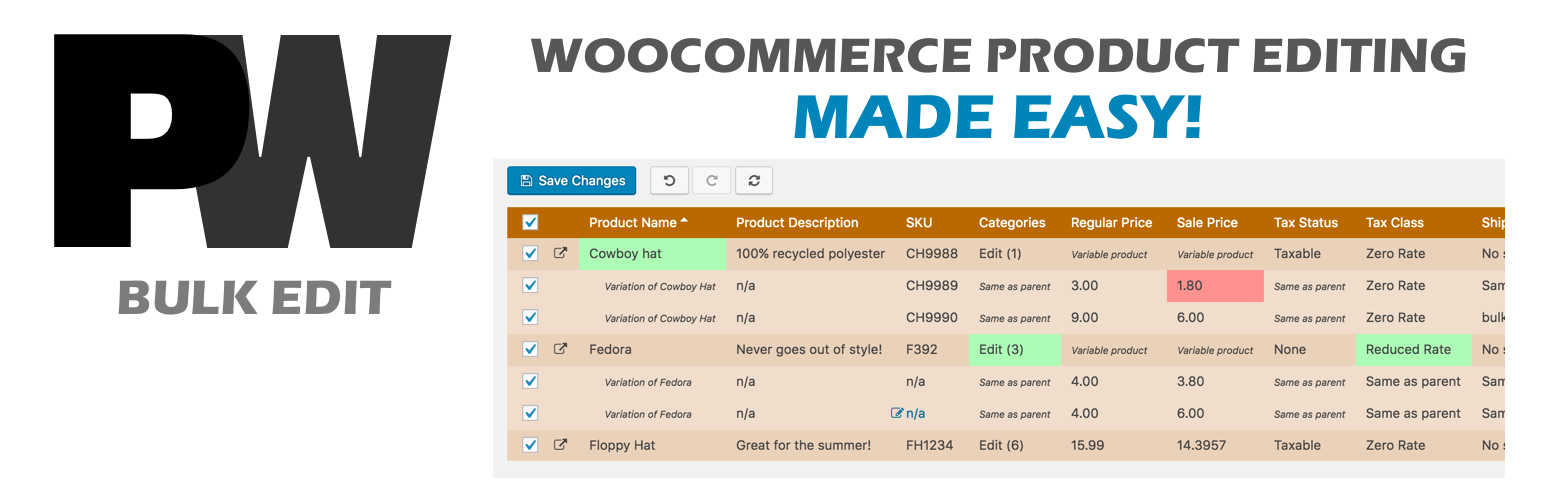
A powerful way to update your WooCommerce product catalog. Finally, no more tedious clicking through countless...
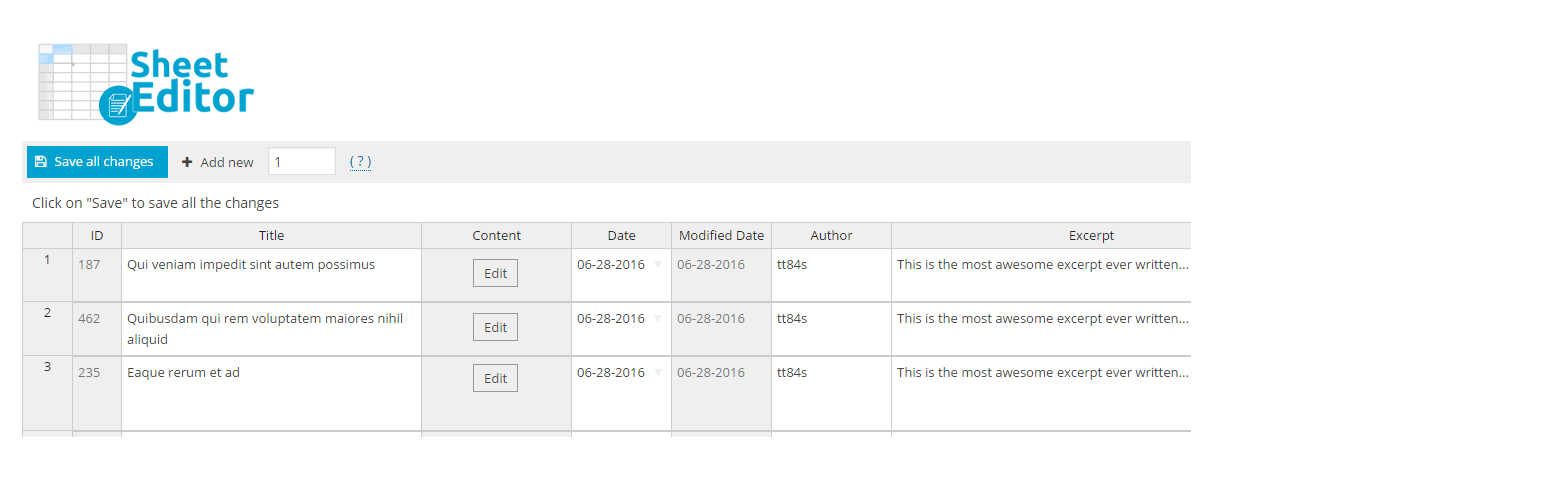
Modern Bulk Editor for WooCommerce products, create and edit hundreds of products in a spreadsheet inside wp-a...

An easy-to-use plugin for the Astra theme that lets you edit Page Meta Settings for multiple pages/posts at on...

Editorial Calendar allows you to view all your posts, schedule post, make quick edits, and manage your blog by...