
The #1 user-rated activity log plugin for event logging, activity monitoring and change tracking.
Free
300k+ installs 4.7★ (488)
Track every change in your WordPress dashboard. Free user activity log with role, time, component, and action filters. No setup, no paid tier.
Adminify Activity Log & Audit Trail is a WordPress plugin that records user activity within the WordPress dashboard. It logs details such as who made changes, what actions were taken, and from which IP address, providing a clear audit trail for site owners and agencies.
This plugin is designed for those managing multi-user WordPress sites, such as agency builds, membership sites, and multi-author blogs. It helps identify changes made by users, making it easier to distinguish between mistakes and security incidents without the need for a premium version or heavy security suite.
Best for: This plugin suits site owners and agencies managing WordPress sites with multiple users.
What it does well
Where it falls short
Adminify Activity Log & Audit Trail offers a comprehensive solution for tracking user activity in WordPress without additional costs. It is a useful tool for those needing to maintain oversight of changes made on their sites.
Pixar Labs's own description of Adminify Activity Log & Audit Trail, lightly tidied.
Adminify Activity Logs records every change made inside the WordPress dashboard. Who did what, when, and from which IP. Built for site owners and agencies who want a clean audit trail without paying for a premium tier or installing a heavy security suite. Everything in this readme is in the free plugin. No locked filters, no upsell modal, no nag screens.
➡️ Explore More | 📖 Documentation | 💬 Support
Why run a WordPress activity log
If you don’t know who deactivated that plugin or deleted that post, you can’t tell a mistake from a security incident. Activity logs answer who-did-what-when. Any WordPress site with more than one person in the dashboard eventually needs one. Agency builds, membership sites, and multi-author blogs all run into the same problem: someone made a change, nobody owns up, and you spend an afternoon working out what happened. An audit trail saves that afternoon.
What gets logged for every entry
Time-frame filters
Role-based filters
View activities by user role: Administrator, Editor, Author, Contributor, Subscriber, Customer, Shop Manager, Guest, plus any custom roles registered on the site.
User filters
Other plugins for monitoring a site.
The #1 user-rated activity log plugin for event logging, activity monitoring and change tracking.
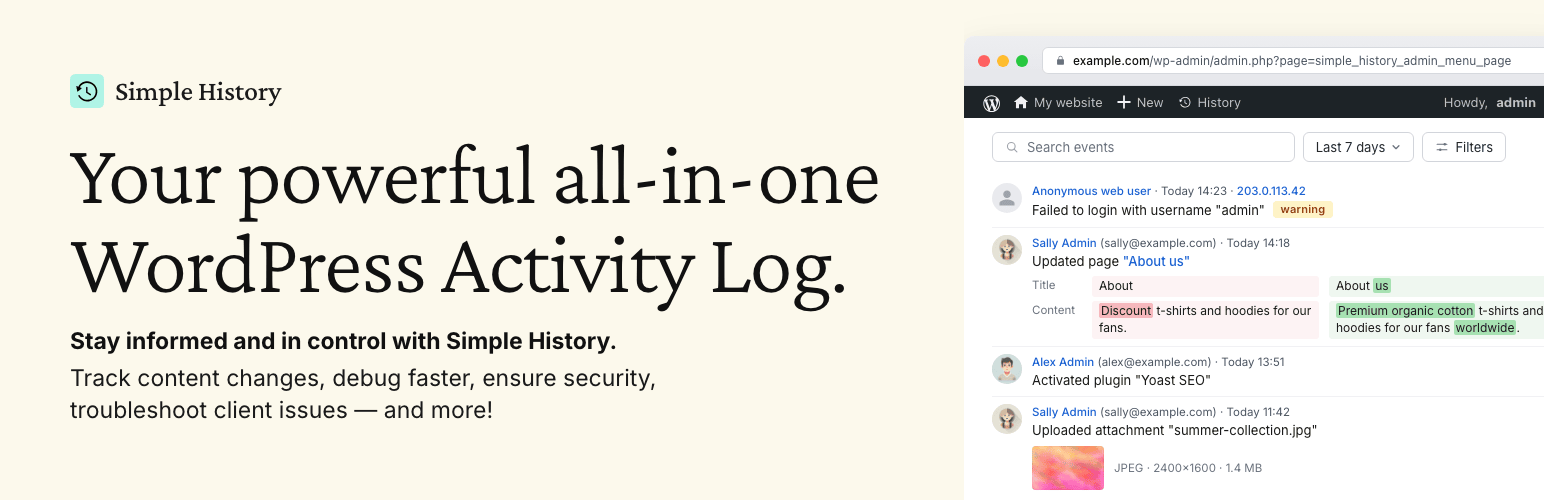
Track changes and user activities on your WordPress site. See who created a page, uploaded an attachment, and...

Manage 301 & 302 redirects. Simple redirection & redirects validation. Includes redirect stats & 4...
WordPress security plugin with malware scanner, IP blocking, audit logs, antivirus scans, firewall, 2FA, brute...

Redirect manager for 301, 302 and 307 redirection. Monitor and fix 404 errors, log every broken link and prote...
Everything you need to sell WordPress maintenance and manage multiple sites effortlessly: backup, update, upti...