
Popup Maker
94Want to boost sales & marketing efforts? Use your favorite forms & builder. Unlimited popups & imp...
Free
700k+ installs 4.9★ (4,504)
Copies files to Amazon S3, DigitalOcean Spaces or Google Cloud Storage as they are uploaded to the Media Library. Optionally configure Amazon CloudFro …

WP Offload Media Lite is a WordPress plugin that automates the process of copying media files, such as images and videos, to cloud storage solutions like Amazon S3, DigitalOcean Spaces, and Google Cloud Storage. It replaces the URLs of these media files with the respective cloud storage URLs, ensuring that they are served from the cloud rather than your server.
This plugin is suitable for users who want to offload media files to a cloud storage service to reduce server load. However, it only works for new uploads, and existing media files will not be transferred unless a pro version is used.
Best for: This plugin suits WordPress users looking to manage media files efficiently using cloud storage.
What it does well
Where it falls short
WP Offload Media Lite offers a straightforward solution for offloading new media files to cloud storage. However, its limitations regarding existing files and direct uploads may affect some users.
WP Engine's own description of WP Offload Media Lite for Amazon S3, DigitalOcean Spaces, an..., lightly tidied.
FORMERLY WP OFFLOAD S3 LITE
This plugin automatically copies images, videos, documents, and any other media added through WordPress’ media uploader to Amazon S3, DigitalOcean Spaces or Google Cloud Storage. It then automatically replaces the URL to each media file with their respective Amazon S3, DigitalOcean Spaces or Google Cloud Storage URL or, if you have configured Amazon CloudFront or another CDN with or without a custom domain, that URL instead. Image thumbnails are also copied to the bucket and delivered through the correct remote URL.
Uploading files directly to your Amazon S3, DigitalOcean Spaces or Google Cloud Storage account is not currently supported by this plugin. They are uploaded to your server first, then copied to the bucket. There is an option to automatically remove the files from your server once they are copied to the bucket however.
If you’re adding this plugin to a site that’s been around for a while, your existing media files will not be copied to or served from Amazon S3, DigitalOcean Spaces or Google Cloud Storage. Only newly uploaded files will be copied to and served from the bucket. The pro upgrade has an upload tool to handle existing media files.
Image Optimization
Although WP Offload Media doesn’t include image optimization features, we work closely with the author of EWWW Image Optimizer to ensure they always work well together. Not only do we recommend EWWW Image Optimizer but we officially support its integration with WP Offload Media.
PRO Upgrade with Email Support and More Features
The video below runs through the pro upgrade features…
Other plugins for selling digital goods.
Want to boost sales & marketing efforts? Use your favorite forms & builder. Unlimited popups & imp...
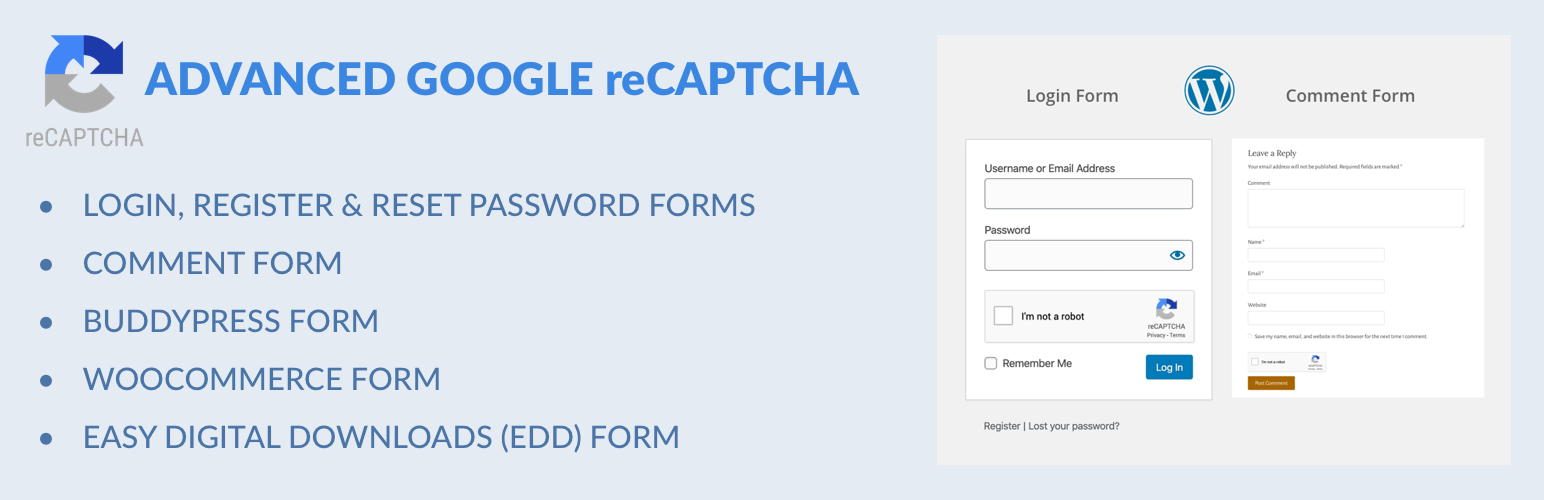
Captcha protection against spam comments & brute force login attacks using Google reCAPTCHA.

Make ecommerce easy with a simple-to-use, all-in-one platform that anyone can set up in just a few minutes!

The #1 eCommerce plugin to sell digital products & subscriptions. Accept payments with Stripe & PayPal...

Automatically displays a shopping cart in your menu bar. Works with WooCommerce and Easy Digital Downloads (ED...

Google Tag Manager and GA4 integration. Including WooCommerce data for Google Analytics 4 and support for serv...