WP Accessibility fixes common accessibility issues in your WordPress site.
Free
60k+ installs 4.8★ (68)
Add ARIA labels, roles, alt tags, contrast & form accessibility fixes. Accessibility checker scans for WCAG, Section 508 & ADA compliance.
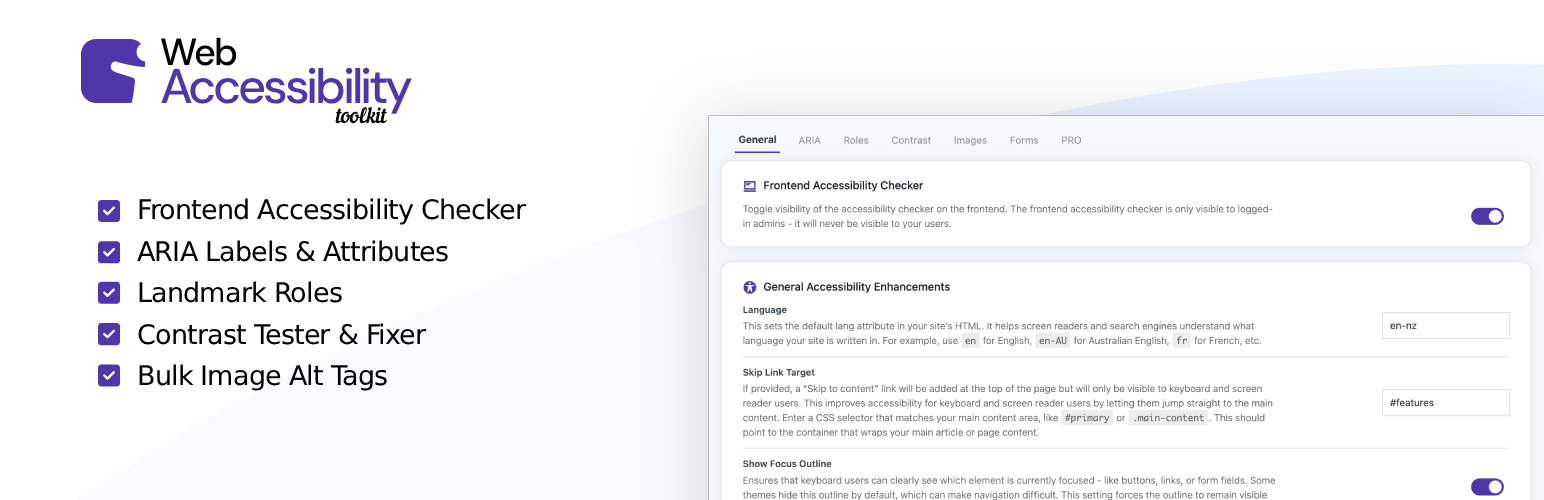
Web Accessibility Toolkit is a WordPress plugin designed to help your site meet ADA and WCAG compliance standards. It includes an accessibility checker that scans for common issues such as missing ARIA labels, low contrast text, and missing alt tags, providing actionable details and one-click fixes for many problems.
This plugin is suitable for developers and business owners looking to enhance the accessibility of their WordPress sites. It offers tools to add ARIA attributes, improve image alt tags, and adjust contrast, among other features, to ensure a more inclusive user experience.
Best for: This plugin suits developers and business owners focused on improving site accessibility.
What it does well
Where it falls short
Web Accessibility Toolkit provides essential tools for enhancing web accessibility, making it a practical choice for those aiming to comply with accessibility standards.
Quicksnail Plugins's own description of Web Accessibility Toolkit, lightly tidied.
Web Accessibility Toolkit helps your WordPress site meet ADA compliance and WCAG compliance standards. It includes powerful accessibility checking and fixing tools.
This plugin is not an ‘overlay’ or a ‘widget’. It provides real code fixes to assist with WCAG & ADA compliance for WordPress.
Scan your site with the built-in Accessibility Checker to identify issues such as missing ARIA labels, low contrast text, missing alt tags, incorrect heading structure & plenty more.
Apply one-click fixes for many common accessibility issues to improve usability. Web Accessibility Toolkit helps meet requirements for laws and standards like WCAG, ADA, EAA, Section 508, EN 301 549, and AODA.
Check Your Site Now | Docs | PRO Plugin
The built-in Accessibility Checker scans your WordPress site in real time. It can identify common accessibility issues that could affect WCAG compliance and ADA compliance. With a single click, you can run an accessibility check on any page and get clear, actionable details.
The checker highlights issues directly on the page, including:
Each issue includes details on what it means, why it matters for accessibility and how to fix it. Many problems can be resolved instantly using the plugin’s one-click fixes. While others provide guidance so you can address them in your theme or content.
Add ARIA attributes such as aria-label, aria-hidden, aria-expanded, aria-live, aria-level, and more to any element.
Assign semantic roles like banner, navigation, main, complementary, and contentinfo to improve screen reader navigation.
Shows a list of all images that are missing alt tags, and allows you to easily update them all from the one spot.
Override text and background colors for low-contrast elements using accessible HEX values.
Add a keyboard/screen-reader-visible “Skip to content” link by defining a main content selector.
Set or override the HTML lang attribute for improved screen reader compatibility.
Ensure visible focus styles are enforced for better keyboard navigation.
Remove tabindex values greater than 0 to maintain a logical focus order.
Remove user-scalable=no from the viewport meta tag to allow pinch-zooming.
Use any valid CSS selector to apply changes without modifying theme or template files.
Most WordPress themes don’t include full accessibility support. Web Accessibility Toolkit lets you patch those gaps quickly, keeping your site more inclusive and compliant with ADA & WCAG guidelines.
Whether you’re a developer working on a client site or a business owner aiming for better usability, this plugin makes accessibility updates faster and easier.
The Web Accessibility Toolkit is NOT an overlay widget, which can often do more harm than good for accessibility. This plugin fixes underlying code issues.
Other plugins for accessible sites.
WP Accessibility fixes common accessibility issues in your WordPress site.

OneTap is a multilingual WordPress plugin designed for seamless website accessibility.

Free WordPress accessibility widget to improve accessibility for your website visitors. Supports efforts towar...
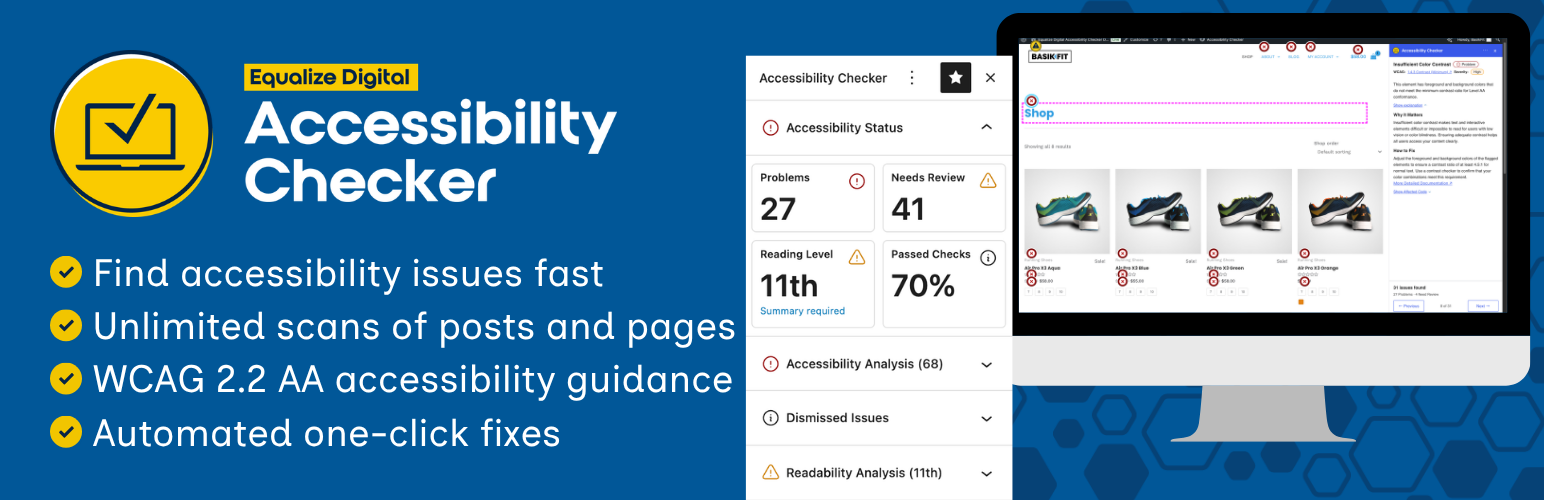
Find and fix accessibility issues with confidence. Real-time reports, automated fixes, and guidance. Reduce co...
Add, edit, and bulk-generate alt text for every WordPress image, manually or automatically using AI. Fix image...
Free text to speech with browser voices + premium AI voices from Google, OpenAI & ElevenLabs. Add an audio...