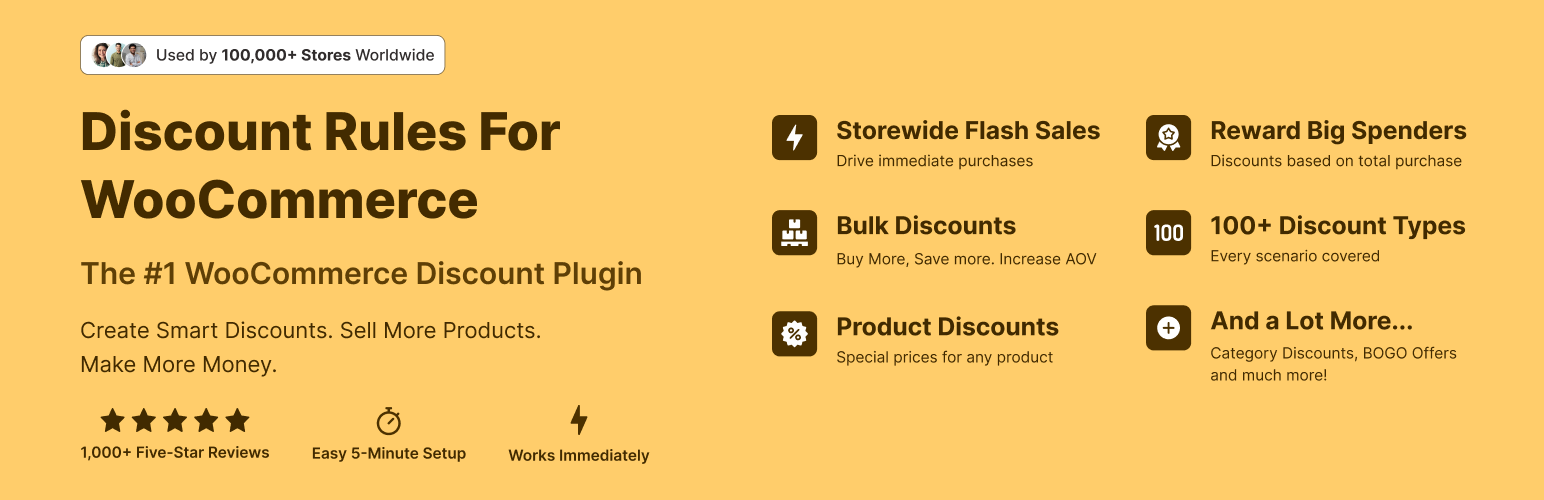
The discount plugin for WooCommerce helps you create bulk discount, quantity discount, storewide sale, dynamic...
Free
100k+ installs 4.9★ (1,355)
Shoppers Make Offer Now with a Bargaining bot for WooCommerce for Dynamic pricing. Increase Sales with woocommerce dynamic pricing
Bargain Bot for WooCommerce is a WordPress plugin that enables customers to negotiate prices on products through a chatbot interface. It allows shoppers to make offers, which the bot will negotiate based on a minimum price set by the store owner. This interactive approach aims to increase customer engagement and conversion rates by allowing buyers to feel they are getting a better deal.
The plugin is suitable for WooCommerce websites looking to enhance the shopping experience by introducing a bargaining feature. It is designed for users who want to capture more sales from customers who may be hesitant due to fixed pricing.
Best for: WooCommerce store owners looking to implement price negotiation features.
What it does well
Where it falls short
Bargain Bot for WooCommerce offers a unique way to engage customers through price negotiations. It could be beneficial for those wanting to enhance their sales strategy, but details on advanced features are limited.
QuantumCloud's own description of Bargain Bot for WooCommerce, lightly tidied.
Allow shoppers to Make Their Offer Now with a Bargaining ChatBot. Win more customers with smart, automated price negotiations. Allow your customers to make an offer on your product price and bargain. The ChatBot will Negotiate to more than a minimum price set by you. Capture the shoppers while they have a high intent to purchase.
🚀 Upgrade to Bargain BOT Pro Now!
🚀 Support, Bug Report, Feature Requests | Bargain Bot Demo
The Make your Offer button for custom user price will show on product single page. Pro version supports bargain bot button on the Woocommerce product archive pages and activation on shopper Exit Intent.
Supports multi currency woocommerce plugins with minimum acceptable price as Percantage.
++ Bargain Bot can work with any WooCommerce website in LightBox Modal mode. See LightBox Mode demo here
++ This will also work as an AddOn for the Woocommerce ChatBot WoowBot, if you have WoowBot installed on your website. See ChatBot Mode demo
Download the ChatBot for WooCommerce WoowBot
What is the Bargaining Bot?
Say goodbye to the old and boring way of offering discounts for the sake of it. Let your customers haggle for it. Bargaining Bot is the World’s first negotiation bot for WooCommerce. Shoppers are more likely to take advantage of their discount if they have to “work” for it. It makes the shopping experience much more lively and interactive and generates a sense of winning a deal. Who does not love to win a deal?
Once a deal is made by the Bargaining Bot, the shopper can complete the checkout with the discounted price.
If no deal is made, the ChatBot offers to email the shopper’s last offered price to the shop admin. Admin can then email the Customer to complete the deal.
//-> Try our FREE ChatBot for WordPress with AI – WPBot. It is an easy to use, Native, No coding required, AI ChatBot to provide Automated Live Chat Support. Use ChatBot to answer user questions and also collect information from the users using conversational forms. It can be also be powered by DialogFlow, Tavily or OpenAI ChatGPT or simply use the built-in features to provide Live support and collect user data. ++ Check out ChatBot for WordPress Demo.
Why do I need a Bargaining Bot?
Price is the most important factor in a shopper’s decision to buy, yet most shoppers leave because your fixed price is a few dollars too high. The Bargaining Bot lets you capture more sales because the price is negotiated based on what the customer is willing to pay and the minimum price at which you are willing to sell.
Here is why the Bargain Bot will earn you higher revenue and profit margins:
HOW IT WORKS FOR THE SHOPPERS?
In addition to your Add to Cart button, the Bargaining Bot enables a Make Your Offer Now button. After clicking this button, shoppers can enter an Offer Price. If their Offer Price is at or above your Minimum Acceptable price, then the Bargaining Bot accepts the offer and gives the shopper a dynamically generated discount price for the product.
If the Offer Price is below your minimum acceptable price, the Bot will automatically ask the shopper for a better price. If the price is too low, the Bot will make the last offer at your Minimum Acceptable price. If the shopper accepts it then the Bot will apply a product-specific discount that can only be applied to that product.
If the shopper denies the offer, Bot will ask for the shopper’s email that will be sent to the shop admin with details about the product and the last offer by the shopper. Admin can then negotiate pricing over email if she wants to.
Other plugins for running discounts.
The discount plugin for WooCommerce helps you create bulk discount, quantity discount, storewide sale, dynamic...

Best WooCommerce coupons plugin to create advanced coupons and discount codes with auto-apply, BOGO, free ship...
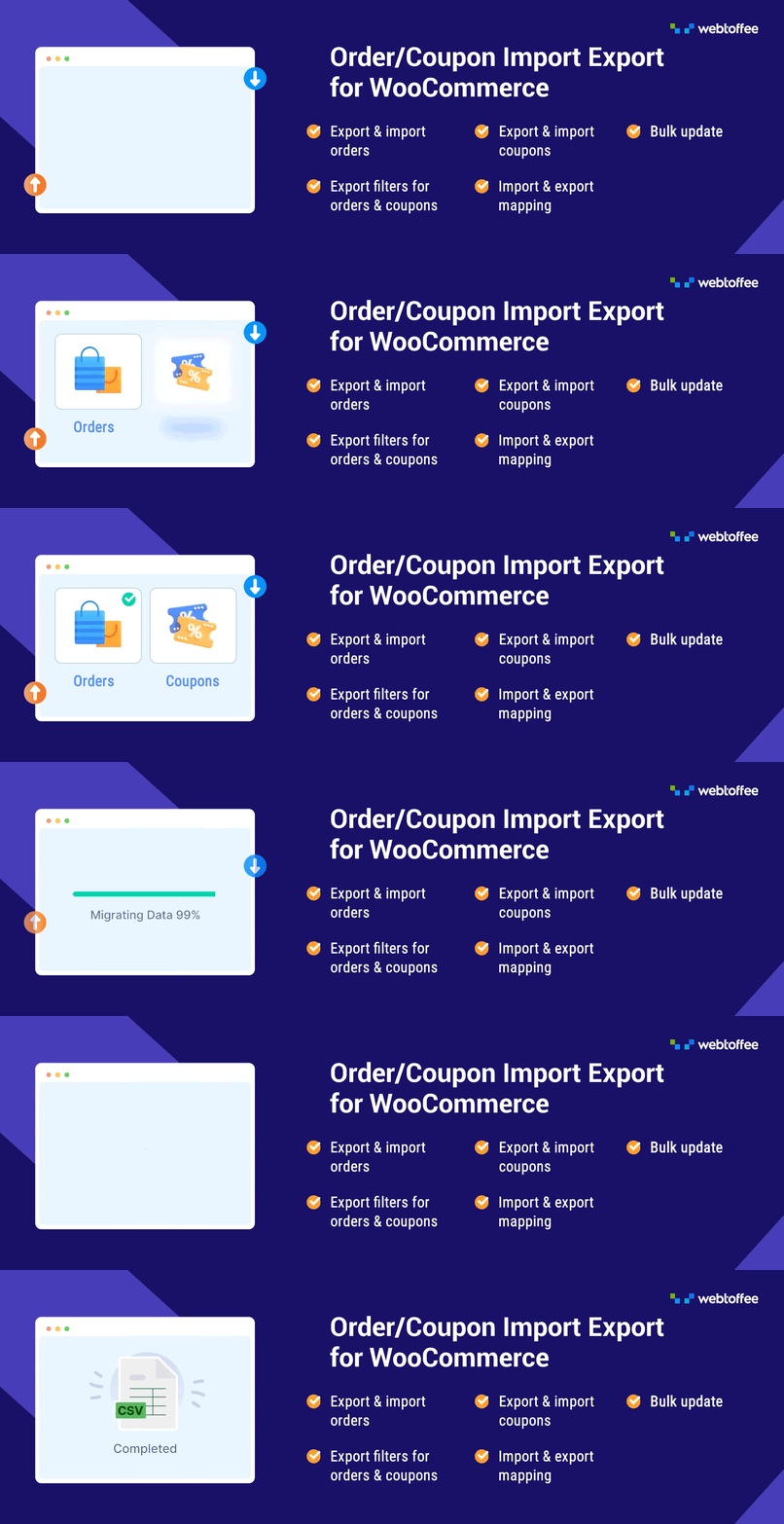
The best order export import plugin for WooCommerce. Easily import and export WooCommerce orders and WooCommer...
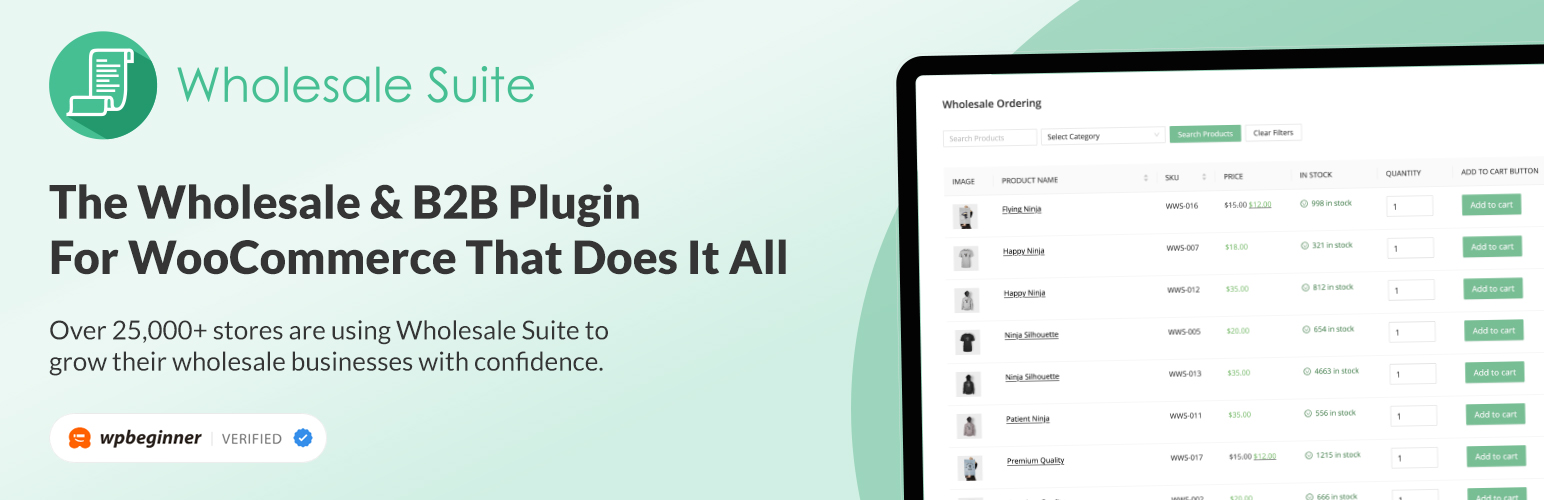
WooCommerce wholesale plugin for serving wholesale & B2B customers. Adds wholesale pricing, user roles, dy...

The most powerful affiliate plugin for WooCommerce. Track commission, generate referral URLs, assign affiliate...
The discount plugin for WooCommerce supports any dynamic pricing discount: bulk discount, role discount, store...