WPThumbs
Themes Plugins By purpose By industry Best-of lists Fix it guides
Free Plugin by flycart v2.6.17

Discount Rules for WooCommerce

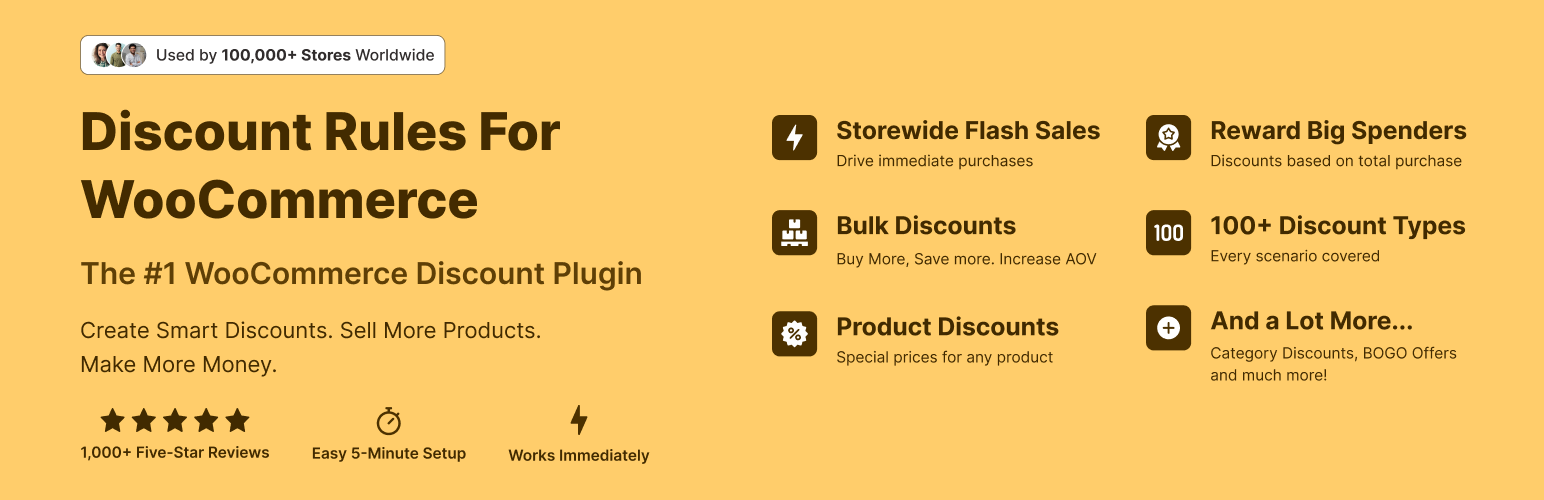
The discount plugin for WooCommerce helps you create bulk discount, quantity discount, storewide sale, dynamic pricing discount offers easily.
Discount Rules for WooCommerce

The facts

Rating
4.9★ from 1,355
Active installs
100k+
Price
Free
Last updated
25 Aug 2026
Added
Dec 2016
Requires WP
6.2
Tested up to
WP 7.1
Downloads
3,001,643

Our analysis

AI-assisted

Discount Rules for WooCommerce is a plugin designed to help WooCommerce store owners implement various discount strategies. It allows you to create bulk discounts, quantity discounts, and product-specific discounts, making it easier for customers to save money while shopping.

The plugin includes features such as displaying discounted prices on product pages, showing bulk discount tables, and providing 'You saved' messages at checkout. It is suitable for eCommerce sites looking to enhance their pricing strategies and attract more customers through discounts.

Best for: This plugin is best for WooCommerce store owners looking to implement discount strategies to boost sales.

What it does well

  • Free to use from the WordPress.org directory
  • Supports a variety of discount types including bulk and percentage discounts
  • Displays discounts clearly on product and checkout pages
  • User-friendly interface for setting up discounts

Where it falls short

  • Limited features in the free version compared to the PRO version
  • No specific details on support or documentation quality

Verdict

Discount Rules for WooCommerce provides essential tools for managing discounts in an online store. It is a practical choice for those wanting to enhance their pricing options without additional costs.

From the developer

flycart's own description of Discount Rules for WooCommerce, lightly tidied.

Discount Rules for WooCommerce is a dynamic pricing and discounts plugin for WooCommerce that helps you create any type of bulk discounts, quantity discounts, product specific discounts, dynamic pricing, advanced discounts based on conditions, percentage discounts, tiered pricing discounts and more.

With the PRO version, you can create advanced discount offers such as buy one and get one free (BOGO) deals, auto-apply coupons, free shipping discounts, bundle offers, discounts based on products, categories, attributes, tags, SKUs, user roles, cart items, purchase history and much more.

The plugin offers a number of features that make it easy for customers to discover discounts and offers in your store:

  • Show a bulk discount table on your product pages. This helps customers buy more in order to save more.
  • Show the discounted price on product, cart & checkout pages with the original price crossed-out (with a line-through)
  • Display “You saved” message on the cart & checkout pages
  • Show a discount bar with your offers on the product pages
  • Display a Sale badge on your shop & product pages

View Demo | Documentation with examples | Ask Questions | PRO version | Examples

Discount types and features with example scenarios

Free version features

  • Create percentage discounts.
  • Offer a storewide sale Example: A storewide 10% discount on all products
  • Create bulk discounts. Example: Use quantity breaks to offer higher discounts on bulk purchases.
  • Order total based discounts (Example: Spend more than $1000, get 10% discount)
  • Set product specific percentage discounts (Example: Product A gets 10%, Product B gets 20%)
  • Cart based discounts using the line items (Example: Purchase 4 different products or variants and get 10% discount)
  • Exclude selected products from discount rules (product pricing discounts)
  • Run special offers / sale for specific periods – Example: 10% discount only on BlackFriday
  • Show bulk discount table on product pages

Get the PRO version to create advanced discounts and grow sales

PRO features

All features of the free version, plus:

  • Percentage discounts with advanced discount conditions.
  • Fixed product discounts. Example: Get $9 discount for purchasing more than 6 items
  • Category discounts – Get 25 % off on all items under Summer Collection
  • Buy One Get One free offers – Buy a cap and get another cap for free
  • Buy 2 and get 1 free offers – Buy 2 get 1 cheapest product free or Buy 2 and get 1 at 50% discount
  • Buy one get one half off – Buy 2 get 1 at 50% off or buy one get the second product free or at 50% discount
  • BOGO deals based on categories. Examples: Buy any product from Category A and get a product free from Category B. Buy Product A and Product B from Category Electronics and get a free product from category Accessories. Buy any product from Category Mobile and choose a free product from Category Hard Cases
  • Volume discounts & tiered quantity discounts with conditions – Buy 6, get 10%, Buy 12, get 15%
  • User role based discounts – Discounts for wholesale customers
  • First order discount
  • Product discounts with variant specific offers – Buy Product A with Variant X and get 10% discount
  • Bundle discount – Buy 3 for $10, 6 for $20
  • Conditional discounts – Buy Product A and B and get discount on Product C
  • Offer one or more free products. Multiple products could be offered free using a rule
  • Apply discounts for multiple items using one coupon code
  • Discount for product variants
  • Attributes based discounts – Buy green color T-shirts and get 10% discount
  • Discount for customers with specific domains – 10% discount for all emails ending with @example.com
  • Customer specific discounts – 10% discount for selected customers
  • Free shipping discount
  • Shipping / Delivery location based discount Example: If shipping destination is California, get 15% discount
  • Purchase history based discounts Example: Customers who spent at least $100 in previous purchases get 10% discount
  • Discount based on the number of orders placed earlier. Example: 10% discount for customers with 5 or more orders
  • Discount based on previously purchased products. Example: Customers who previously purchased Shoes get 10% discount
  • Discounts based on sum of item quantities in cart – Order more than 10 items from any category and get 15 % discount
  • Discount for the cheapest item in the cart – Add 3 products to the cart and get the Cheapest Item free
  • Option to offer free products only from certain category
  • Exclude products on SALE from discount rules
  • SALE Badge for discounted products
  • Highlight savings on the cart & checkout with “You saved” label
  • Use a discount banner to highlight offers on product pages
  • Option to show or hide the discounted price
  • Priority support

Discount Examples using PRO Features

Category Discount

The category discount feature allows you to offer discounts on all products in one or more categories. Simply choose one or more categories, set your discount offers, and the plugin will apply them automatically to every product in those categories. Here are some examples:

  • Buy T-shirts from Apparel category and save 10%
  • Get 30% off on Category A & Category B
  • Purchase any 6 items from Category A and get a 25% discount on total cart value.
  • Purchase 3 products from Category A or B or C or from all of them and get 20% discount valid from dd/mm/yyyy to dd/mm/yyyy

Read the full description on the official page →

Tagged as

Alternatives

Other plugins for running discounts.

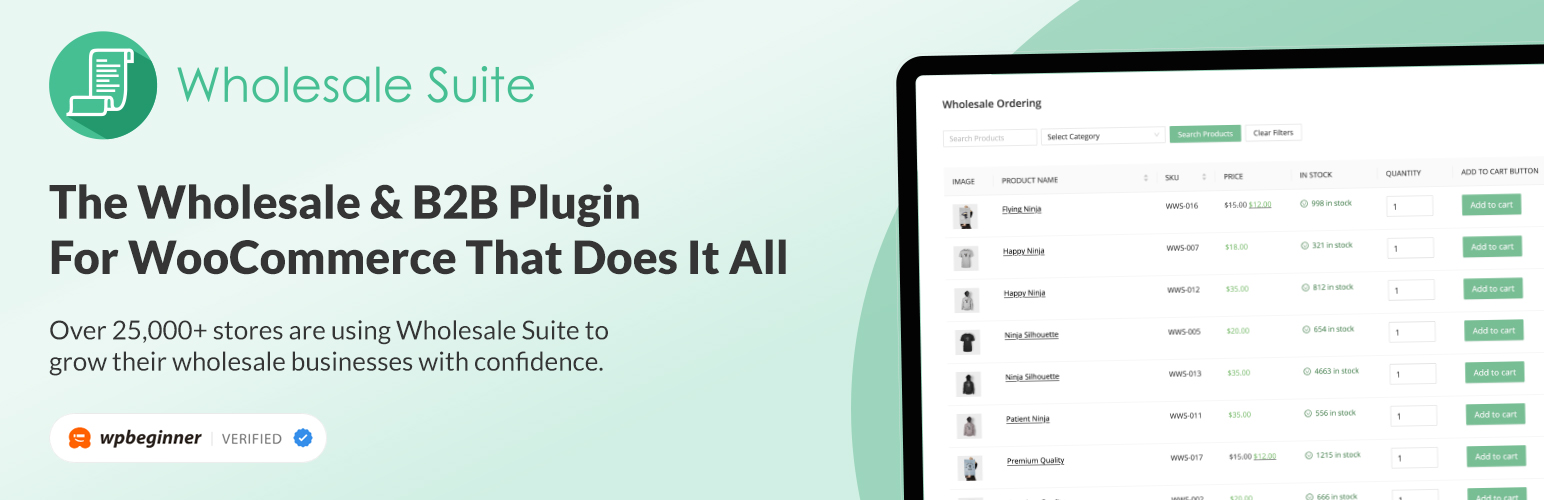
Wholesale Suite

WooCommerce wholesale plugin for serving wholesale & B2B customers. Adds wholesale pricing, user roles, dy...

Free 20k+ installs 4.8★ (544)
Coupon Affiliates

The most powerful affiliate plugin for WooCommerce. Track commission, generate referral URLs, assign affiliate...
Free 5k+ installs 4.9★ (76)
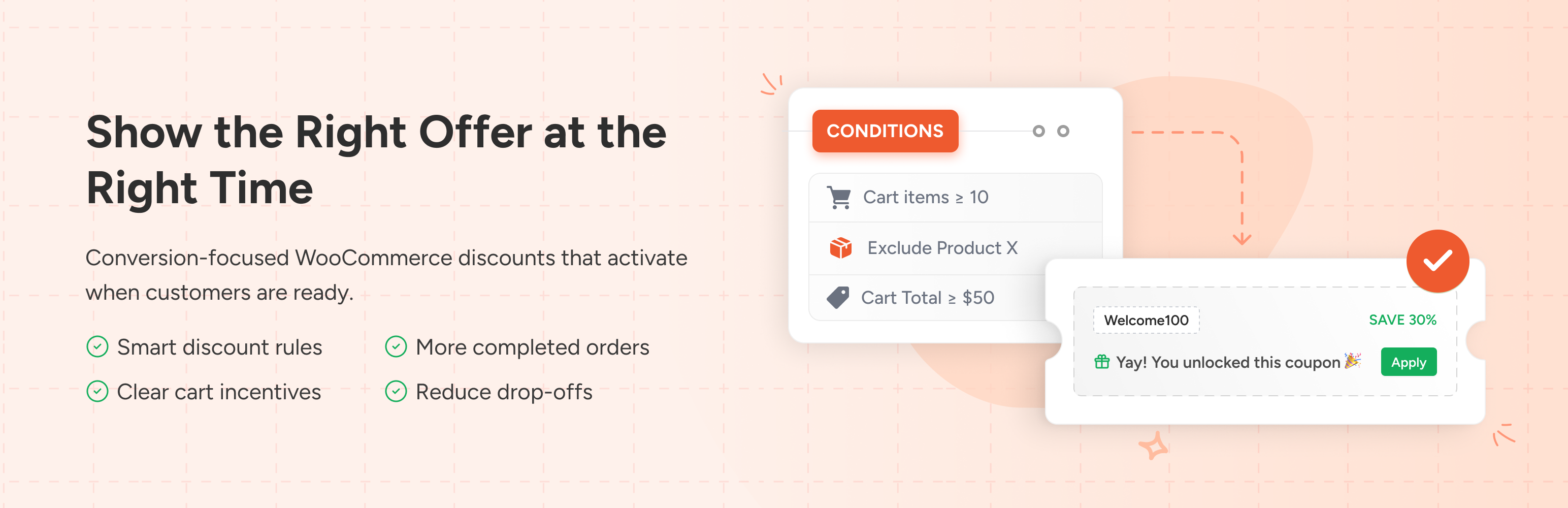
Power Coupons for WooCommerce

WordPress coupon plugin for WooCommerce that auto-applies discounts with flexible rules and dynamic cart incen...

Free 30k+ installs 5★ (3)