WP Accessibility fixes common accessibility issues in your WordPress site.
Free
60k+ installs 4.8★ (68)
Manage image file size, alt text and AI-powered media audits in your WordPress Media Library to improve performance, accessibility and SEO.

Bubuku Media Library is a WordPress plugin designed to help content and marketing teams manage and optimise images within their Media Library. It provides tools for auditing file sizes, identifying images without alt text, and generating reports for better media management.
The plugin features a built-in MCP Server that allows AI assistants to interact with the Media Library securely. Users can filter images, run bulk actions, and receive email summaries to monitor the optimisation status of their images, making it suitable for those who need to streamline their media management processes.
Best for: This plugin is best for content and marketing teams looking to optimise their WordPress media management.
What it does well
Where it falls short
Bubuku Media Library offers useful features for auditing and optimising images, particularly for teams that require detailed reporting and AI integration. However, more information on usability would be beneficial.
Luis Ruiz's own description of Bubuku Media Library, lightly tidied.
Bubuku Media Library helps content and marketing teams audit, monitor and optimize images in WordPress. Track file sizes, identify missing alt text, export reports, receive email summaries and connect AI assistants through MCP.
New in version 1.3.0: Bubuku Media Library includes an MCP Server that allows compatible AI assistants and developer tools to interact with your WordPress Media Library through a secure endpoint with role-based permissions.
You can:
More information (in Spanish) about how the plugin works: How to know if we have to reduce weight to the image and Alt SEO attribute
Bubuku Media Library includes a built-in MCP Server that allows compatible AI assistants and development tools to securely interact with your WordPress Media Library.
Available MCP abilities include:
Each ability can be enabled or disabled individually and restricted to a minimum WordPress role. This allows you to safely connect AI assistants like Claude Desktop, Codex, Cursor and other MCP-compatible clients to audit images, review missing alt text, generate reports and automate media management workflows, while keeping permissions under your control.
Typical use cases include:
From your server (SSH), move the plugin folder to the plugins directory:
wp-content/plugins/bubuku-media-library/
Activate the plugin via the WordPress admin or using WP-CLI:
wp plugin activate bubuku-media-library
(Optional) Run the bulk action in Media > Library to calculate file sizes for existing images.
Recommended Tools
– Lighthouse (in Chrome DevTools) — Analyze image weight and format, as well as the use of alternative text (ALT).
– WebPageTest — Check how images affect real-world load times.
– Squoosh — Compare visual quality and file size savings when optimizing images.
– WAVE Accessibility Tool — Verify whether images are missing ALT attributes or if the alternative texts are descriptive.
Other plugins for accessible sites.
WP Accessibility fixes common accessibility issues in your WordPress site.

OneTap is a multilingual WordPress plugin designed for seamless website accessibility.

Free WordPress accessibility widget to improve accessibility for your website visitors. Supports efforts towar...
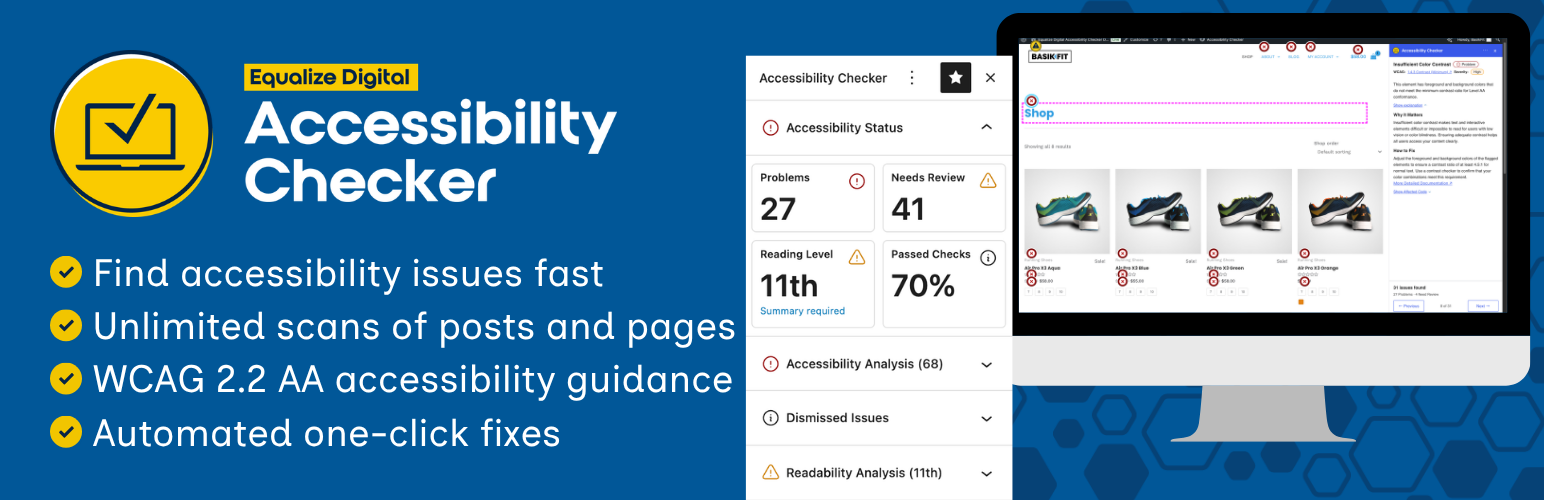
Find and fix accessibility issues with confidence. Real-time reports, automated fixes, and guidance. Reduce co...
Add, edit, and bulk-generate alt text for every WordPress image, manually or automatically using AI. Fix image...
Free text to speech with browser voices + premium AI voices from Google, OpenAI & ElevenLabs. Add an audio...