Nested Pages
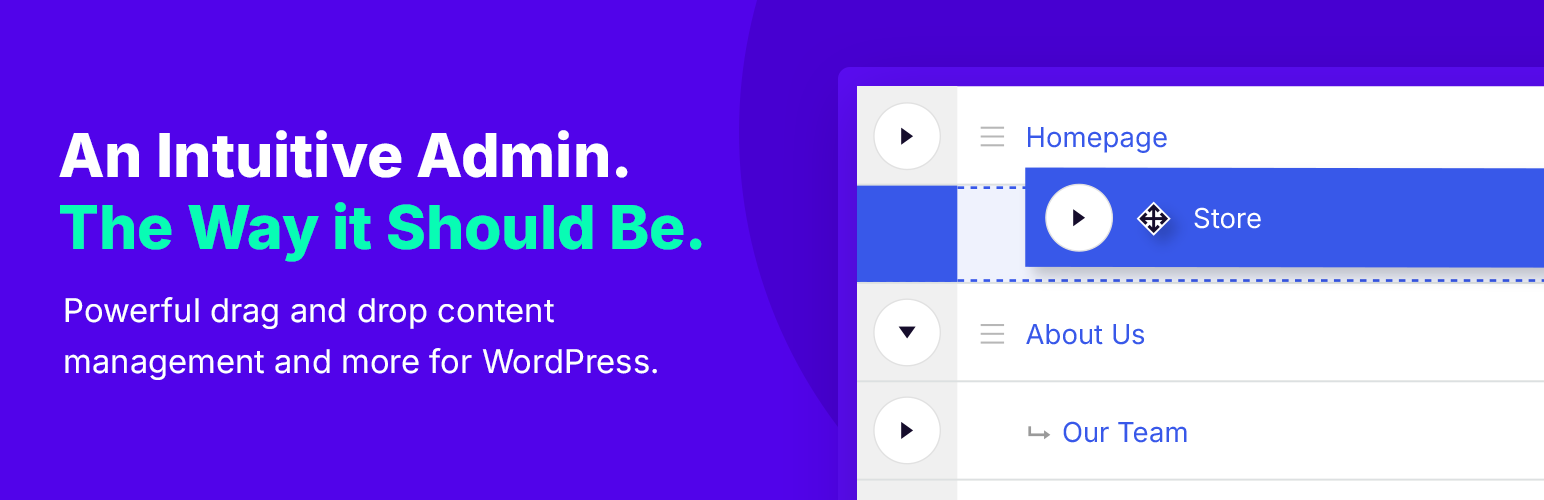
88Nested Pages provides a drag and drop interface for managing pages & posts in the WordPress admin, while m...
Free
90k+ installs 4.7★ (126)
A helpful tool that allows you to bulk edit available attributes of products such as ID, Title, Content,...

Bulky – Bulk Edit Products for WooCommerce is a WordPress plugin designed to streamline the process of editing multiple WooCommerce products, orders, and coupons simultaneously. It provides users with both simple and advanced filtering tools to manage various product attributes, such as ID, title, SKU, and price ranges, making bulk edits more efficient.
This plugin is suitable for WooCommerce shop owners who need to save time when updating product information. By allowing users to filter products based on numerous criteria, Bulky enables quick searches and bulk modifications, enhancing overall productivity in managing an online store.
Best for: WooCommerce shop owners looking to efficiently manage and edit products in bulk.
What it does well
Where it falls short
Bulky is a practical tool for those needing to handle large volumes of product edits in WooCommerce, although further details on user experience would be beneficial.
VillaTheme's own description of Bulky, lightly tidied.
Bulk edit products seem to be an effective and modern method to speed up modifying WooCommerce products, orders and coupons. If you are looking for a plugin which can give you a hand on quickly editing product in bulk, Bulky – Bulk Edit Products for WooCommerce can not be ignored.
Bulky – Bulk Edit Products for WooCommerce helps easily work with products in bulk. Particularly, the plugin offers sufficient simple and advanced tools to help filter various available attributes of simple and variable products such as ID, Title, Content, Excerpt, Slugs, SKU, Post date, range of regular price and sale price, Sale date, range of stock quantity, Product type, Categories…
Therefore, users can quickly search for wanted products fields and work with them in bulk. In short, the plugin promises to help shop owners to save time and optimize manipulation when working with products in bulk. You can bulk edit orders and coupons in the same way.
► Filter the Products to be Bulk Edited.
You can use tools to filter products that you want to edit in bulk. The plugin is available with the following filters all attributes of a product: ID, Title, Content, Excerpt, Slug, SKU, Range of Post date, Range of price, Range of the sale price, Range of sale date, Range of stock quantity, Range of Width, Height, Length, Weight, Product type, Product status, Stock Status, Featured, Downloadable, Sold individually, Backorders, Author, Catalog visibility, Categories, Tags, Attributes.
► Filter fields to be Bulk Edited.
You can easily select one or/and many fields of product to interact and work with. This helps to filter relevant fields that you are interested in and observe objects and tables more conveniently and effectively. Fields can be selected including Image, SKU, Slug, Description, Short Desc, Gallery, Attributes, Grouped, Product URL, Button text, Status, Password, Featured, Regular price, Sale price, Sale date from, Sale date to, Manage stock, Stock, Stock status, Allow backorder, Sold individually, Virtual, Categories, Tags, Width, Height, Length, Weight, Upsell, Cross-sell, Downloadable, Purchase note, Menu order, Enable reviews, Catalog visibility, Shipping class.
Leave empty if you filter all fields.
► Filter exclude fields to be Bulk Edited.
If you need to filter all fields of product but some fields need to be excluded, you can select one or/and many fields for this purpose.
Fields can be selected to exclude: Image, SKU, Slug, Description, Short Desc, Gallery, Attributes, Grouped, Product URL, Button text, Status, Password, Featured, Regular price, Sale price, Sale date from, Sale date to, Manage stock, Stock, Stock status, Allow backorder, Sold individually, Virtual, Categories, Tags, Width, Height, Length, Weight, Upsell, Cross-sell, Downloadable, Purchase note, Menu order, Enable reviews, Catalog visibility, Shipping class.
► Edit WooCommerce Products in Bulk.
You can bulk edit/update product properties including
► Manipulations with the product table and cells.
Other plugins for bulk editing.
Nested Pages provides a drag and drop interface for managing pages & posts in the WordPress admin, while m...

BEAR - WooCommerce Bulk Editor Professional (former WOOBE) is plugin for bulk edit/manage woocommerce products...
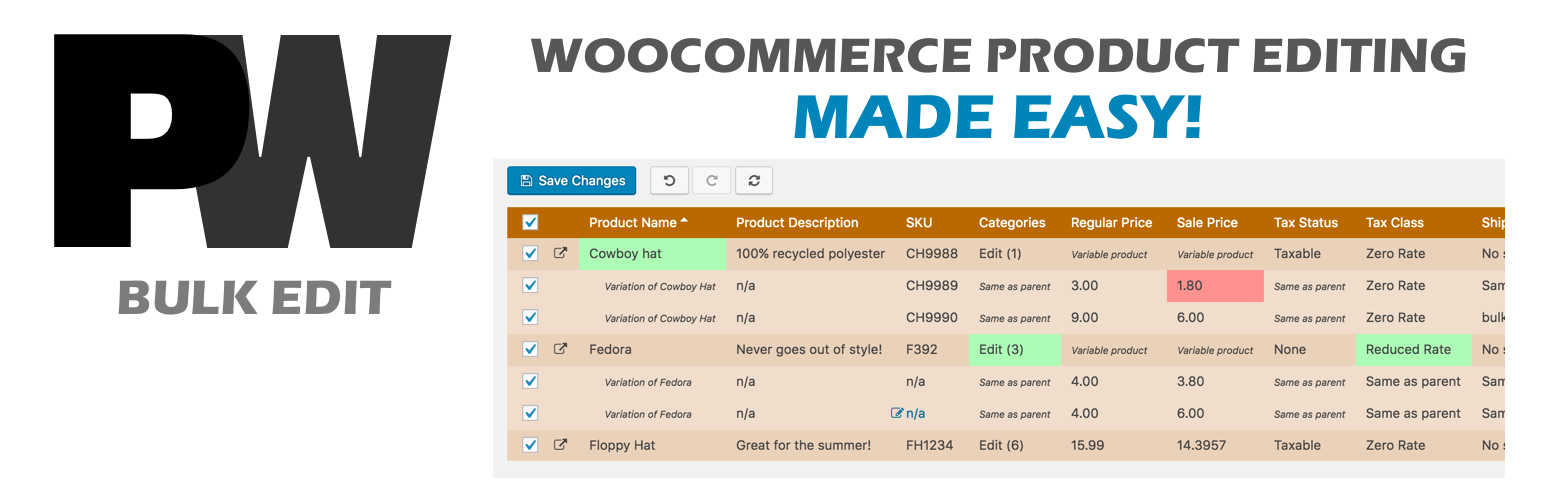
A powerful way to update your WooCommerce product catalog. Finally, no more tedious clicking through countless...
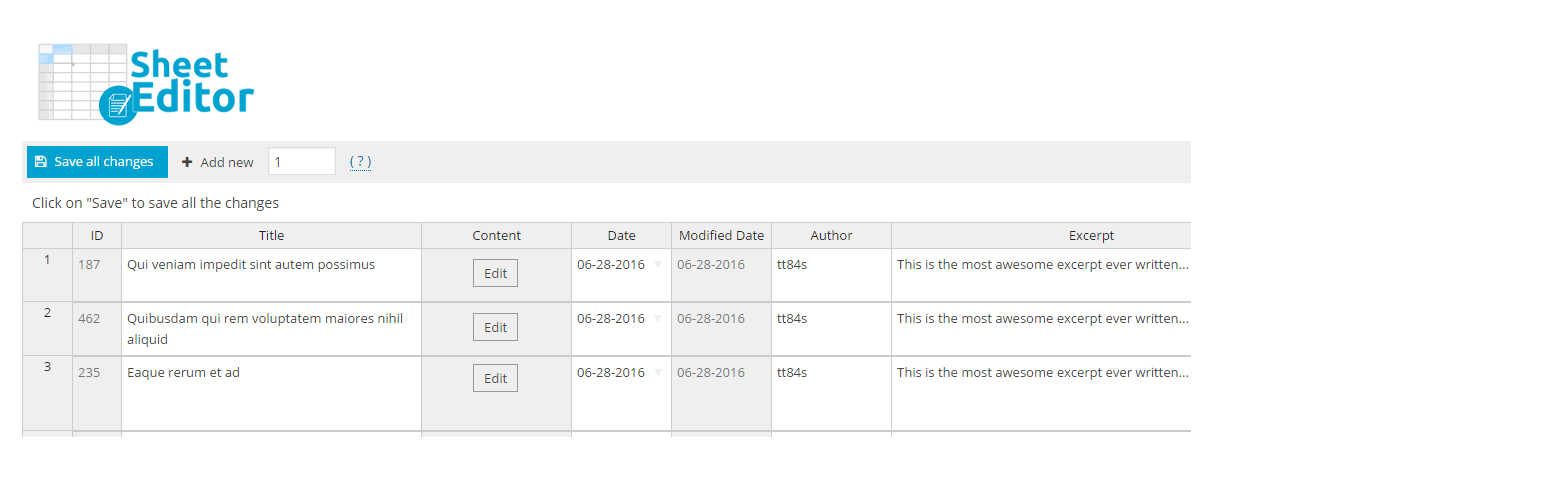
Modern Bulk Editor for WooCommerce products, create and edit hundreds of products in a spreadsheet inside wp-a...

An easy-to-use plugin for the Astra theme that lets you edit Page Meta Settings for multiple pages/posts at on...

Editorial Calendar allows you to view all your posts, schedule post, make quick edits, and manage your blog by...