
Show a waitlist form on out-of-stock products and automatically email subscribers when items are restocked. Tu...
Free
20k+ installs 4.7★ (122)
Lets you create a content inventory right in the WordPress Edit screens. You can mark content as redundant, outdated, trivial, or in need of a review.

Content Audit is a WordPress plugin that allows you to create a content inventory directly within the WordPress Edit screens. It enables you to assess your site's content by marking it as redundant, outdated, trivial, or in need of review for SEO or style. You can also assign content owners and keep internal notes, making it suitable for teams managing multiple contributors.
The plugin features an Overview report that displays which posts, pages, or media files require attention, and it allows for the export of this report as a CSV file. It supports custom post types and offers filters to streamline the editing process, making it useful for site owners who want to maintain their content effectively.
Best for: This plugin is suited for WordPress site owners and teams looking to manage and audit their content effectively.
What it does well
Where it falls short
Content Audit provides a structured way to evaluate and manage site content. However, its last update was in 2019, which may affect its compatibility with newer WordPress versions.
Stephanie Leary's own description of Content Audit, lightly tidied.
Lets you create a content inventory right in the WordPress Edit screens, similar to the process you might use to assess your site’s content in a spreadsheet. You can mark content as redundant, outdated, trivial, or in need of a review for SEO or style. These content status labels work just like categories, so you can remove the built-in ones and add your own if you like. You can also assign a content owner (distinct from the original author) and keep internal notes. The IDs are revealed on the Edit screens so you can keep track of your content even if you change titles and permalinks. The plugin supports custom post types as well as posts, pages, and media files.
There’s an Overview report under the Dashboard menu that shows you which posts/pages/attachments/etc. need attention, sorted by user. This screen also lets you export a CSV file of the audit report.
The plugin creates three new filters on the Edit screens: author, content owner, and content status. This should make it easy to narrow your focus to just a few pages at a time.
You can display the audit details to logged-in editors on the front end if you want, either above or below the content. You can style the audit message with custom CSS.
New: you can now clear data from past audits and start over!
If you would like to send me a translation, please write to me through my contact page. Let me know which plugin you’ve translated and how you would like to be credited. I will write you back so you can attach the files in your reply.
‘content_audit_notes’ filters the public display of the notes field
‘content_audit_dashboard_get_posts_args’ filters the get_posts() arguments for the Dashboard widget
‘content_audit_dashboard_output’ filters the table output of the Dashboard widget
‘content_audit_dashboard_congrats’ filters the congratulations message of the Dashboard widget
‘content_audit_csv_filename’ filters the file name of the CSV download
‘content_audit_csv_header_data’ filters the header label array in the CSV download
‘content_audit_csv_row_data’ filters the contents of each row (as an array) in the CSV download
Other plugins for managing stock.
Show a waitlist form on out-of-stock products and automatically email subscribers when items are restocked. Tu...
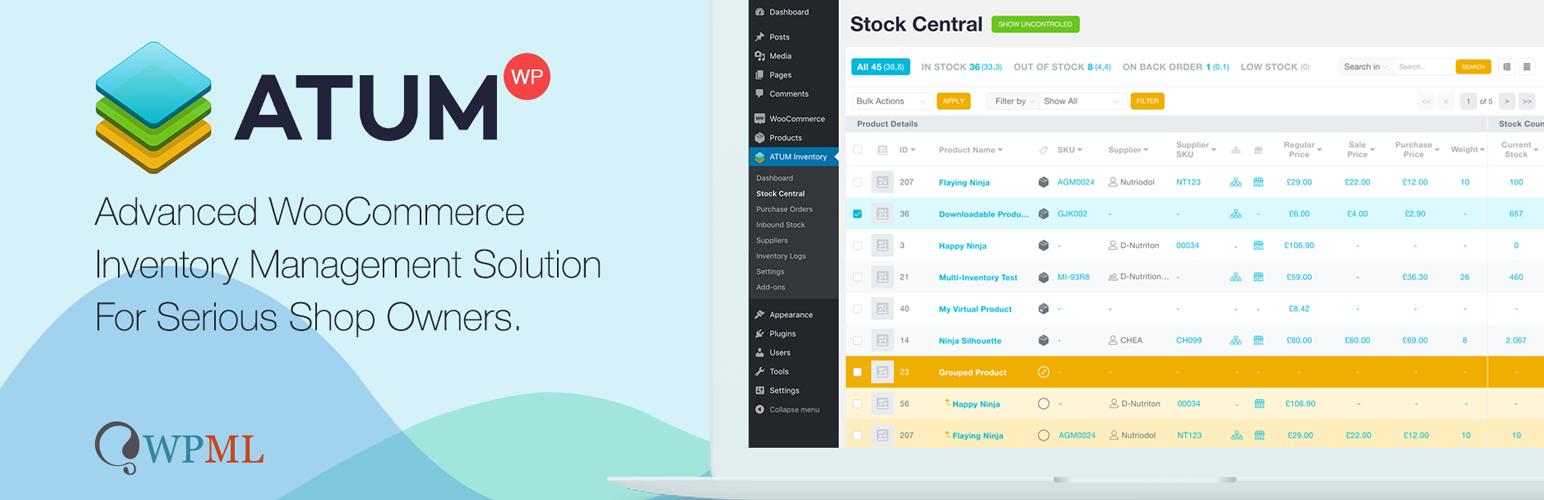
WooCommerce Full Inventory Management, Purchase Orders, Suppliers, Inbound Stock, Inventory Logs, WooCommerce...
Manage GTINs (EAN, UPC, ISBN, etc.) effortlessly in WooCommerce! Create, save, search, and display EANs easily...

Free: WC Wishlist, Email automation, Elementor Widgets. Premium: Back-in-Stock Notifier, Save for Later, Multi...

WooCommerce Zoho Connector allows you to quickly integrate WooCommerce Orders with Zoho CRM, Books, Inventory...
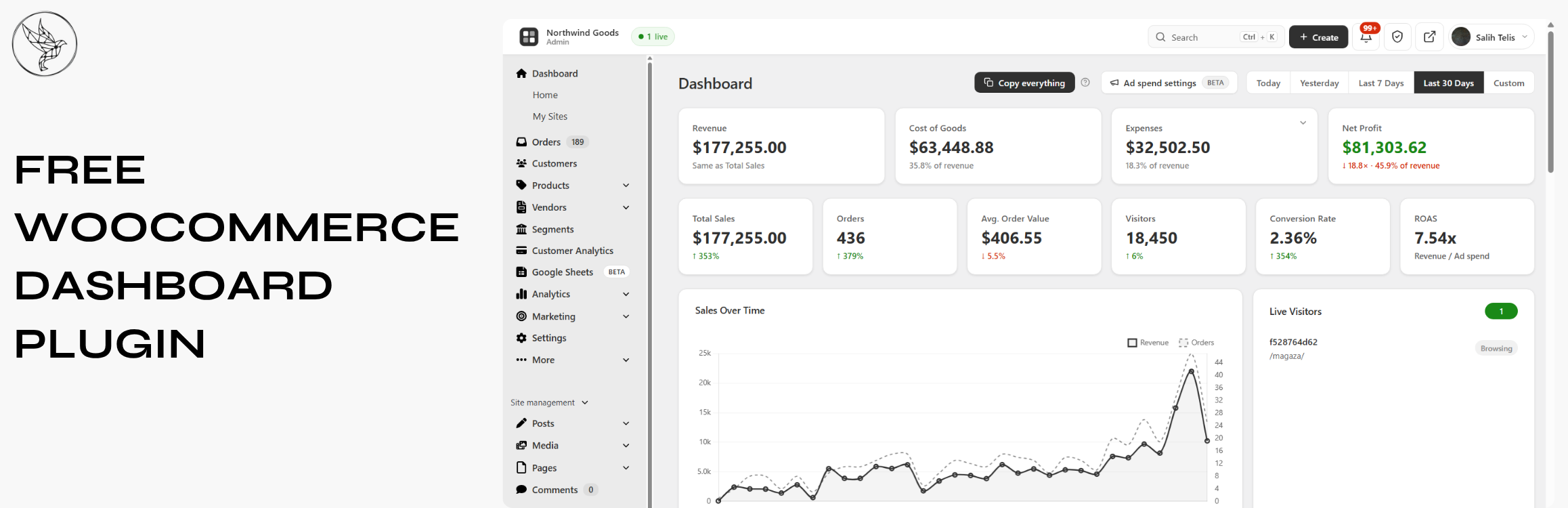
Free WooCommerce dashboard & sales report: abandoned cart recovery, Google Sheets sync, ROAS, bulk editor...