Nested Pages
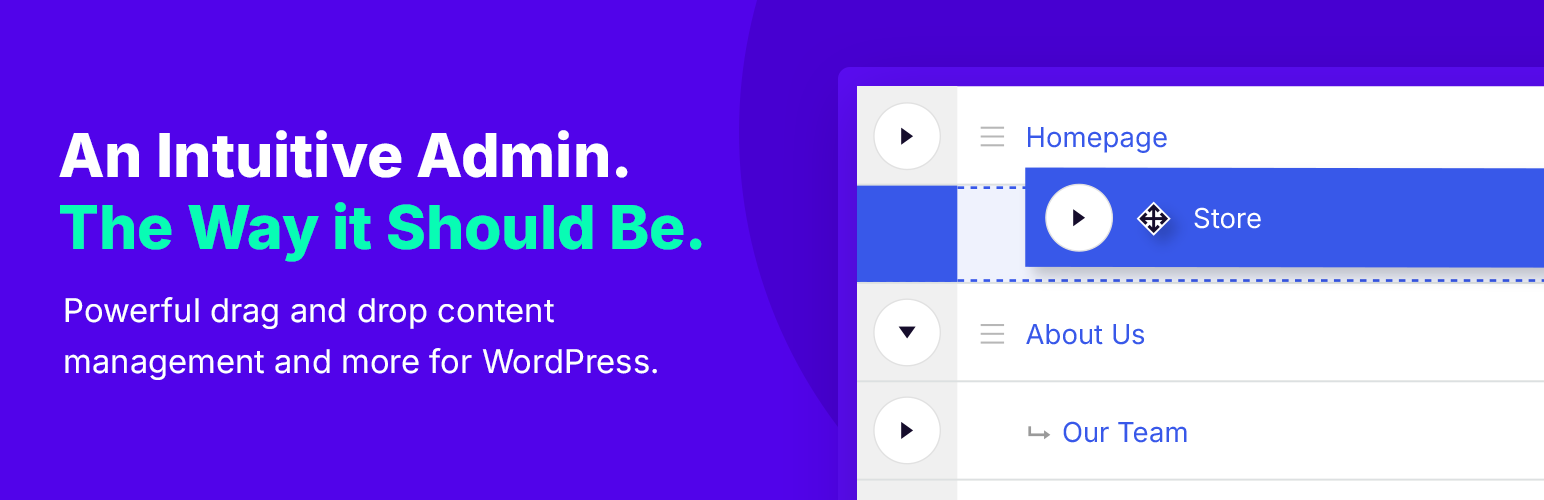
88Nested Pages provides a drag and drop interface for managing pages & posts in the WordPress admin, while m...
Free
90k+ installs 4.7★ (126)
Password Protect Pages, Posts & Content in WordPress
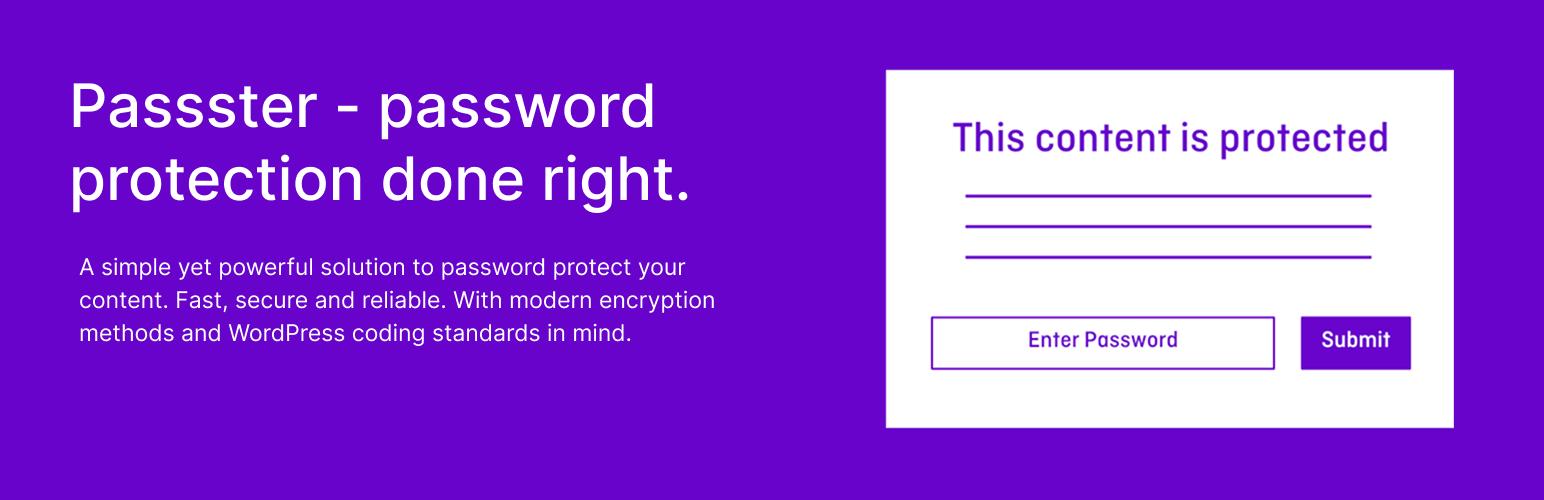
Passster is a WordPress plugin designed to password protect pages, posts, and other content on your site. It offers various protection modes and allows you to manage access through multiple passwords and user roles. The plugin is suitable for users who need to restrict access to specific content or entire sites quickly and efficiently.
It features bulk editing capabilities for password protection and provides options to unlock content based on user roles or email addresses. Additionally, it includes tools for tracking password usage and generating unlock links for easier access.
Best for: This plugin suits website owners needing to restrict access to content securely.
What it does well
Where it falls short
Passster provides essential tools for password protecting WordPress content, making it a practical choice for users focused on content security.
WP Chill's own description of Passster, lightly tidied.
Passster is an all-in-one plugin to password protect pages, content, or your entire site in seconds—quick, secure, and easy to use.
Passster offers three protection modes to cover every use case you may think of when it comes to password protecting your WordPress website.
Multiple Passwords & Password Lists
– Assign multiple passwords for different users.
– Create and manage large password lists for easy control.
Quick & Bulk Edit for Password Protection
– Use WordPress Quick Edit and Bulk Edit to protect multiple pages instantly.
Unlock Content by User Role or Email
– Automatically grant access to specific users or email addresses.
Password Expiration & Usage Limits
– Set passwords to expire after a number of uses, first use, or by a time limit (hours, days, weeks).
– Track which passwords were used and when they will expire.
Generate Unlock Links
– Create encrypted unlock links so users can access content without entering a password.
– Automatically shorten links with Bit.ly for easy sharing.
WooCommerce Protection & Sales
– Protect WooCommerce pages, products, and checkout with a password.
– Sell access to protected content—generate and email passwords automatically after purchase.
Detailed Password Usage Statistics
– Track when and how often passwords are used.
– View first usage date, IP (optional), and browser details.
✔ Protect sections of pages using shortcodes or blocks.
✔ Secure entire pages and posts.
✔ Automatically protect child pages with a single click.
✔ Lock down your entire site with a password.
✔ Unlock protected content without refreshing the page.
✔ Customize the design, labels, and descriptions of the password form.
✔ Use cookies to grant access across multiple protected areas.
✔ Everything in the free version, plus:
✔ Protect content with multiple passwords or password lists.
✔ Quickly set up password protection via Quick Edit or Bulk Edit.
✔ Protect content using Google reCAPTCHA or hCAPTCHA.
✔ Unlock protected content by user role or email.
✔ Set passwords to expire based on usage limits or time intervals.
✔ Generate encrypted unlock links for seamless access.
✔ Track and prevent concurrent password sharing.
✔ Secure WooCommerce products and store pages.
✔ Sell access to protected content via WooCommerce integration.
✔ Detailed statistics on password usage and lists.
Get it now on passster.com/
Other plugins for bulk editing.
Nested Pages provides a drag and drop interface for managing pages & posts in the WordPress admin, while m...

BEAR - WooCommerce Bulk Editor Professional (former WOOBE) is plugin for bulk edit/manage woocommerce products...
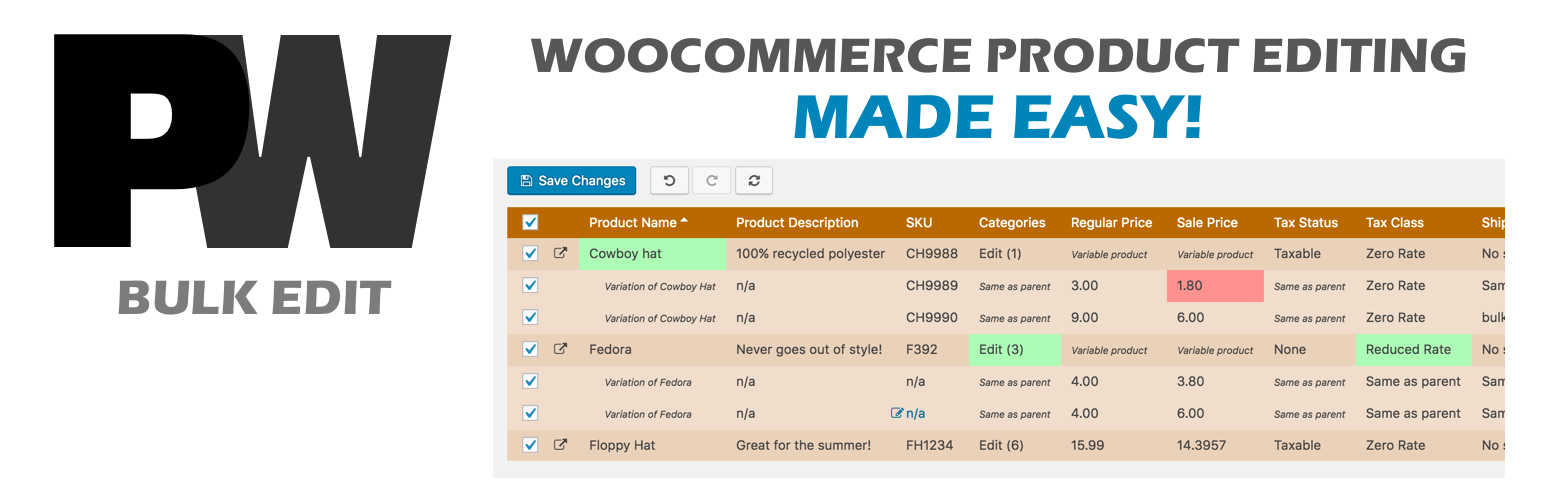
A powerful way to update your WooCommerce product catalog. Finally, no more tedious clicking through countless...
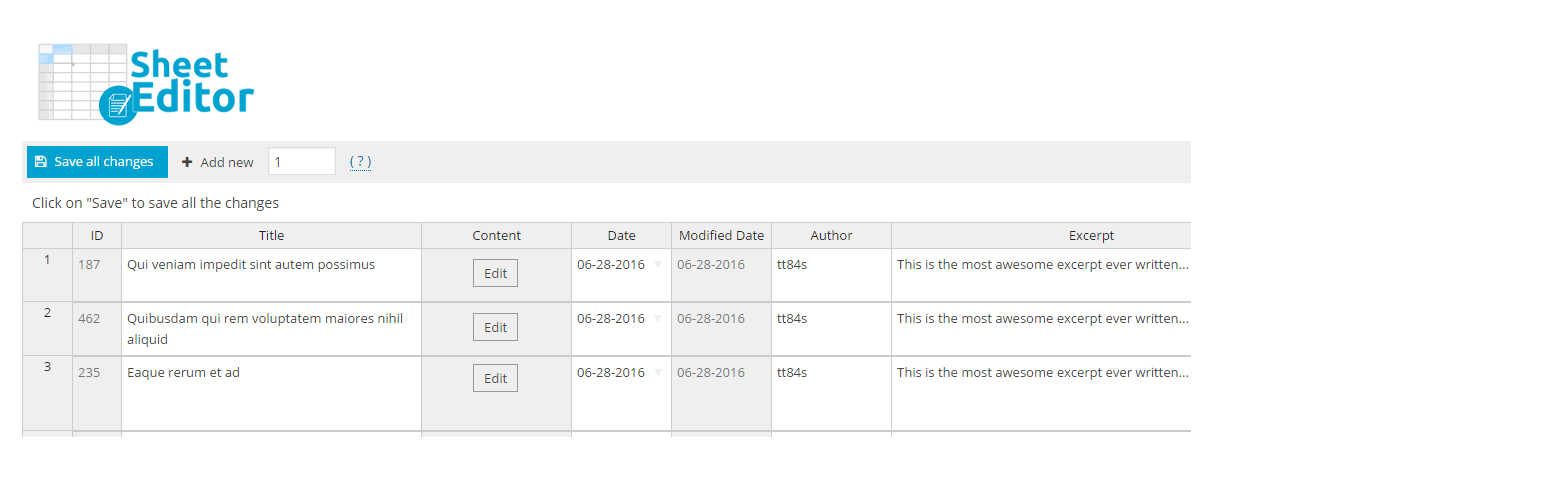
Modern Bulk Editor for WooCommerce products, create and edit hundreds of products in a spreadsheet inside wp-a...

An easy-to-use plugin for the Astra theme that lets you edit Page Meta Settings for multiple pages/posts at on...
Editorial Calendar allows you to view all your posts, schedule post, make quick edits, and manage your blog by...