
Popup Maker
94Want to boost sales & marketing efforts? Use your favorite forms & builder. Unlimited popups & imp...
Free
700k+ installs 4.9★ (4,504)
Give a temporarily limited admin access to themes designers, plugins developers and support agents.

Controlled Admin Access is a WordPress plugin designed to provide temporary limited admin access to users such as theme designers, plugin developers, and support agents. It allows administrators to create user accounts with specific access restrictions, including the ability to hide certain admin menu items and pages from the user.
The plugin includes features such as setting an expiration time for access, the ability to hide the admin bar, and the option to disable the account at any time while retaining the user's information for future access. This tool is suitable for site administrators who need to grant temporary access without compromising the security of their site.
Best for: Site administrators who need to grant temporary access to external users.
What it does well
Where it falls short
Controlled Admin Access provides a straightforward solution for managing temporary admin access, making it a practical choice for administrators needing to collaborate with external developers or support agents.
Waseem Senjer's own description of Controlled Admin Access, lightly tidied.
Give a temporary limited admin. access to themes designers, plugins developers and support agents.
The plugin is simple and clean, it helps the administrator to create a user with a temporary access and choose which pages in your admin area which you don’t want the user to access. send the details to the user and when he finished his task, you can easily deactivate the account and activate it later.
The plugin will allow you to select admin menu items that you want to restrict for the created admin. Not only the plugin will hide the menu item from the admin but it also will block the page if they access it in some other way.
You may don’t want to give access indefinitely, the plugin allows you to set an expiration time for the restricted admin account. After the account expires, the account will no longer be able to login into the admin dashboard. Moreover, you can always extend the expiry time or change it.
WordPress offers an admin bar to provide quick access to some pages or to perform some actions. Using the plugin, you can hide the admin bar links at the top of the page will be hidden in both the frontend and admin areas.
You can always disable the restricted admin account at any time. For example, if you gave a developer access to fix a bug or install a theme, when they finish the task you can disable their account. This will block login in using the account but it will retain the account’s information in case you wanted to give them access in the future.
Take more control and restrict access to plugins’ internal pages. For example, you would like to give access to the WooCommerce Settings page, but you do not want the account to see the Payments Gateways tab. Currently, the plugin supports WooCommerce, Easy Digital Downloads and BuddyPress. In the future, we will add support for more plugins.
Other plugins for selling digital goods.
Want to boost sales & marketing efforts? Use your favorite forms & builder. Unlimited popups & imp...
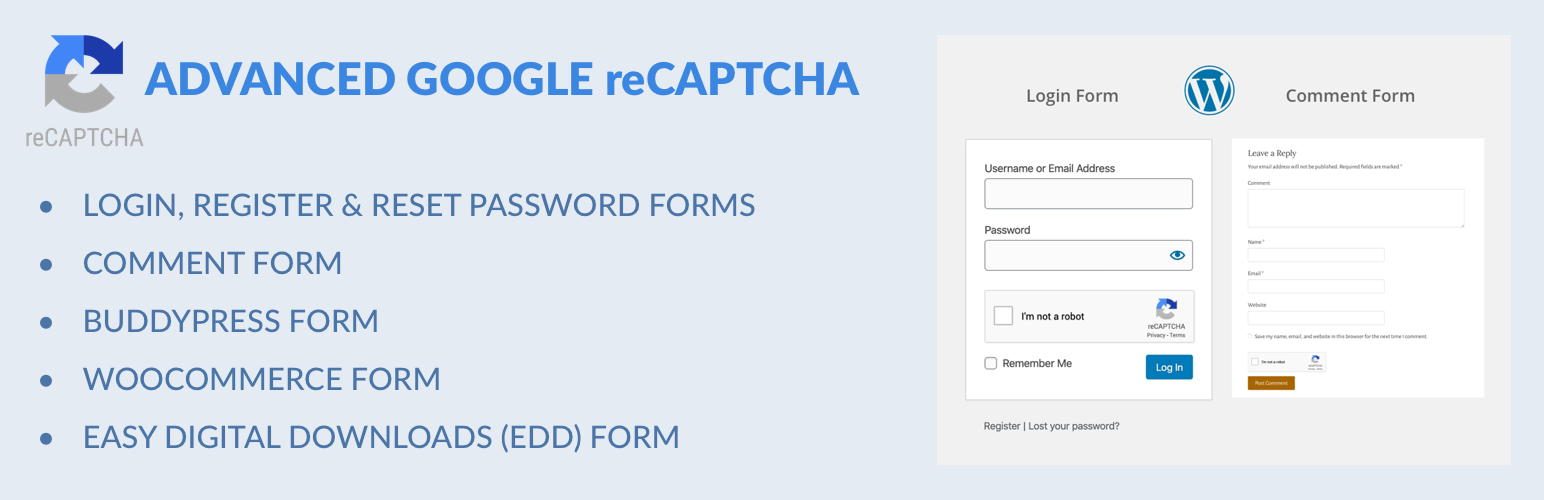
Captcha protection against spam comments & brute force login attacks using Google reCAPTCHA.

Make ecommerce easy with a simple-to-use, all-in-one platform that anyone can set up in just a few minutes!

The #1 eCommerce plugin to sell digital products & subscriptions. Accept payments with Stripe & PayPal...

Automatically displays a shopping cart in your menu bar. Works with WooCommerce and Easy Digital Downloads (ED...
Google Tag Manager and GA4 integration. Including WooCommerce data for Google Analytics 4 and support for serv...