
Create WordPress websites with free forms, Gutenberg blocks, popups, sliders, countdowns, animations, pre-buil...
Free
80k+ installs 4.9★ (22)
Countdown timer block for Gutenberg – count down to events, sales, and launches with customizable layouts, colors, separators, and patterns.

Countdown Timer Block is a WordPress plugin that allows you to add a countdown timer to your posts or pages. It is designed to create urgency for events, sales, or product launches by showing visitors how much time is left until a deadline. The plugin integrates with the Gutenberg Block Editor, enabling you to customise the appearance of the timer without any coding knowledge.
You can choose from four different layouts and adjust various design elements such as background, typography, and visibility of time units. The timer is fully responsive, ensuring it looks good on mobile devices. This plugin is suitable for anyone looking to enhance their website with a countdown feature, particularly for sales, events, or product launches.
Best for: This plugin is best for website owners promoting events, sales, or product launches.
What it does well
Where it falls short
Countdown Timer Block provides a straightforward solution for adding countdown timers to your site. It is user-friendly and suitable for those wanting to create urgency around specific dates.
bPlugins's own description of Countdown Timer Block, lightly tidied.
Show visitors exactly how long they have left – add a professional countdown timer to any post or page and turn deadlines into action.
Countdown Timer Block | Documentation | Pricing
Nothing motivates visitors like a ticking clock. Countdown Timer Block adds a dedicated block to the WordPress Block Editor so you can create a professional-looking countdown for your event, sale, or launch in minutes – no code required.
Choose from four distinct layouts, toggle days, hours, minutes, and seconds on or off, and style every part of the timer – wrapper, boxes, digits, labels, and separators – to match your brand. Predefined patterns give you ready-made designs, and the timer stays fully responsive on mobile devices.
Upgrade to Countdown Timer Pro for advanced behavior and styling controls:
Did you like this plugin? Dislike it? Do you have a feature request? Please share your feedback with us
Other plugins for urgency and countdowns.
Create WordPress websites with free forms, Gutenberg blocks, popups, sliders, countdowns, animations, pre-buil...
ShopLentor – More than a WooCommerce builder. A complete growth plugin to boost conversions, UX, and sales for...
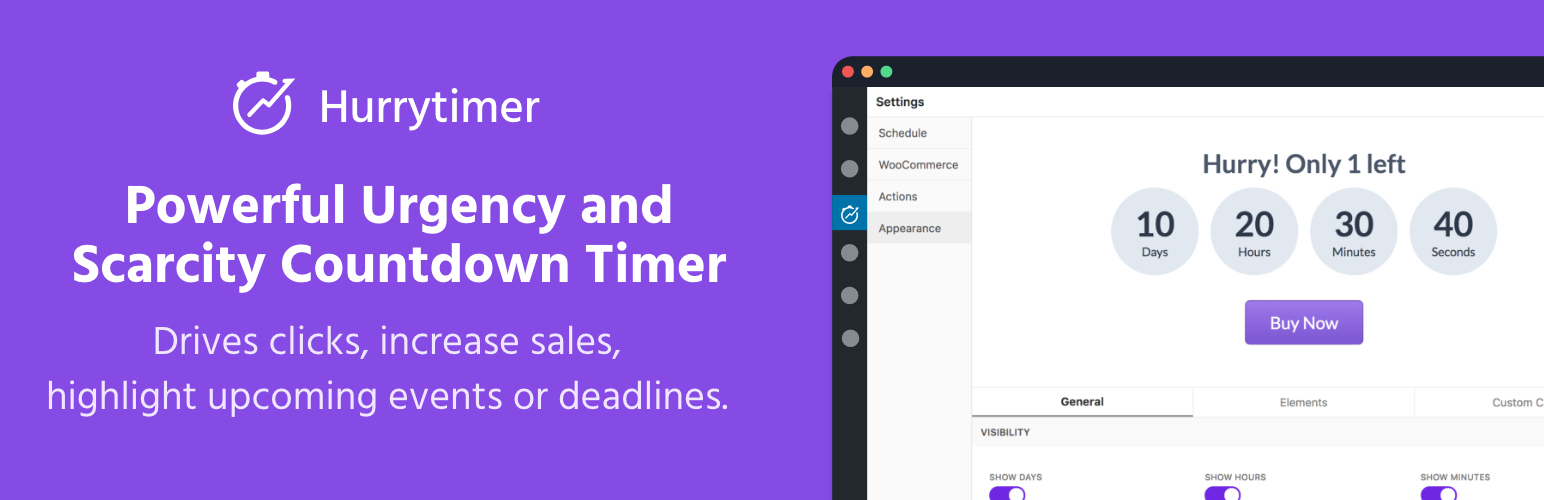
Create unlimited urgency and scarcity countdown timers for WordPress and WooCommerce to boost conversions and...

Free memory & server IP display, PHP EOL countdown, live CPU/RAM sparklines, server location, environment...
Automate SEO and content with dynamic shortcodes for dates, years, months, age calculations, seasons and count...
Create a coming soon page or maintenance mode screen with 15 responsive templates, countdown timer, MailChimp...