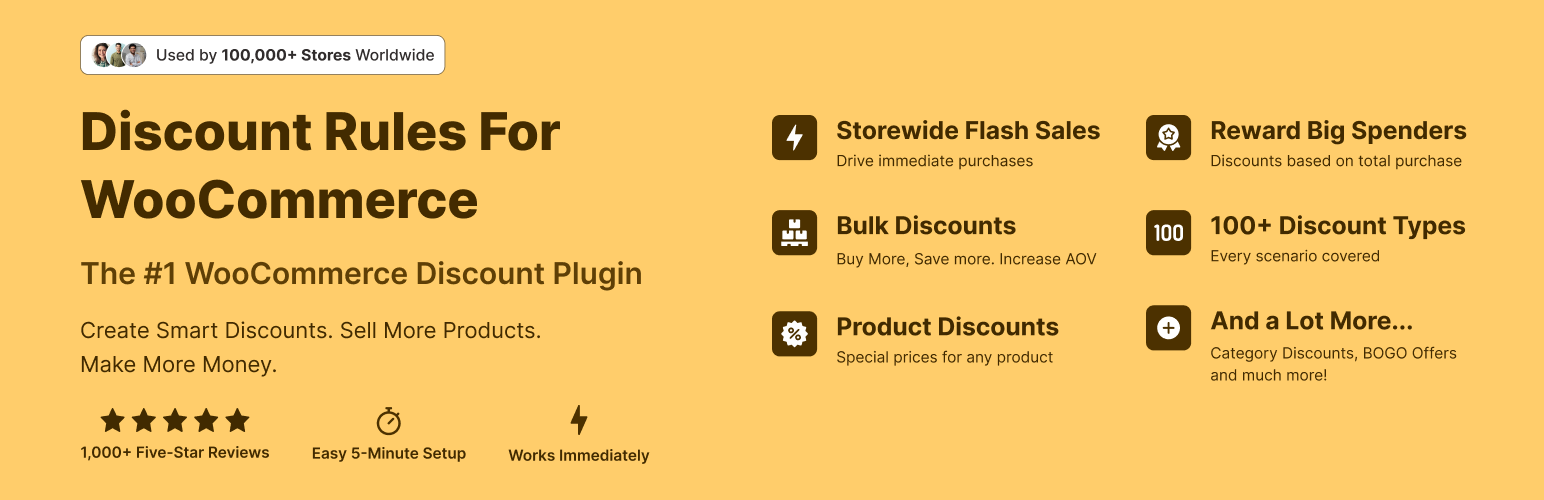
The discount plugin for WooCommerce helps you create bulk discount, quantity discount, storewide sale, dynamic...
Free
100k+ installs 4.9★ (1,355)
Designed, printable promo coupons — build one in WordPress or upload an image, set an expiration, print. Displays offers; not a store-discount engine.
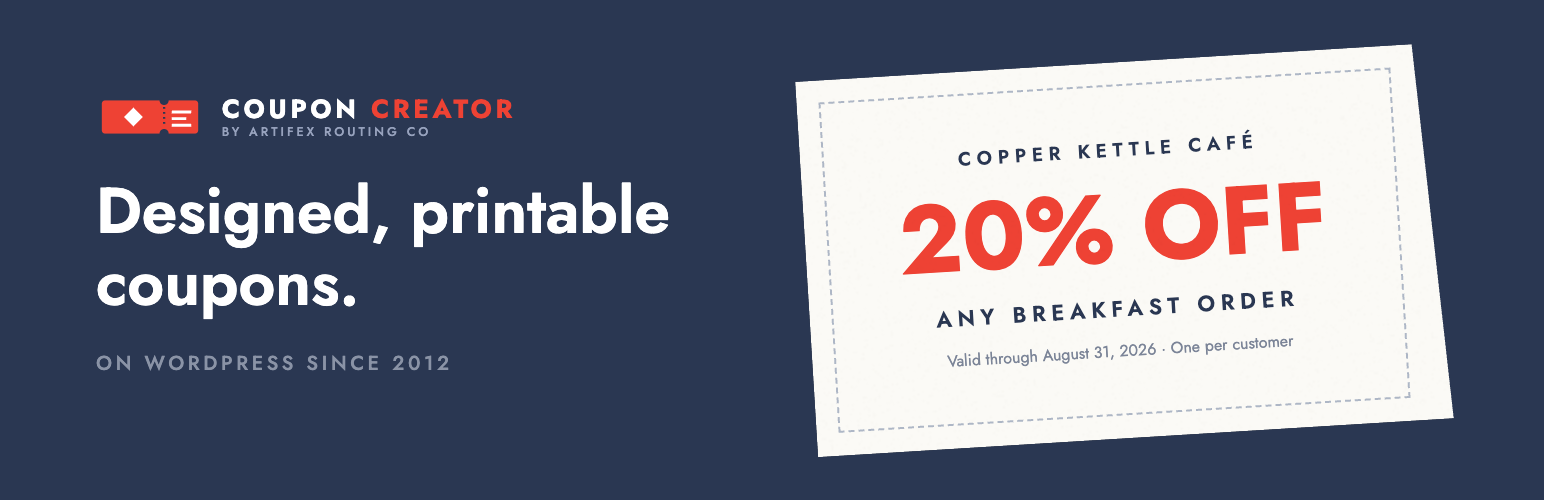
Coupon Creator is a WordPress plugin that allows you to create designed, printable coupons for your website. You can build coupons directly within WordPress or upload your own images, and display them using a block or shortcode. This tool is suitable for users who want to offer promotional coupons on their sites without needing complex coding skills.
The plugin does not create or apply discount codes at checkout on its own, but it can connect with WooCommerce to sync coupon codes and expiration dates. It is maintained actively and has been available since 2012, making it a reliable choice for those looking to enhance their marketing efforts with printable coupons.
Best for: This plugin suits website owners looking to provide printable promotional coupons.
What it does well
Where it falls short
Coupon Creator offers a straightforward solution for creating and displaying coupons on WordPress sites. While it has limitations in functionality without the Pro version, it serves its purpose well for basic coupon needs.
Brian's own description of Coupon Creator, lightly tidied.
Coupon Creator makes designed, printable coupons you can drop on any page with a block or a shortcode. Build one in WordPress or upload your own image. Maintained on WordPress since 2012.
Maintained and shipping on WordPress since 2012.
Support on WordPress.org is for troubleshooting bugs and related issues. The forums are monitored and replied to within one week’s time.
If you are looking for direct support please check out Coupon Creator Pro
Put a real coupon on your site.
Create a designed coupon in WordPress or upload your own image, then display it with the Coupon Creator block or shortcode.
What Coupon Creator does: it makes designed, printable promotional coupons. Build one in WordPress with your own text, colors, and borders — or upload an image of a coupon you already have, like a newspaper ad, and give it an expiration date. Drop it on any page with the Coupon Block or a shortcode, let visitors print it, and with the Add-ons let them click to reveal or copy a code.
What it does not do: Coupon Creator does not create or apply discount codes in your store’s checkout by itself. If you need a code that changes prices in a WooCommerce cart, that code lives in WooCommerce — and Coupon Creator Add-ons connects the two: create the matching WooCommerce coupon from the same editor, keep both expiration dates in sync, and show your visitors a designed coupon whose code actually works at checkout.
Check out a demo gallery of Coupon Creator Features!
Watch this quick video to see the Coupon Creator in Action:
Create a coupon by going to the coupon custom post type and filling in all the settings in the custom meta box.
Insert the coupon into a post or page using the shortcode inserter above the content editor.
Other plugins for running discounts.
The discount plugin for WooCommerce helps you create bulk discount, quantity discount, storewide sale, dynamic...

Best WooCommerce coupons plugin to create advanced coupons and discount codes with auto-apply, BOGO, free ship...

The best order export import plugin for WooCommerce. Easily import and export WooCommerce orders and WooCommer...
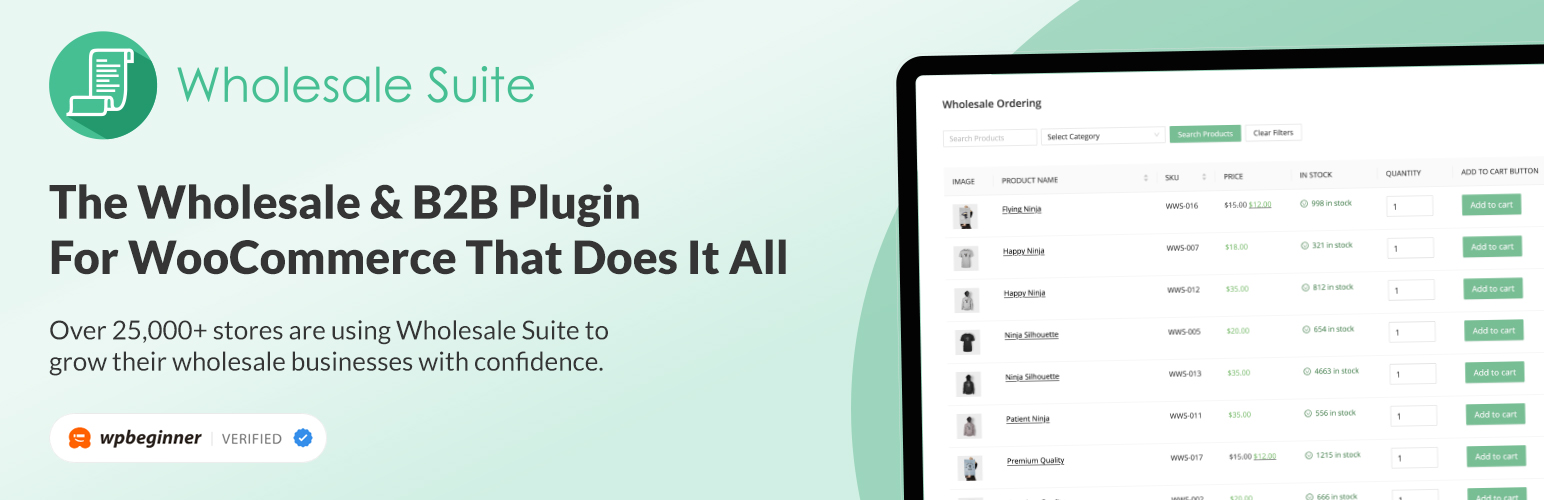
WooCommerce wholesale plugin for serving wholesale & B2B customers. Adds wholesale pricing, user roles, dy...

The most powerful affiliate plugin for WooCommerce. Track commission, generate referral URLs, assign affiliate...

The discount plugin for WooCommerce supports any dynamic pricing discount: bulk discount, role discount, store...