
Advanced management for images, register new sub-sizes, sub-sizes details, regenerate and cleanup files.
Free
8k+ installs 4.7★ (58)
Giving you greater control over how each of your media item sizes are cropped.

CropRefine is a WordPress plugin that enhances the Media Library by allowing users to control the crop sizes of individual media items. It is designed for those who are particular about the appearance of their images and want to make precise adjustments without affecting other sizes. The plugin provides quick access to refine crops and offers a user-friendly experience with draggable adjustments.
With CropRefine, users can store iterative backups of their adjustments, ensuring that no changes are permanently lost. It also includes a tool for quick uploads to replace specific media sizes if needed. This plugin is suitable for users who require detailed control over their image presentation.
Best for: This plugin is best for users who need precise control over image crops in their WordPress Media Library.
What it does well
Where it falls short
CropRefine offers valuable functionality for users focused on image presentation, though its directory score suggests some limitations.
ERA404's own description of CropRefine, lightly tidied.
Extends the WordPress Media Library to allow individual control over each media item size’s crop.
For those particular about their imagery…
WordPress’s Media Library already gives authors strong, intuitive organization over their web site’s images. But some users are a little more particular than others over the individual crop sizes of each media item. CropRefine is for the keen-eyed, visual types who want something fast and fastidious.
Other plugins for farms and agricultural businesses.
Advanced management for images, register new sub-sizes, sub-sizes details, regenerate and cleanup files.
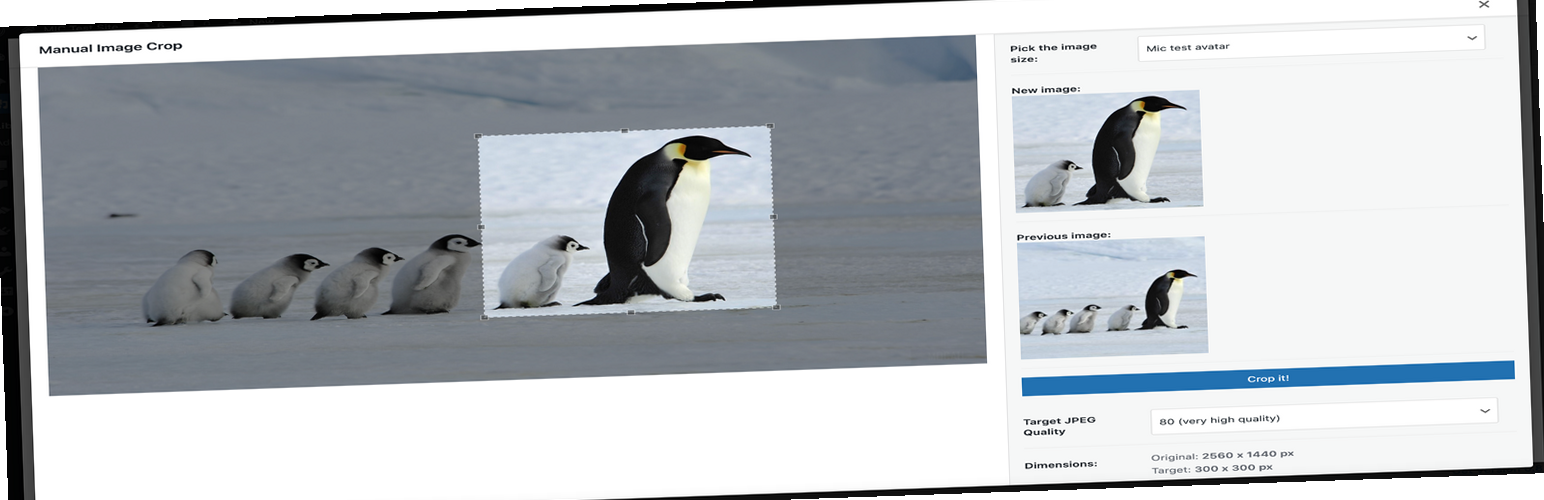
Plugin allows you to manually crop all the image sizes registered in your WordPress theme (in particular featu...

"Crop Thumbnails" made it easy to get exacly that specific image-detail you want to show in your fea...

ACF field that allows user to crop image to a specific aspect ratio or pixel size

Manually Crop and Resize thumbnail images that are uploaded in the Media section.

Dynamically generate only needed image sizes for only needed images, with manually selected focal point for cr...