
The #1 user-rated activity log plugin for event logging, activity monitoring and change tracking.
Free
300k+ installs 4.7★ (488)
A tool for logging and monitoring custom errors, making debugging complex PHP a breeze.

Custom Error Log is a WordPress plugin designed for developers to create and manage custom error messages in their themes or plugins. It allows you to log specific errors and notices, making it easier to debug complex scripts. All logged errors and notices can be viewed in the WordPress admin area, providing a convenient way to track issues.
To use the plugin, you need to install and activate it, then access the error log through the Tools menu in the admin area. The plugin includes built-in functions for logging errors and notices, but it is primarily aimed at users with a basic understanding of PHP.
Best for: This plugin suits developers looking to debug WordPress themes or plugins.
What it does well
Where it falls short
Custom Error Log offers useful functionality for developers needing to track errors in their code. However, its effectiveness is limited to those with programming knowledge.
Dan Bahrami's own description of Custom Error Log, lightly tidied.
Custom Error Log allows you to create custom errors in your WordPress theme or plugin with a single function. Great for debugging those long and complex scripts.
Each error can have its own error message making it a lot easier to pin down specific issues in your code. You can also log notices for less serious issues.
All your errors and notices can be viewed conveniently in the WordPress admin area.
Install and activate the plugin then in the admin menu go to Tools > Error Log. This will eventually be the page that displays all your latest errors but if you’re just getting started it explains in detail how to start logging custom errors.
In your theme use either of the two built in functions to log an error log_error($message); or a notice log_notice($message);.
When these functions are executed they will log whatever error or notice you want.
I have only just started with this plugin and plan on bringing great improvements to it. If you have any ideas please suggest them in the support section.
The plugin is translation ready but as of yet contains only an English translation file. If you would like to contribute any translations I would be very grateful.
This plugin is aimed at developers who have at least a basic understanding of PHP. If this isn’t you then you may not find much use from this plugin however if you are unsure how to use any of the functions explained you can post a topic in the support section of the plugin directory and I will do my best to help you.
Other plugins for monitoring a site.
The #1 user-rated activity log plugin for event logging, activity monitoring and change tracking.
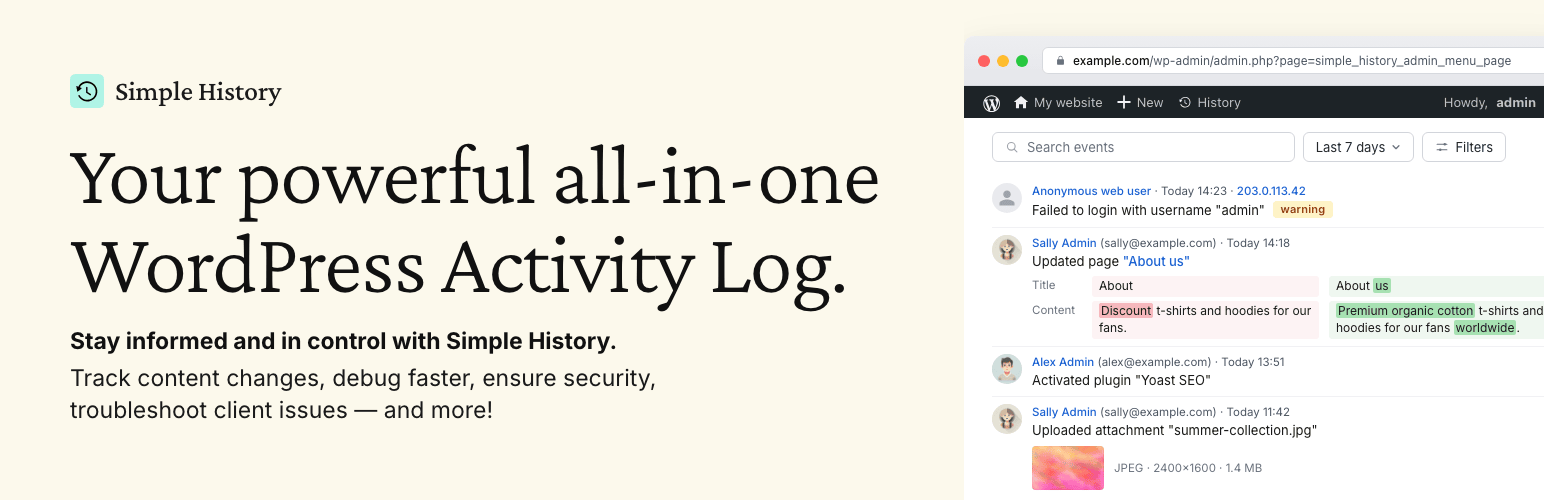
Track changes and user activities on your WordPress site. See who created a page, uploaded an attachment, and...

Manage 301 & 302 redirects. Simple redirection & redirects validation. Includes redirect stats & 4...

WordPress security plugin with malware scanner, IP blocking, audit logs, antivirus scans, firewall, 2FA, brute...

Redirect manager for 301, 302 and 307 redirection. Monitor and fix 404 errors, log every broken link and prote...

Everything you need to sell WordPress maintenance and manage multiple sites effortlessly: backup, update, upti...