
ECS
88Seven free modules for Elementor: dark mode, container layouts, mobile menu, editorial text, style presets, JS...
Free
100k+ installs 4.6★ (117)
Easily add a custom favicon and Apple touch icon to your WordPress site, including support for dark mode, SVG icons, and admin dashboard branding.
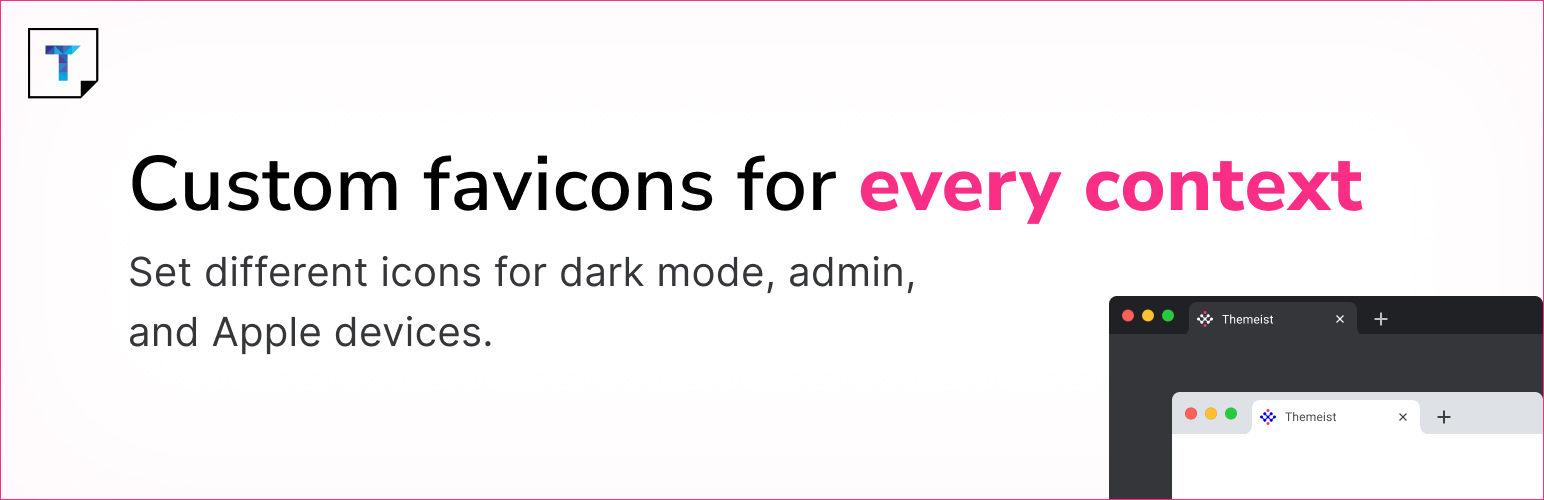
Custom Favicon is a WordPress plugin that allows you to upload and manage favicons for your website, admin area, and login screen. It provides more control than the built-in Site Icon feature, enabling you to set different icons for the frontend and backend, as well as support for Apple touch icons, dark mode icons, and SVG format.
This plugin is suitable for users who want to replace the default WordPress favicon, brand the WordPress dashboard for clients, or add modern favicon features with minimal setup.
Best for: This plugin suits WordPress users looking to enhance their site's branding with custom favicons.
What it does well
Where it falls short
Custom Favicon offers a straightforward solution for managing favicons in WordPress. It is a useful tool for those wanting to improve their site's visual identity.
Harish Chouhan's own description of Custom Favicon, lightly tidied.
Custom Favicon lets you upload and manage favicons for your WordPress website, admin area, and login screen using the native media uploader. Unlike the built-in Site Icon feature, this plugin gives you full control — including support for separate frontend and backend icons, Apple touch icons, dark mode icons, and SVG format.
Features include:
– Upload custom favicon for frontend (browser tab icon)
– Upload separate favicon for WordPress Dashboard and login page
– Upload Apple touch icons for iOS devices
– Upload dark mode specific favicon
– SVG favicon support
– Option to disable default WordPress Site Icon output
– Clean and simple settings page under Settings → Custom Favicon
This plugin is useful for:
– Replacing the default WordPress favicon
– Branding the WordPress dashboard for clients
– Adding modern favicon features with minimal setup
Official plugin page: Custom Favicon on Themeist
Need help? Ask in the Support Forum on WordPress.org
Other plugins for dark mode.
Seven free modules for Elementor: dark mode, container layouts, mobile menu, editorial text, style presets, JS...

A clean, lightweight dark mode for the WordPress admin dashboard.
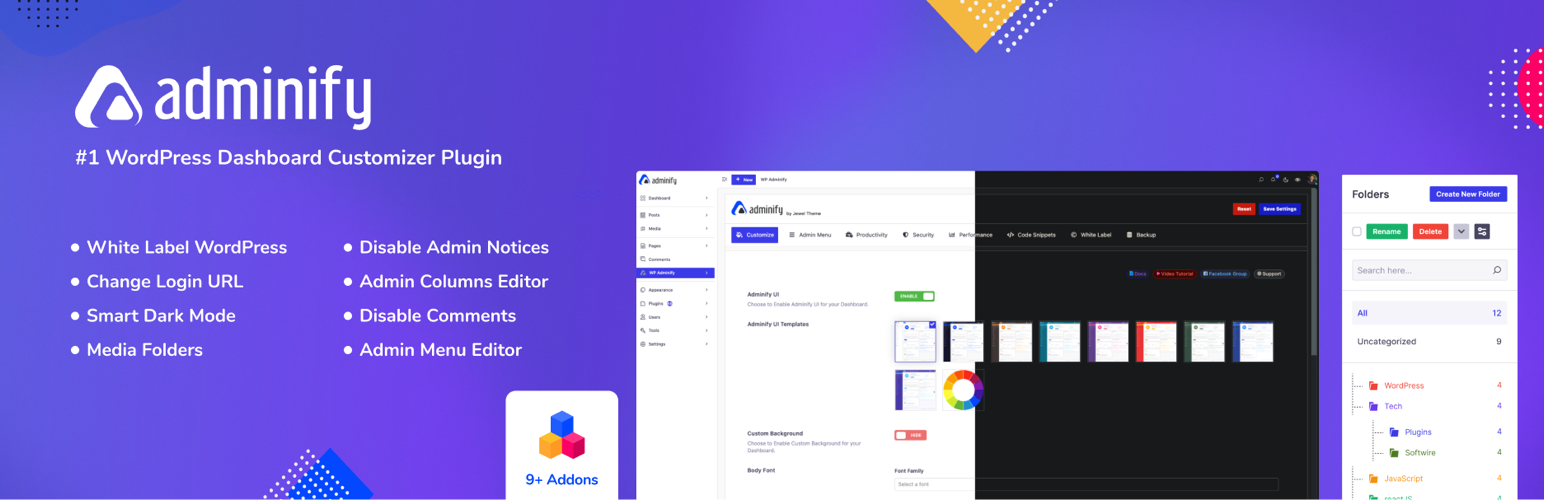
White label WordPress admin, admin menu editor, login page customizer, admin dark mode, media library folders,...
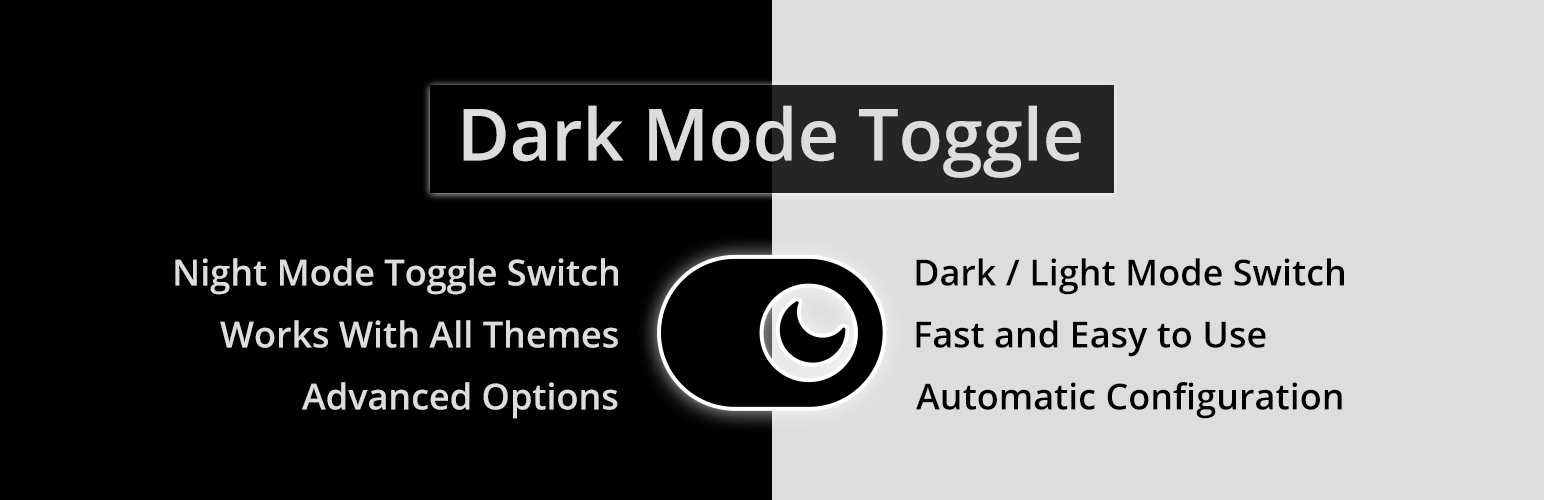
Bring dark mode toggle switch to your WordPress website. A simple switch to turn on and off the dark mode. Fas...

Experience Darklup — Your WordPress ally for dark mode, dark themes, night mode and accessibility. Switch to a...

Show your logo anywhere: theme header, login screen, admin bar and emails. Retina, dark mode, mobile, sticky,...