WPThumbs
Themes Plugins By purpose By industry Best-of lists Fix it guides
Free Plugin by Awais Altaf v2.0.0

Custom Site Logo

Show your logo anywhere: theme header, login screen, admin bar and emails. Retina, dark mode, mobile, sticky, scheduled and per-page logos.

Custom Site Logo

The facts

Rating
4.7★ from 9
Active installs
1k+
Price
Free
Last updated
22 Aug 2026
Added
Jun 2017
Requires WP
5.0
Tested up to
WP 7.0.4
Requires PHP
5.6
Downloads
76,118

Our analysis

AI-assisted

Custom Site Logo is a WordPress plugin that allows you to manage your website's logo without needing to edit any code. You can upload a new logo or reuse one from your Media Library, and the plugin can place it in various locations, including your theme's header, login screen, and WooCommerce emails.

The plugin supports multiple logos for different situations, such as high-DPI screens, dark mode, and mobile devices. It also offers features like scheduling logos for campaigns, conditional logo display based on various criteria, and accessibility options for improved SEO and user experience.

Best for: This plugin suits WordPress users who want to easily manage and display logos across their site.

What it does well

  • No coding required to manage logos
  • Multiple display options including login screen and WooCommerce emails
  • Supports high-resolution and mobile-specific logos
  • Offers conditional logo display based on various criteria
  • Includes accessibility features for better SEO

Where it falls short

  • No specific pricing or version details provided
  • Limited information on user experience or support

Verdict

Custom Site Logo provides a straightforward solution for logo management in WordPress, making it suitable for users looking for flexibility without technical complexity.

From the developer

Awais Altaf's own description of Custom Site Logo, lightly tidied.

Custom Site Logo helps you manage your WordPress website’s logo without editing a single line of code. Upload a new logo, or reuse one from your Media Library, then let the plugin place it wherever your site shows its branding — your theme’s header, the login screen, the admin bar, even WooCommerce emails.

If your theme already has a logo slot, switch on one option and the plugin fills it for you. If it doesn’t, drop in a shortcode, a block, a widget, or a one-line template tag.

Put Your Logo Everywhere

  • Your theme’s own logo slot — switch on one option and the plugin fills the logo area your theme already has. No shortcode, no template editing.
  • A shortcode, block, widget or template tag — use [csl_display_logo] in any post or page, add the “Custom Site Logo” block, drag the widget into a sidebar, or call csl_CustomSiteLogo_show_logo() in your theme.
  • The login screen — replace the WordPress logo on wp-login.php with your own, at the width you choose.
  • The admin bar and dashboard footer — brand the admin for your clients.
  • WooCommerce emails — use your logo as the header image on order and account emails.
  • Printed pages — keep your logo (or a print-friendly version of it) on paper.

One Logo Per Situation

  • Retina/@2x — a high-resolution logo for crisp display on high-DPI screens.
  • Dark mode — an alternate logo shown automatically based on the visitor’s OS/browser colour scheme.
  • Mobile — a different logo for small screens, with a breakpoint you control.
  • Sticky/shrink on scroll — scale the logo down as the visitor scrolls, and optionally swap in a compact version.
  • Scheduled — set a start and end date for a seasonal or campaign logo, and it swaps itself in and out.
  • Conditional — show a different logo based on post type, a specific page, category, user role, device, the front page, archives, search results, or whether the visitor is logged in.
  • Per language — assign a logo to each locale on a multilingual site.
  • Random rotation — cycle through a set of logos, one picked per page view.
  • Per page or post — override the logo on an individual page from the editor sidebar, retina, dark and mobile versions included.
  • Network-wide — set one default logo every site in a multisite network falls back to.

Speed, SEO and Accessibility

  • No layout shift — width and height attributes are added automatically so the page doesn’t jump while the logo loads.
  • Loads only what it needs — the hover-effect stylesheet is only enqueued when you actually pick a hover effect, and the script only when sticky mode or click tracking is on.
  • Optional preloading — hint to the browser to fetch your logo early, for a faster Largest Contentful Paint.
  • Optional lazy loading — for logos that sit below the fold.
  • Structured data — output Organization JSON-LD so search engines can associate the logo with your site.
  • Accessibility and link control — set your own alt text, title and ARIA label, open the link in a new tab, add nofollow, or turn the link off entirely.

For Developers

  • REST APIGET /wp-json/custom-site-logo/v1/logo returns the resolved logo, its variants, dimensions and markup, ready for a headless front end.
  • Filterscustom_site_logo_settings, custom_site_logo_resolved_image, custom_site_logo_markup and custom_site_logo_structured_data let you change what is resolved and rendered.
  • One renderer — the shortcode, block, widget and template tag all render through a single class, so output never drifts between them.

Getting Started

  • Built-in Logo Maker — no logo yet? Type your site name, pick a font and colours, and generate a simple text logo right on the settings page. It’s uploaded to your Media Library and set as your logo automatically.
  • SVG support — upload SVG logos alongside raster images, with basic upload sanitization.
  • Live preview in the Customizer — configure and preview from Appearance » Customize.
  • Export, import and reset — back up your configuration as a JSON file, move it to another site, or return everything to defaults.
  • Click tracking — see how often your logo is clicked, with an optional Google Analytics event.

How to Use It

The quickest route needs no code at all: go to Appearance » Custom Site Logo, upload your logo on the General tab, then switch on “Replace the theme’s logo” on the Display Locations tab. If your theme has a logo area, your logo appears in it.

If your theme has no logo area, you have four options:

  1. Add the [csl_display_logo] shortcode to any post or page.
  2. Add the “Custom Site Logo” block in the block editor.
  3. Drag the “Custom Site Logo” widget into a widget area.
  4. Open your theme’s header.php and paste <?php echo csl_CustomSiteLogo_show_logo(); ?> where you want the logo.

Read the full description on the official page →

Tagged as

Alternatives

Other plugins for dark mode.

ECS

ECS

88

Seven free modules for Elementor: dark mode, container layouts, mobile menu, editorial text, style presets, JS...

Free 100k+ installs 4.6★ (117)
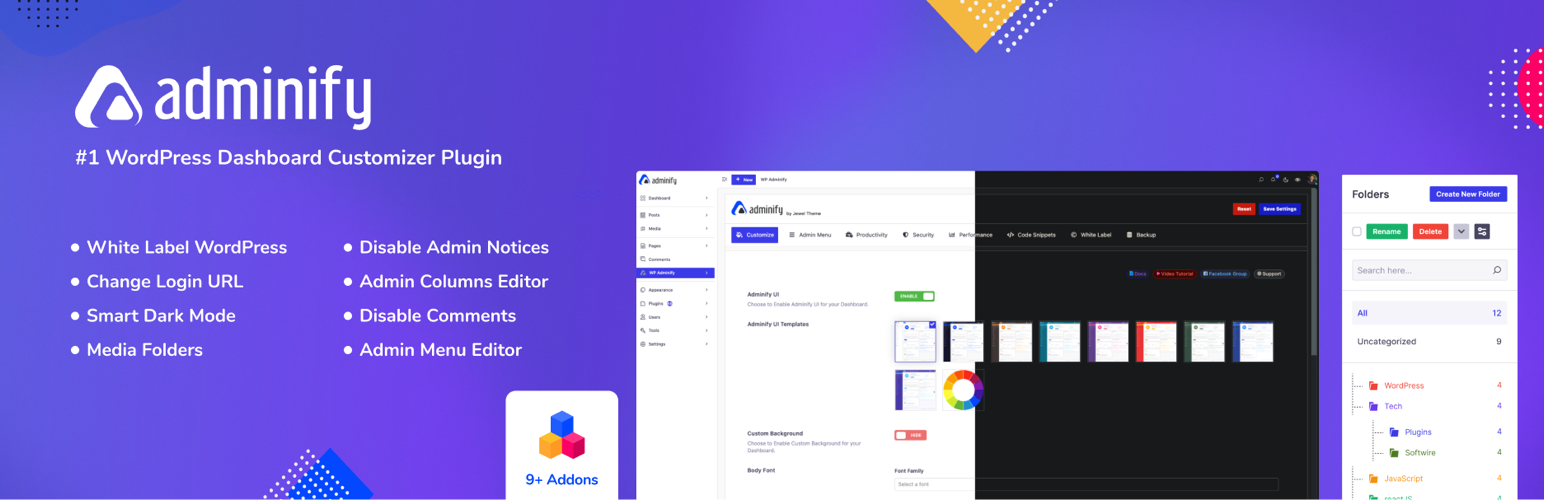
Adminify

White label WordPress admin, admin menu editor, login page customizer, admin dark mode, media library folders,...
Free 6k+ installs 4.3★ (109)
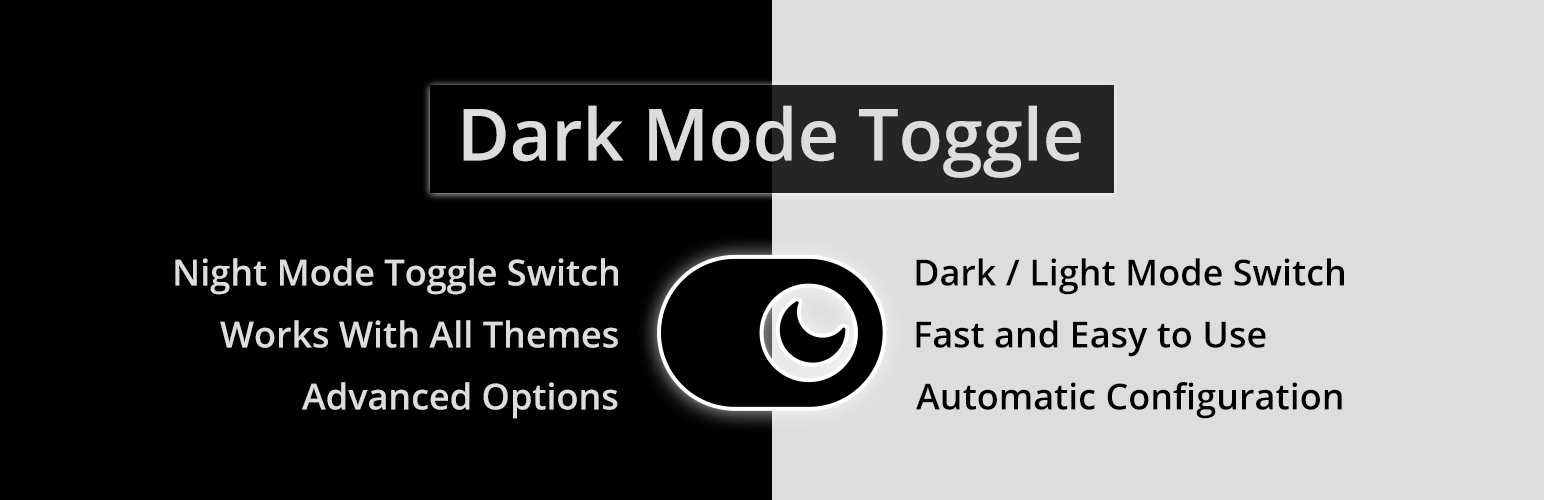
Dark Mode Toggle

Bring dark mode toggle switch to your WordPress website. A simple switch to turn on and off the dark mode. Fas...

Free 2k+ installs 4.6★ (19)
Darklup

Darklup

80

Experience Darklup — Your WordPress ally for dark mode, dark themes, night mode and accessibility. Switch to a...
Free 1k+ installs 4.5★ (44)
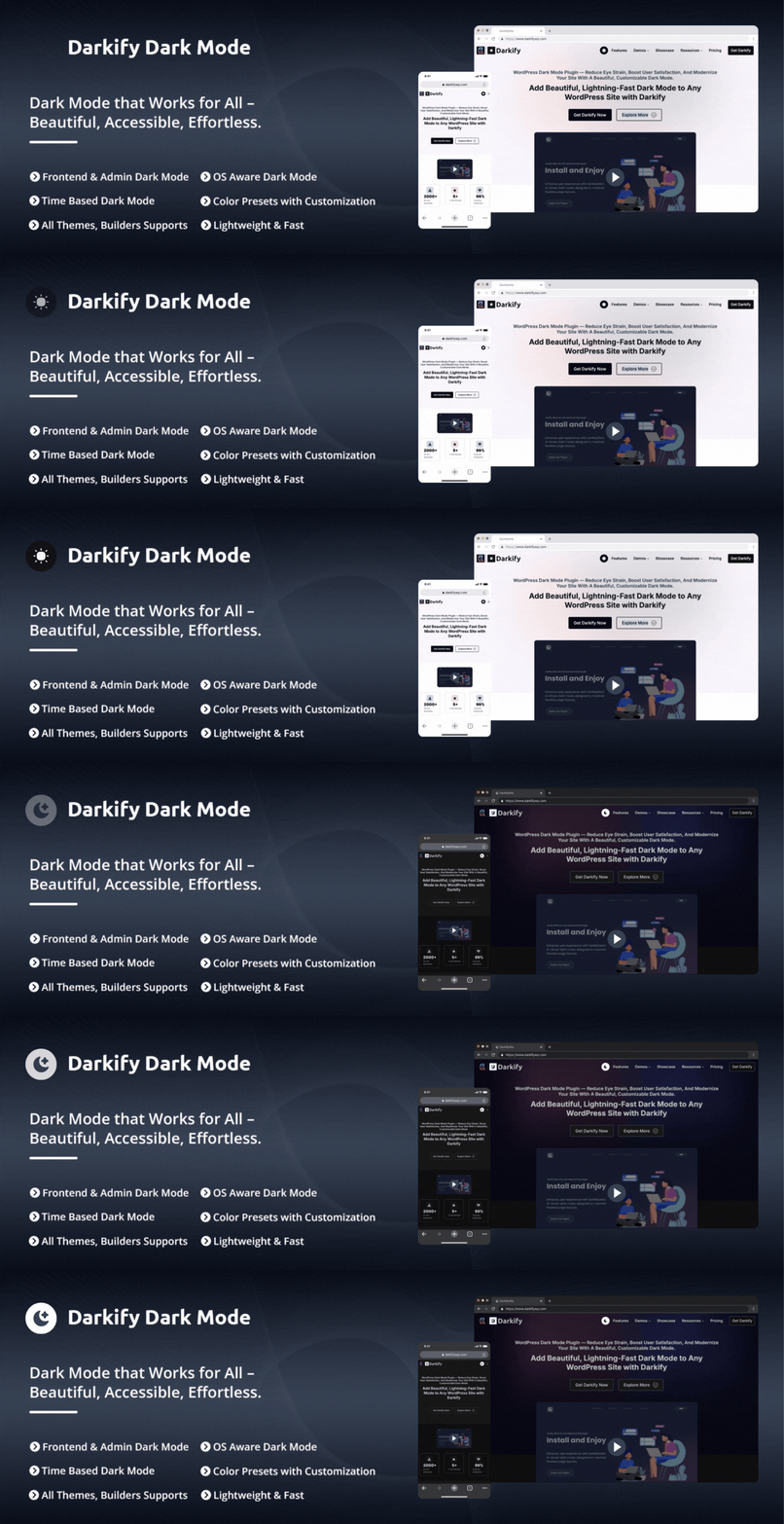
Darkify

Darkify

80

Darkify Dark Mode adds dark mode and night mode to WordPress websites and admin dashboards using a fast, light...

Free 700+ installs 4.8★ (22)