
Create, print & automatically email PDF or XML Invoices & PDF Packing Slips for WooCommerce orders.
Free
300k+ installs 5★ (1,862)
Set Sequential order numbers in WooCommerce. Custom order number with prefixes can also be set for existing and new WooCommerce orders.
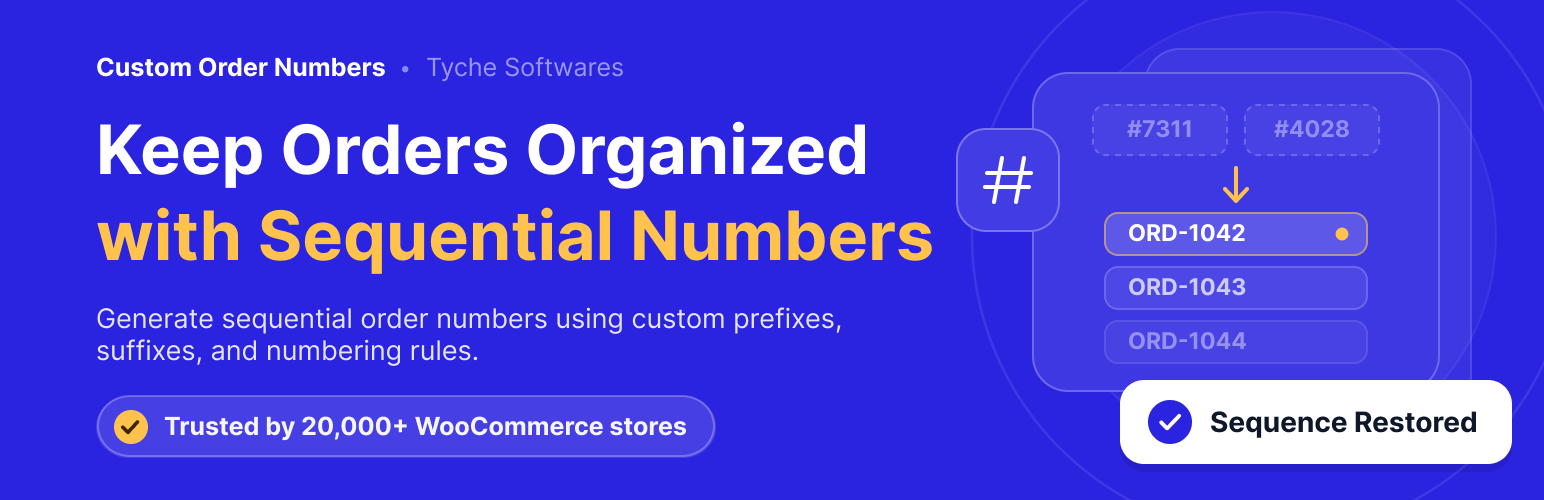
Custom Order Numbers for WooCommerce is a WordPress plugin designed to enhance order management in WooCommerce by allowing you to control how order numbers are generated. It offers options for sequential numbering, pseudorandom values, or using WooCommerce order IDs, which can help streamline accounting and customer communication.
The plugin also allows you to add prefixes, include order dates in numbers, and reset numbering sequences automatically on a daily, monthly, or yearly basis. This tool is particularly useful for businesses that require a consistent and meaningful order numbering system, especially during financial reporting or when migrating from another platform.
Best for: This plugin suits WooCommerce store owners looking for better order number management.
What it does well
Where it falls short
Custom Order Numbers for WooCommerce provides useful features for managing order numbers, making it a practical choice for those needing more control over their order management process.
tychesoftwares's own description of Custom Order Numbers for WooCommerce, lightly tidied.
WooCommerce assigns order numbers based on the WordPress post ID, which means they aren’t always sequential and can contain gaps caused by deleted posts, pages, or other content. This can make order management, accounting, customer communication, and reporting more difficult.
Custom Order Numbers for WooCommerce gives you complete control over how order numbers are generated. Create sequential order numbers, use the WooCommerce order ID, or generate pseudorandom order numbers based on a CRC32 hash. You can also add prefixes, include the order date in the order number, choose a custom starting number, and automatically reset the numbering sequence on a daily, monthly, or yearly basis.
Choose how new order numbers are generated. Use sequential numbering, WooCommerce Order IDs, or pseudorandom (CRC32 hash) values depending on your business requirements.
Migrating from another platform? Starting a new financial year? Choose the number you’d like WooCommerce to begin using for future orders.
Restart your numbering sequence automatically to match your business workflow.
You can reset order numbers:
* Daily
* Monthly
* Yearly
This is particularly useful for accounting, financial reporting, and yearly record keeping.
Make order numbers easier to identify by adding:
* Custom text prefixes
* Order date as a prefix
For example: WEB-10025, 2026-10025
Already have WooCommerce orders? Use the built-in Renumerate Orders tool to assign custom order numbers to your existing orders, creating a consistent numbering system across your store.
Other plugins for invoicing.
Create, print & automatically email PDF or XML Invoices & PDF Packing Slips for WooCommerce orders.

Auto-generate and attach WooCommerce PDF invoices and packing slips to order emails with customizable template...

The CRM for small businesses. Manage leads, invoicing, billing, email marketing, clients, contacts, quotes, au...

Add to WooCommerce a NIF/CIF/NIE field for all billing and shipping forms, with validation and VIES/EORI suppo...

Всичко необходимо за вашият онлайн магазин за България. Включва облекчен режим за Наредба - H-18 и методи за д...

WooCommerce Zoho Connector allows you to quickly integrate WooCommerce Orders with Zoho CRM, Books, Inventory...