
ECS
88Seven free modules for Elementor: dark mode, container layouts, mobile menu, editorial text, style presets, JS...
Free
100k+ installs 4.6★ (117)
Quickly edit content in your WordPress site by getting an immersive, peaceful and natural writing experience with the coolest editor.
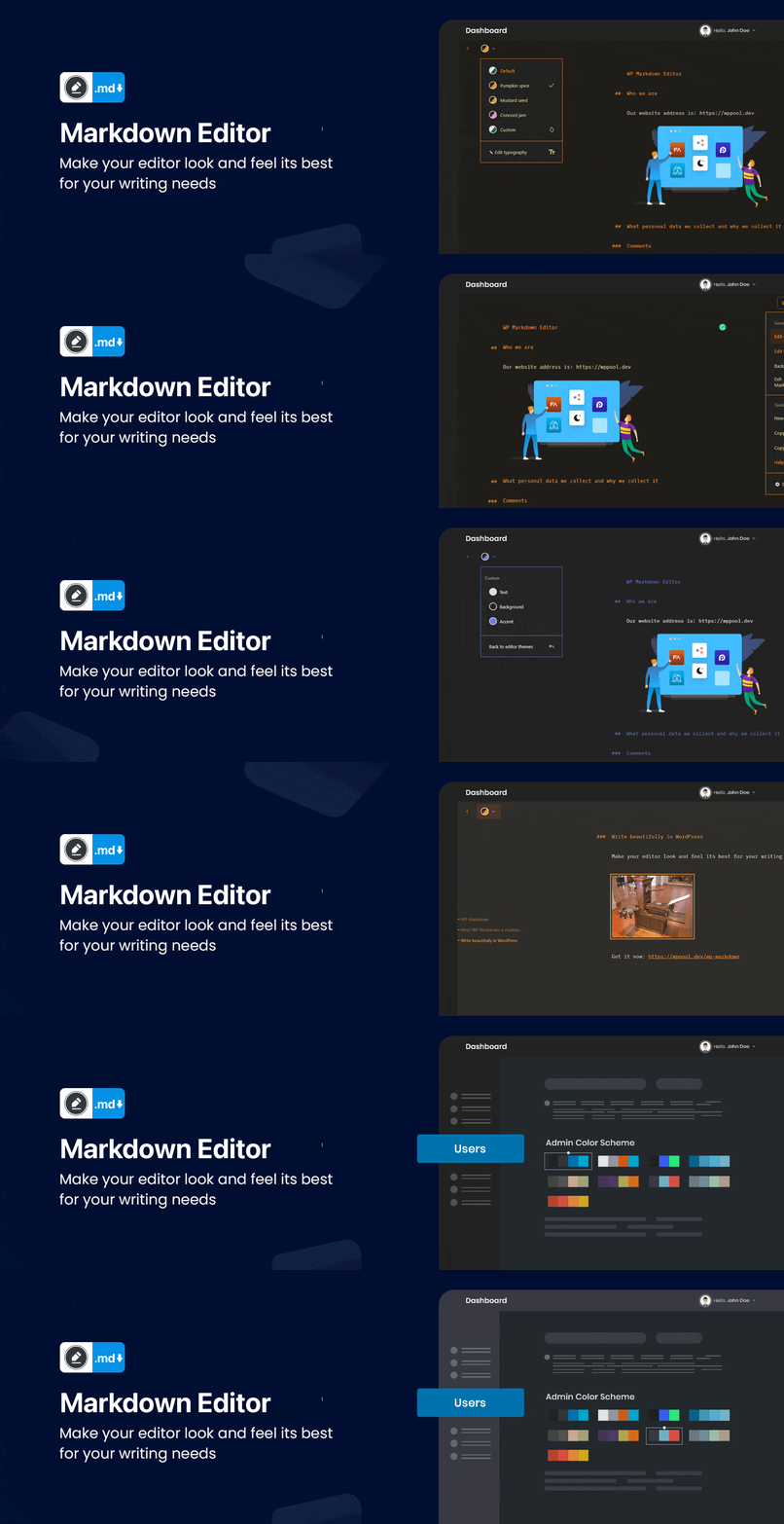
Markdown Editor is a WordPress plugin designed for users who prefer to write content using Markdown syntax. It provides a simplified editing experience, allowing users to format their content without dealing with traditional block editing. The plugin also features a dark mode option, which can be toggled based on the user's operating system preferences, making it suitable for night-time use.
In addition to its core Markdown functionality, Markdown Editor offers typography settings, ready-made color schemas, syntax shortcuts, and emoji support. This plugin is aimed at both Markdown enthusiasts and beginners looking for a straightforward way to create content in WordPress.
Best for: This plugin suits WordPress users who prefer Markdown for content creation and want a dark mode option.
What it does well
Where it falls short
Markdown Editor offers a focused writing environment for Markdown users, with useful features for customisation. However, its lack of external service integration may limit some advanced functionalities.
azizultex's own description of Markdown Editor, lightly tidied.
If you want to quickly edit content in WordPress without thinking about blocks, Markdown Editor is the choice for you! Get an immersive, peaceful and natural writing experience with the coolest editor – Markdown Editor.
Whether you are a Markdown fan or newbie as a Markdown writer, you will love Markdown Editor. This is the simplest plugin for a developer to write content in WordPress.
Using technology at night time can have a negative effect on your eyesight.
Markdown Editor will also darken the colors of your admin dashboard making it easier for you to work at night.
Use Markdown Editor plugin to create a stunning dark version for your WordPress admin dashboard. Dark Mode works automatically as per their preferred operating system preference.
After activating the plugin, a new row action Edit (Markdown) will be added in the post/ page table row actions.
For editing any page/ post with the markdown editor, you need to click the Edit (Markdown) button in the post/ page row actions.
Then you will redirect to the Markdown editor and can start editing with the markdown syntax.
You can find the Markdown editor shortcuts by clicking the keyboard icon at the right-bottom side of the editor.
You can see a Dark mode switch added to the admin bar menu.
You can toggle between the dark and light mode by using that switch any time.
This plugin does not connect to any third-party or external services.
Markdown Editor uses Appsero SDK to collect some telemetry data upon user’s confirmation. This helps us to troubleshoot problems faster & make product improvements.
Appsero SDK does not gather any data by default. The SDK only starts gathering basic telemetry data when a user allows it via the admin notice. We collect the data to ensure a great user experience for all our users.
Integrating Appsero SDK DOES NOT IMMEDIATELY start gathering data, without confirmation from users in any case.
Learn more about how Appsero collects and uses this data.
Other plugins for dark mode.
Seven free modules for Elementor: dark mode, container layouts, mobile menu, editorial text, style presets, JS...

A clean, lightweight dark mode for the WordPress admin dashboard.
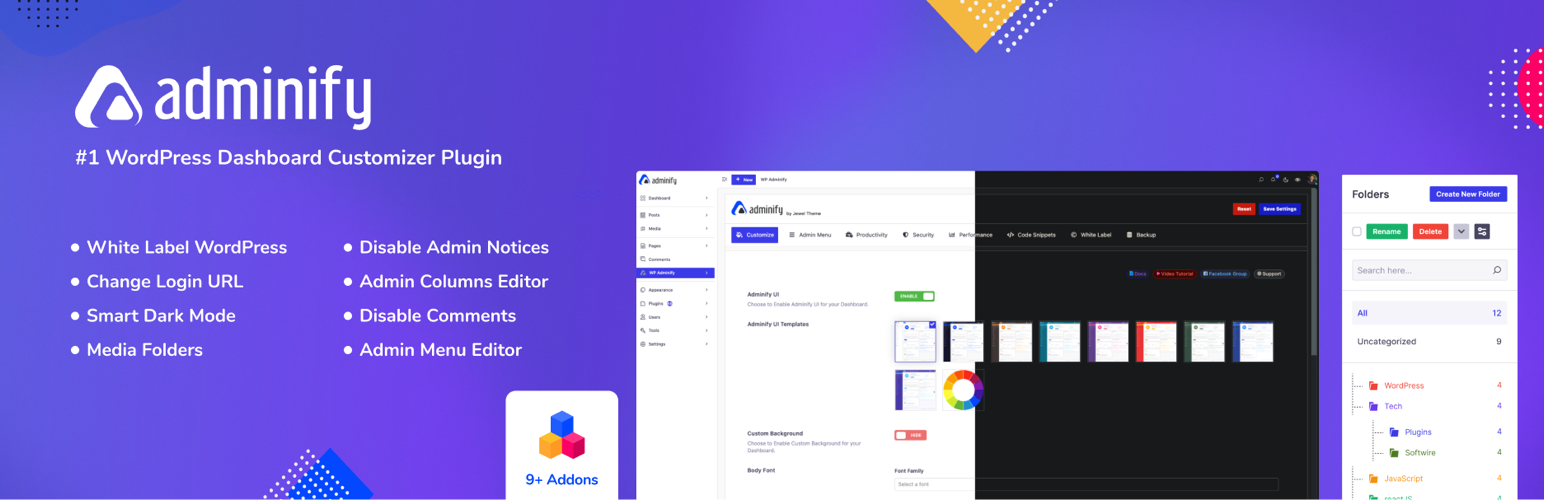
White label WordPress admin, admin menu editor, login page customizer, admin dark mode, media library folders,...
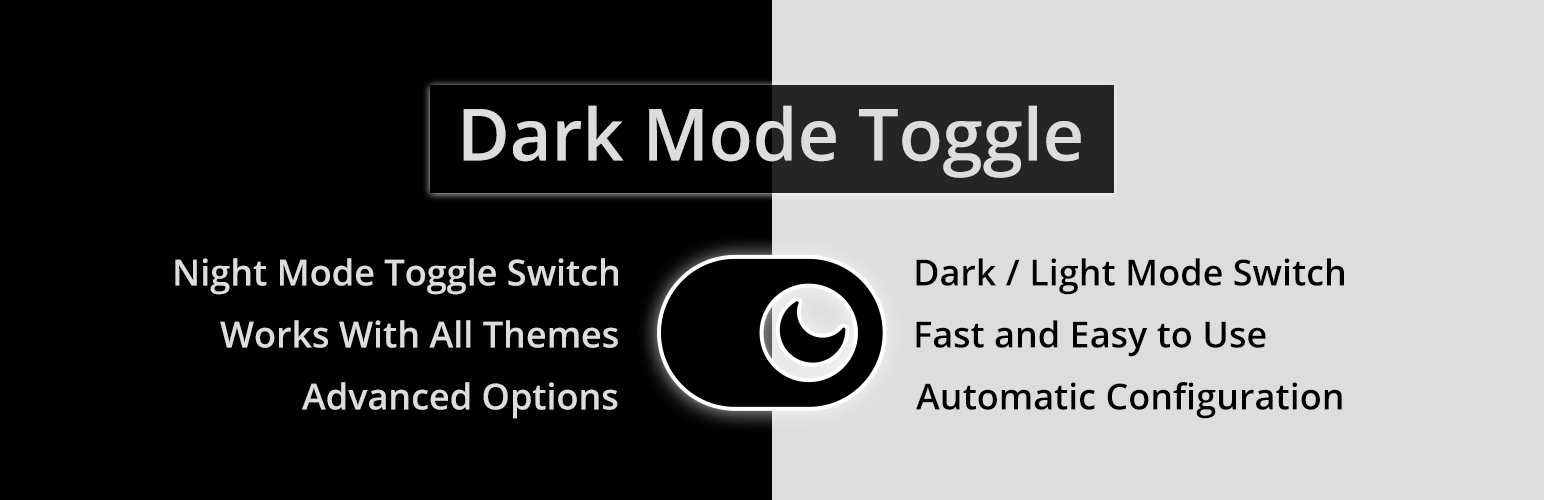
Bring dark mode toggle switch to your WordPress website. A simple switch to turn on and off the dark mode. Fas...

Experience Darklup — Your WordPress ally for dark mode, dark themes, night mode and accessibility. Switch to a...

Show your logo anywhere: theme header, login screen, admin bar and emails. Retina, dark mode, mobile, sticky,...