
ECS
88Seven free modules for Elementor: dark mode, container layouts, mobile menu, editorial text, style presets, JS...
Free
100k+ installs 4.6★ (117)
WordPress Dark Mode Plugin
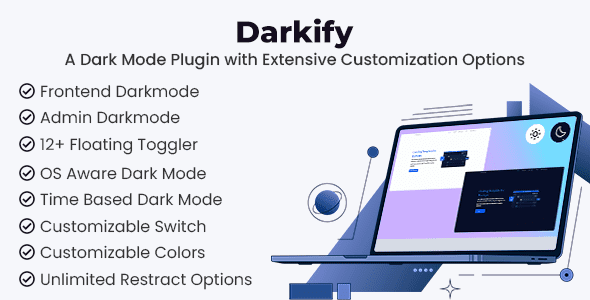
Darkify is a WordPress plugin that adds a dark mode feature to your website, allowing users to switch between light and dark themes. It includes options for both the frontend and the WordPress admin dashboard, enhancing user experience by catering to individual preferences. The plugin supports automatic activation based on user device settings and offers various customization features for a tailored look.
With multiple color presets, customizable toggle switchers, and advanced visual adjustments, Darkify is suitable for website owners looking to implement a modern dark theme. It is designed for users who want to improve accessibility and user comfort on their WordPress sites.
Best for: This plugin suits website owners looking to enhance user experience with dark mode features.
What it does well
Where it falls short
Darkify offers a range of features for implementing dark mode on WordPress sites. It is a suitable option for those wanting to improve accessibility and visual appeal.
Darkify is a powerful WordPress dark mode plugin designed to add a modern dark theme experience to your website. It allows you to enable a dark mode switcher for both the website frontend and the WordPress admin dashboard. With flexible customization options, Darkify helps improve user experience by allowing visitors to switch between light and dark themes based on their preferences.
The plugin also supports automatic dark mode activation depending on the user’s device time or operating system settings. With multiple color presets, customizable toggle switchers, and advanced visual adjustments, Darkify makes it easy to implement a fully responsive and visually appealing dark mode on any WordPress website.
Frontend and admin panel dark mode support
Enable dark mode by default
Automatically enable or disable dark mode based on user device time
Enable or disable dark mode based on device operating system settings
Keyboard shortcut support (Mac: Ctrl + Opt/Start + D, Windows: Ctrl + Alt + D)
8 preset color schemes for dark mode
12 floating toggle switchers with customization options
Shortcode support for dark mode toggle switcher
Draggable toggle switcher
Add dark mode switcher to navigation menu
Editable preset colors for dark mode
Adjust image brightness, grayscale, background darkening, and SVG inversion
Replace images automatically in dark mode
Restrict dark mode for specific posts and pages
Restrict dark mode for specific elements
Custom CSS support
RTL and multi-language ready
Backup and import settings for multiple websites
Note: If you are having trouble with Darkify – WordPress Dark Mode Plugin Latest Version, try disabling AdBlock for the site or use another web browser. If disabling the ad blocker or switching browsers does not resolve the issue, please contact us.
Other plugins for dark mode.
Seven free modules for Elementor: dark mode, container layouts, mobile menu, editorial text, style presets, JS...

A clean, lightweight dark mode for the WordPress admin dashboard.
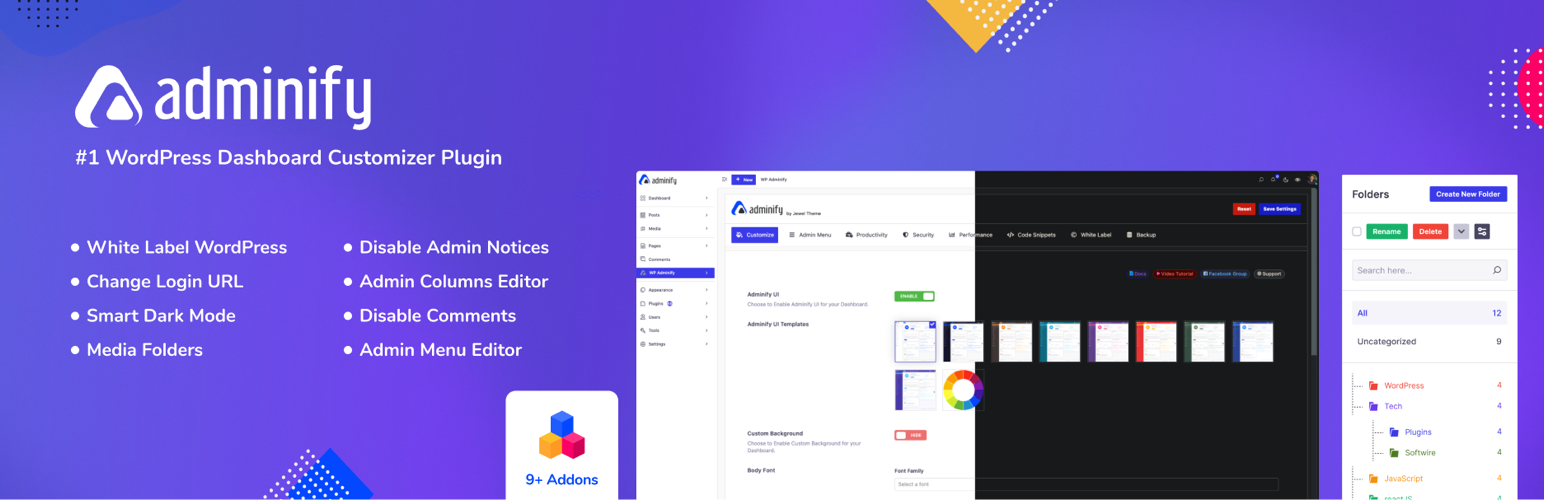
White label WordPress admin, admin menu editor, login page customizer, admin dark mode, media library folders,...
Bring dark mode toggle switch to your WordPress website. A simple switch to turn on and off the dark mode. Fas...

Experience Darklup — Your WordPress ally for dark mode, dark themes, night mode and accessibility. Switch to a...

Show your logo anywhere: theme header, login screen, admin bar and emails. Retina, dark mode, mobile, sticky,...