
ECS
88Seven free modules for Elementor: dark mode, container layouts, mobile menu, editorial text, style presets, JS...
Free
100k+ installs 4.6★ (117)
Darkify Dark Mode adds dark mode and night mode to WordPress websites and admin dashboards using a fast, lightweight, customizable dark mode toggle.
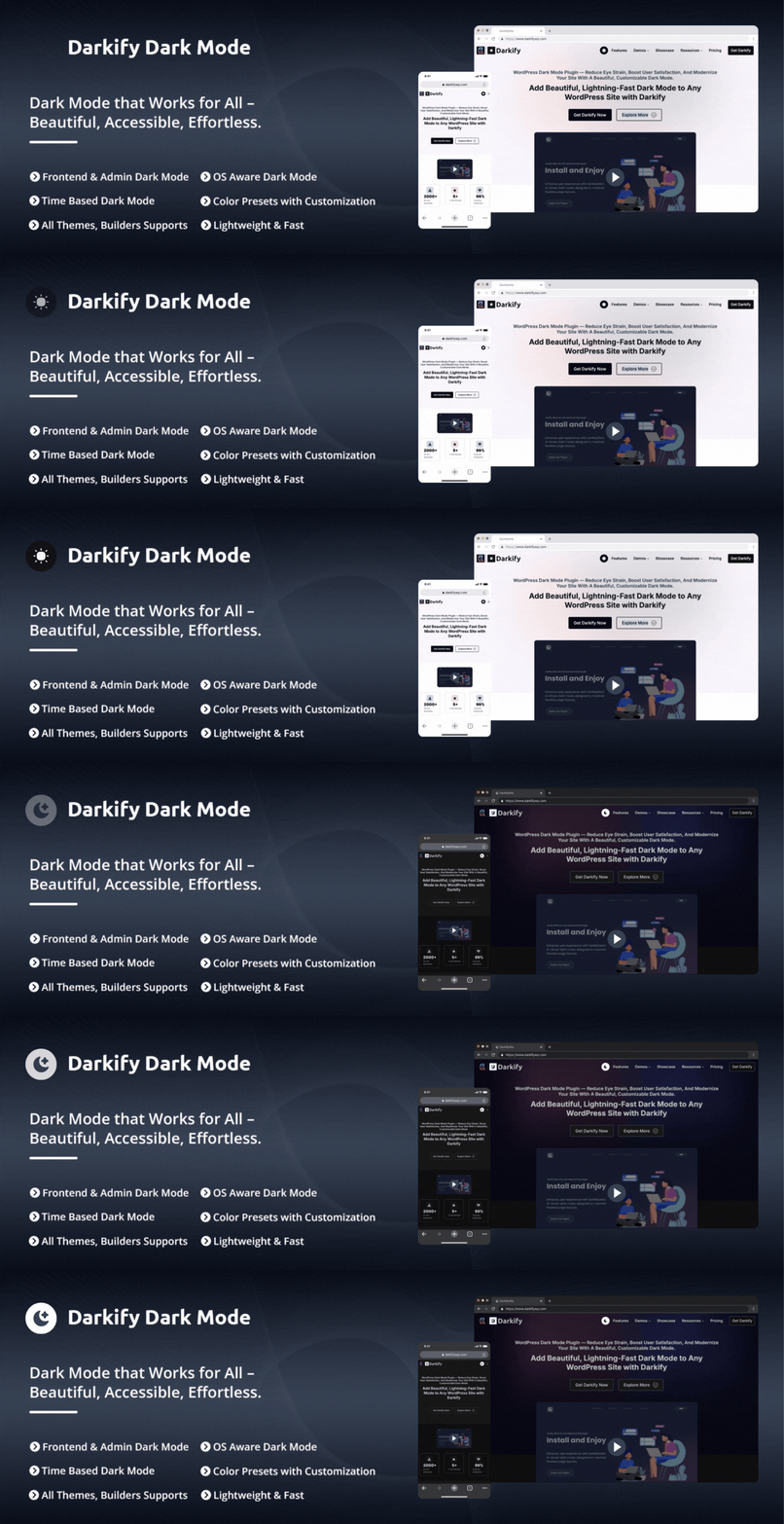
Darkify is a WordPress plugin that adds dark mode and night mode functionality to both the website frontend and the WordPress admin dashboard. It allows visitors to toggle between light and dark themes while providing site owners with control over how dark mode operates across different areas of their site.
The plugin supports various features such as OS-aware detection, time-based scheduling, and customizable dark mode settings. It is designed to work with popular themes and page builders without requiring theme modifications or custom coding, making it suitable for a wide range of WordPress users.
Best for: This plugin suits WordPress site owners looking to enhance user experience with dark mode features.
What it does well
Where it falls short
Darkify provides a straightforward solution for implementing dark mode on WordPress sites, suitable for both visitors and administrators. Its range of features makes it a flexible choice for users wanting to improve accessibility and aesthetics.
ThemeAtelier's own description of Darkify, lightly tidied.
Darkify adds WordPress Dark Mode and Night Mode to both the website frontend and the WordPress admin dashboard. Visitors can switch between light and dark themes using a toggle, while site owners control how dark mode behaves across the frontend, admin panel, and editors.
Darkify supports frontend dark mode, admin dashboard dark mode, and editor-specific dark mode for Gutenberg (Block Editor) and the Classic Editor. It includes OS-aware detection, default dark mode, time-based scheduling, keyboard shortcuts, and multiple toggle placement options. Designed for performance and compatibility, Darkify works seamlessly with popular WordPress themes, page builders, and WooCommerce — without modifying theme files or requiring custom code.
Site owners can customize dark mode colors, switches, media handling, and element visibility. Darkify also provides controls for images, videos, scrollbars, mobile behavior, and page or element-level targeting to ensure dark mode integrates cleanly with different themes, builders, and layouts.
Darkify applies dark mode styling using configurable rules rather than modifying theme files. You can enable dark mode globally or limit it to specific areas, pages, posts, or elements. Settings can be adjusted from a centralized admin panel and reused across different sites using import and export tools.
Darkify is designed to work with popular WordPress themes, page builders, and multisite installations, allowing dark mode to be configured without requiring custom code.
✔ Dark mode for frontend and admin dashboard
✔ Works with Gutenberg, Elementor, and popular builders
✔ OS-aware, scheduled, and manual switching
✔ Lightweight and performance-focused
✔ No theme modification required
Frontend Dark Mode: Enable dark mode on the public-facing website and allow visitors to switch between light and dark themes using a toggle.
Admin Dashboard Dark Mode: Apply dark mode to the WordPress admin area to provide a darker interface while managing site content and settings.
Editor-Specific Dark Mode: Enable dark mode independently for the WordPress Admin Panel, Block Editor (Gutenberg), and Classic Editor — darken the editor while the rest of the dashboard stays light, or the other way around.
Admin & Editor Color Presets: Choose a color preset for the WordPress admin and a separate one for the Block Editor. Both default to Auto, which derives a shade for every color on screen rather than forcing one background and one text color — so admin screens added by other plugins come out readable without being configured first.
Default Dark Mode: Load the website in dark mode by default while allowing visitors to switch back to light mode at any time.
OS-Aware Dark Mode: Detect the visitor’s operating system preference and automatically apply light or dark mode accordingly.
Time-Based Dark Mode: Schedule automatic switching between light and dark mode based on a defined time range.
Keyboard Shortcut: Allow users to toggle dark mode with a keyboard shortcut. Ctrl + Alt + D works out of the box, and you can record any key combination you prefer instead.
Multiple Floating Switch Designs: Choose from 5 floating switch styles — 16 in total with Pro — and pick the screen corner it sits in, with its own margin controls.
Switch Attention Effect: Enable an animation on the floating switch to draw visitor attention. Choose from multiple effect styles including Pulse to highlight the toggle without being intrusive.
Customizable Switch: Adjust the switch size, colors, icons, and styling to match the site’s design.
Switch in Menu: Insert the dark mode toggle into selected WordPress navigation menus.
Shortcode Switch: Place the dark mode toggle anywhere on the site using a shortcode, including pages, posts, widgets, or templates. Style it independently of the floating switch, or reuse the global settings.
Dark Mode Gutenberg Block: Instantly add a sleek dark mode toggle to any post or page using the Gutenberg block. Place it anywhere and give your visitors full control over their viewing experience.
Per-Block Switch Styling: Set the switch style, size, background, icon color, text color, border, corner radius, and alignment for each block directly inside the Gutenberg editor.
Dark Mode Elementor Widget: Seamlessly insert a customizable dark mode switch into any Elementor layout. Design it your way and match it perfectly with your site’s style.
Dark Mode Widget Support: Easily enable dark mode for WordPress widgets and keep your entire site visually consistent—no extra setup, no hassle.
Multiple Switch Placement Options: Display the dark mode toggle as a floating button, menu item, shortcode, or by targeting a custom CSS selector.
Mobile-Specific Controls: Control switch visibility, position, spacing, and behavior separately for mobile devices.
Color Presets & Customization: Choose from 5 predefined dark color presets — 11 in total with Pro — or manually configure background, text, link, and UI colors.
Dark Mode Scrollbar Styling: Optionally apply dark styling to browser scrollbars for a more consistent dark interface.
Advanced Image Control: Adjust image brightness, contrast, and grayscale settings to improve image visibility in dark mode.
Video Control: Modify video brightness and grayscale settings to better match dark mode layouts.
Element-Level Control: Include or exclude specific HTML elements, tags, classes, or IDs from dark mode styling.
Iframe Dark Mode: Keep embedded content in step with the active theme. Same-origin iframes are styled directly, and cross-origin embeds are notified of theme changes so they can follow along.
Live Preview: See your own site with your unsaved settings applied, right beside the settings — with desktop and mobile views, a refresh control, and a full screen mode.
Settings Search: Press Ctrl+K (Cmd+K on macOS) to jump straight to any setting from anywhere in the panel, without hunting through tabs.
Reset to Defaults: Restore a single section or every setting at once, each behind a confirmation step.
Settings Backup & Restore: Export plugin settings to a file and import them on another site or restore them later.
Clean Uninstall Option: Optionally remove plugin settings and data from the database when uninstalling the plugin.
Page Builder Compatibility: Compatible with popular page builders such as Elementor, Divi, WPBakery, Beaver Builder, Visual Composer, and Oxygen.
Easy Settings Panel: Manage every feature from one modern, centralized settings panel in the WordPress admin area — organized into clear sections, usable on phones and tablets, with instant saves and clear success and error messages.
Multisite Support: Configure dark mode settings for WordPress multisite networks, globally or per site.
Multilingual Ready: Translation-ready and compatible with multilingual WordPress setups.
Theme Compatibility: Designed to work with most WordPress themes without requiring theme-specific modifications.
Developer-Friendly: Provides a structured and extensible codebase that developers can customize using hooks and filters.
Cross-Browser Compatibility: Designed to work across modern browsers such as Chrome, Firefox, Safari, Edge, Opera, etc.
Documentation & Support: User guides, tutorials, and support are available through documentation and the WordPress.org support forums.
Other plugins for dark mode.
Seven free modules for Elementor: dark mode, container layouts, mobile menu, editorial text, style presets, JS...

A clean, lightweight dark mode for the WordPress admin dashboard.
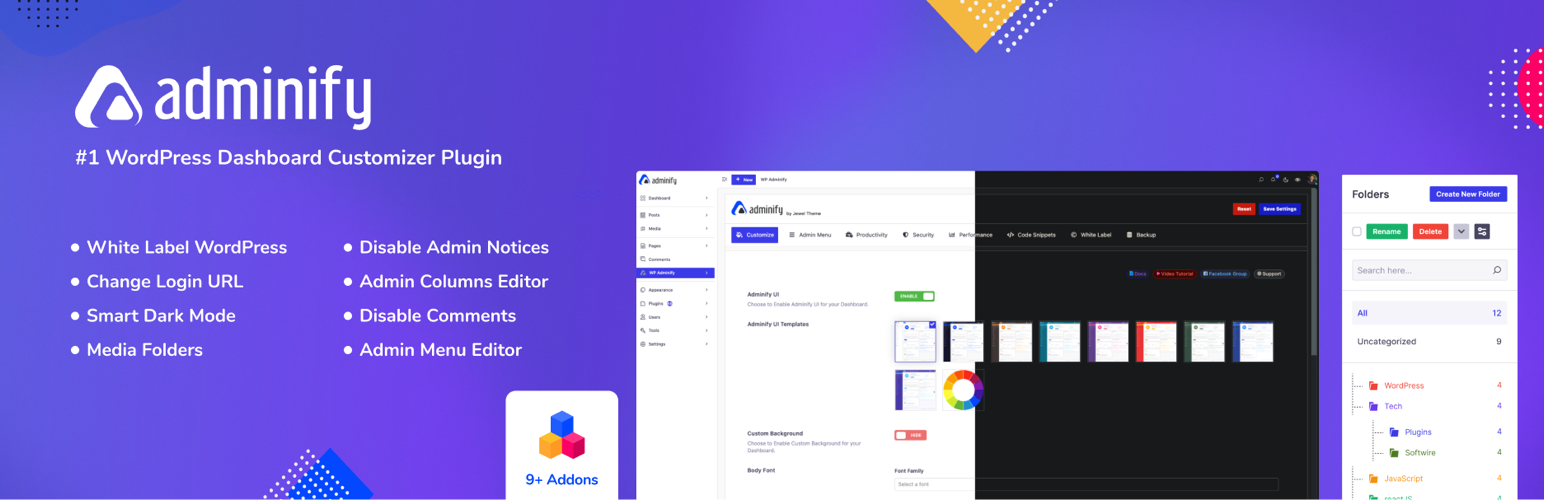
White label WordPress admin, admin menu editor, login page customizer, admin dark mode, media library folders,...
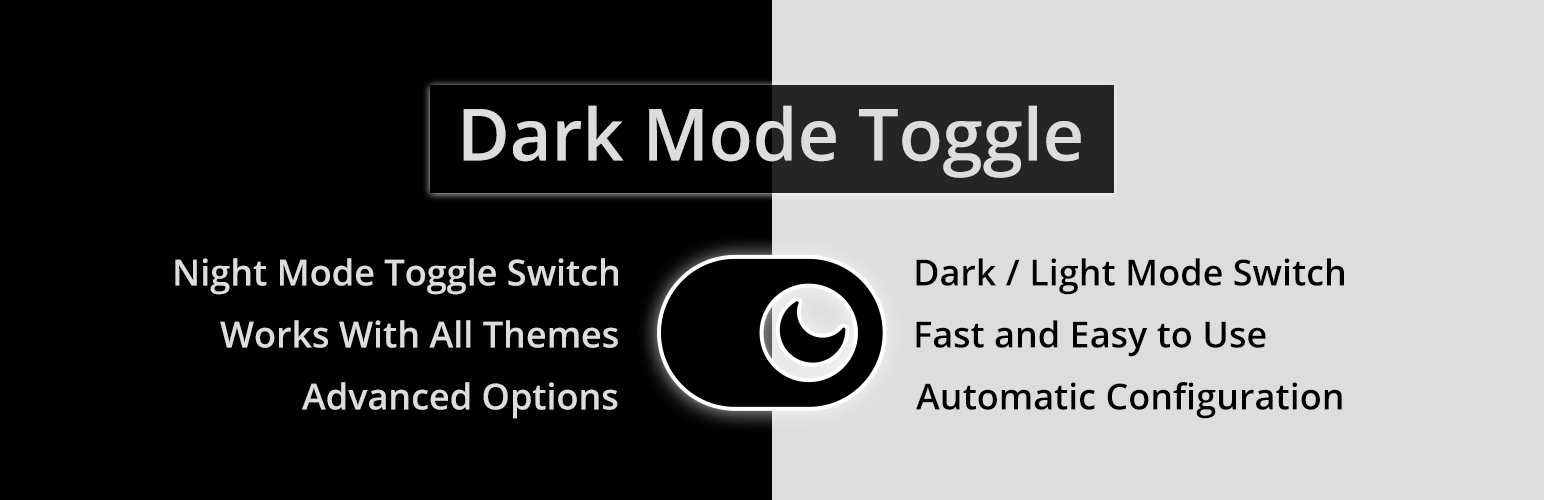
Bring dark mode toggle switch to your WordPress website. A simple switch to turn on and off the dark mode. Fas...

Experience Darklup — Your WordPress ally for dark mode, dark themes, night mode and accessibility. Switch to a...

Show your logo anywhere: theme header, login screen, admin bar and emails. Retina, dark mode, mobile, sticky,...