
ECS
88Seven free modules for Elementor: dark mode, container layouts, mobile menu, editorial text, style presets, JS...
Free
100k+ installs 4.6★ (117)
The dark mode is better for your eyes in low-light environments. Also, it can reduce eye strain in low-light conditions (night-time or dimmer workspac …

DarkLooks is a WordPress plugin that enables a dark mode option for your site, allowing visitors to switch between light and dark themes based on their preferences. It is designed to reduce eye strain in low-light environments, making it suitable for users who frequently browse at night or in dim spaces.
The plugin features a floating switch button, various switch styles, and options for custom colours and logos. It is compatible with WooCommerce and is translation ready, making it a versatile choice for WordPress site owners looking to enhance user experience.
Best for: This plugin is suitable for WordPress site owners looking to improve accessibility and user comfort.
What it does well
Where it falls short
DarkLooks provides a straightforward way to implement dark mode on your WordPress site. It may be particularly useful for those prioritising user experience in low-light conditions.
themelooks's own description of DarkLooks, lightly tidied.
The dark mode is better for your eyes in low-light environments. Also, it can reduce eye strain in low-light conditions (night-time or dimmer workspaces). Darklooks is a WordPress plugin that allows you to implement the dark mode option on your WordPress site. So that visitors can change your site mode from lite to dark and dark to lite, on visitor preference.This plugin builds with a lot of effective features. That will help you to make the environments like yours.
Live DemoCheckout Our Premium ProductCheckout Our Themeforest ProfileCheckout Our Codecanyon ProfileDarkLooks – Dark Mode Switcher For WordPress uses Appsero SDK to collect some telemetry data upon user’s confirmation. This helps us to troubleshoot problems faster & make product improvements.
Appsero SDK does not gather any data by default. The SDK only starts gathering basic telemetry data when a user allows it via the admin notice. We collect the data to ensure a great user experience for all our users.
Integrating Appsero SDK DOES NOT IMMEDIATELY start gathering data, without confirmation from users in any case.
Learn more about how Appsero collects and uses this data.
Other plugins for dark mode.
Seven free modules for Elementor: dark mode, container layouts, mobile menu, editorial text, style presets, JS...

A clean, lightweight dark mode for the WordPress admin dashboard.
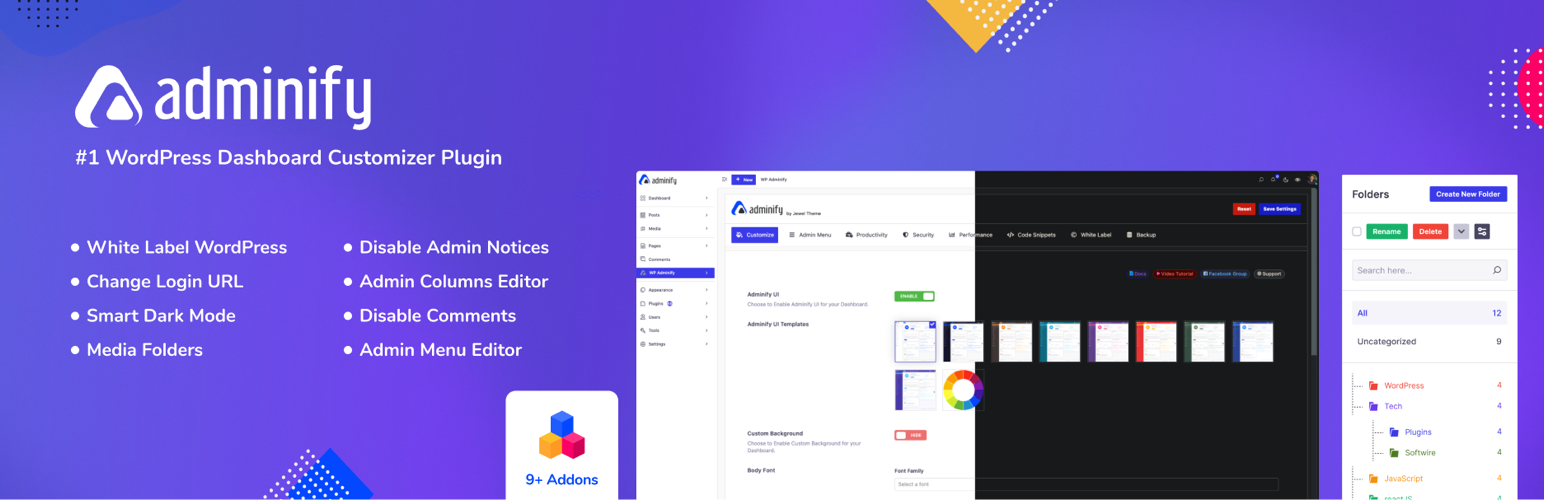
White label WordPress admin, admin menu editor, login page customizer, admin dark mode, media library folders,...
Bring dark mode toggle switch to your WordPress website. A simple switch to turn on and off the dark mode. Fas...

Experience Darklup — Your WordPress ally for dark mode, dark themes, night mode and accessibility. Switch to a...

Show your logo anywhere: theme header, login screen, admin bar and emails. Retina, dark mode, mobile, sticky,...