
The #1 user-rated activity log plugin for event logging, activity monitoring and change tracking.
Free
300k+ installs 4.7★ (488)
Disables the theme, plugin and core update checking, the related cronjobs, plugin/theme update health checks and notification system.

Disable All WordPress Updates is a plugin that disables the update checking system for themes, plugins, and the WordPress core. It prevents notifications and checks for updates, allowing you to manage updates manually. The plugin is suitable for users who want to maintain control over their site's updates without automatic changes.
Best for: This plugin is best for users who prefer to manage updates manually and want to avoid automatic changes to their WordPress site.
What it does well
Where it falls short
Disable All WordPress Updates provides a straightforward way to control update notifications and checks. However, users must remain vigilant about manually updating their site to ensure security.
wpseek's own description of Disable All WordPress Updates, lightly tidied.
This plugin completely disables the theme, plugin and core update checking system in WordPress. The plugin prevents WordPress from checking for updates including cronjobs, and prevents any notifications from being displayed.
Want to keep your site patched without the risk of an automatic major-version upgrade? Enable the new Security Mode on its own settings page (Settings → Disable Updates) to restrict WordPress core auto-updates to minor and security releases only. Major version and development (nightly) core updates are blocked automatically, while plugin and theme auto-updates stay untouched.
It is implemented purely through WordPress filters — no wp-config.php edits required. A clear warning is shown if the WP_AUTO_UPDATE_CORE constant is already defined elsewhere (host panel, mu-plugin, another plugin), and the admin-bar indicator turns orange while Security Mode is active so you can tell at a glance that updates are restricted rather than fully disabled.
It’s very important that you keep your WordPress theme, core and plugins up to date! If you don’t, your blog or website could be susceptible to security vulnerabilities or performance issues.
If you use this plugin, make sure you keep yourself up to date with new releases of your active WordPress version, plugins and themes and update them as new versions are released (simply by deactivating this plugin for a short time if Security Mode isn’t enabled).
Developer on X Developer on Bluesky
Looking for more WordPress plugins? Visit www.schloebe.de/portfolio/
Other plugins for monitoring a site.
The #1 user-rated activity log plugin for event logging, activity monitoring and change tracking.
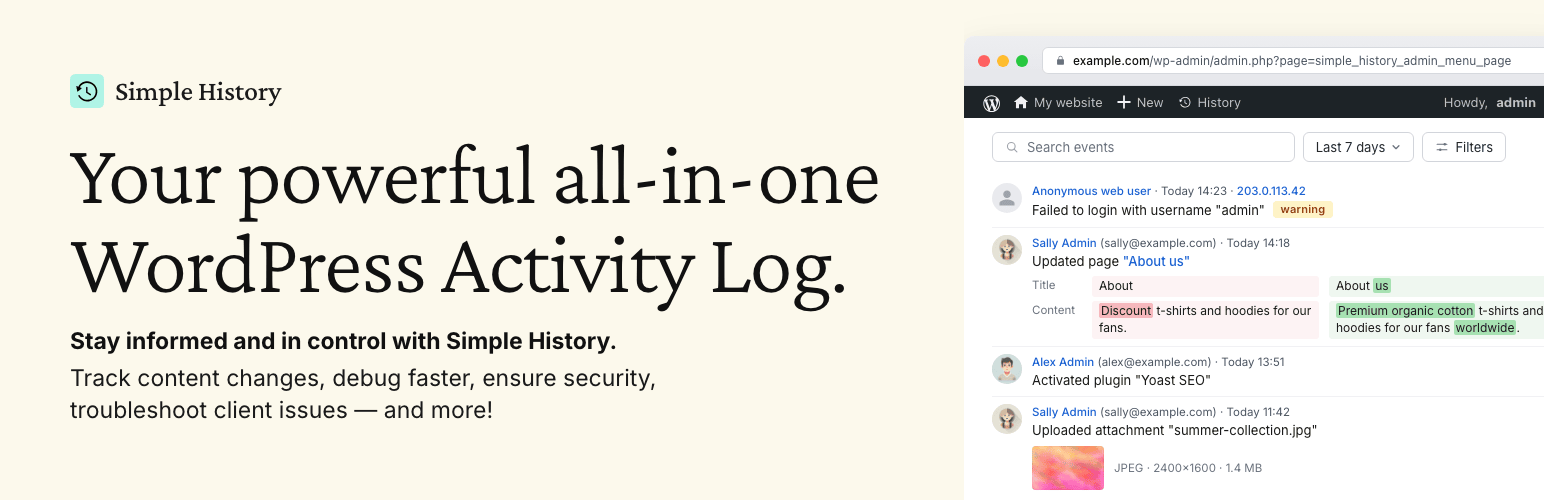
Track changes and user activities on your WordPress site. See who created a page, uploaded an attachment, and...

Manage 301 & 302 redirects. Simple redirection & redirects validation. Includes redirect stats & 4...
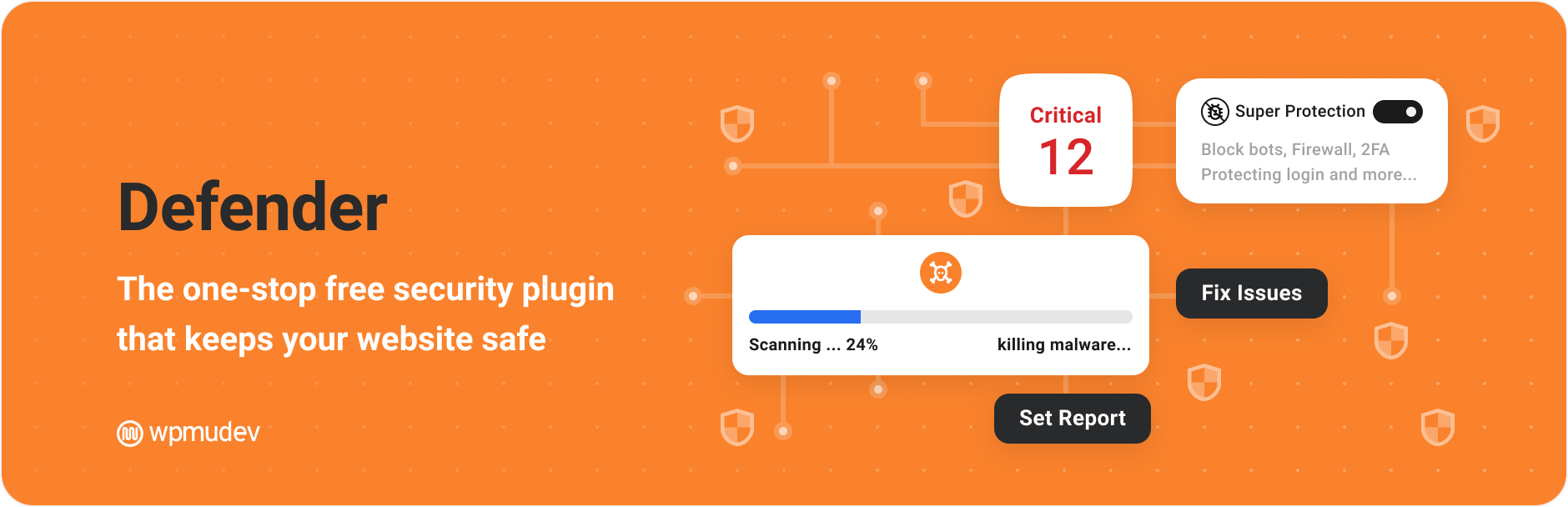
WordPress security plugin with malware scanner, IP blocking, audit logs, antivirus scans, firewall, 2FA, brute...

Redirect manager for 301, 302 and 307 redirection. Monitor and fix 404 errors, log every broken link and prote...
Everything you need to sell WordPress maintenance and manage multiple sites effortlessly: backup, update, upti...