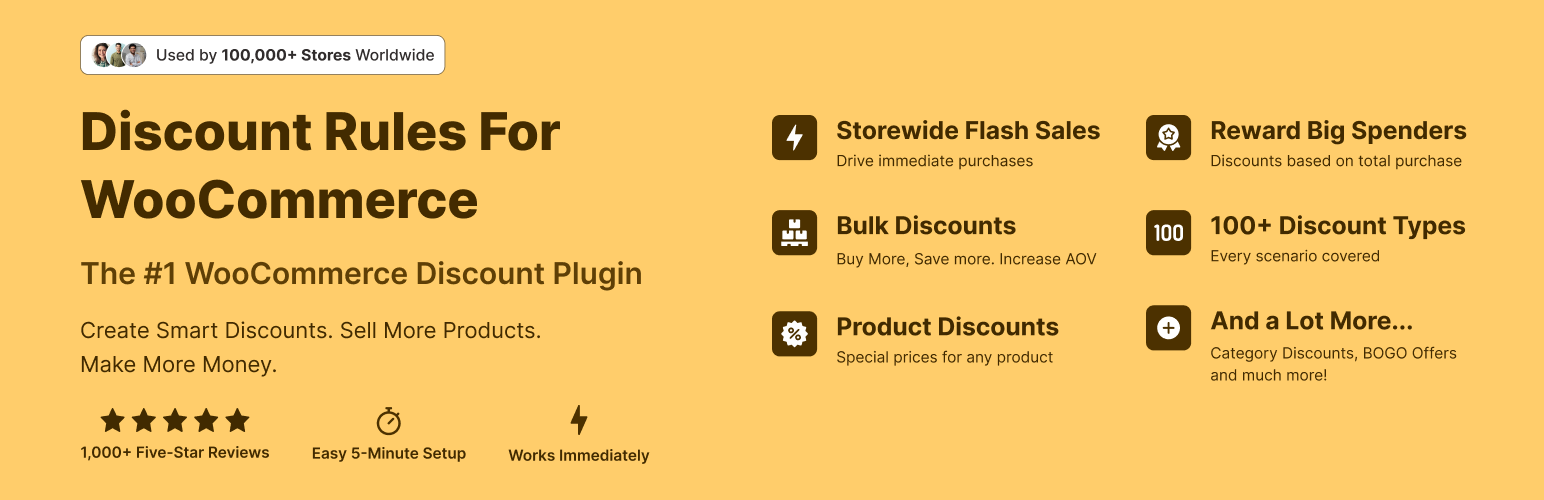
The discount plugin for WooCommerce helps you create bulk discount, quantity discount, storewide sale, dynamic...
Free
100k+ installs 4.9★ (1,355)
WooCommerce discount rules plugin to create automatic product and cart discounts, bulk pricing, BOGO deals, and dynamic pricing without coupon codes.
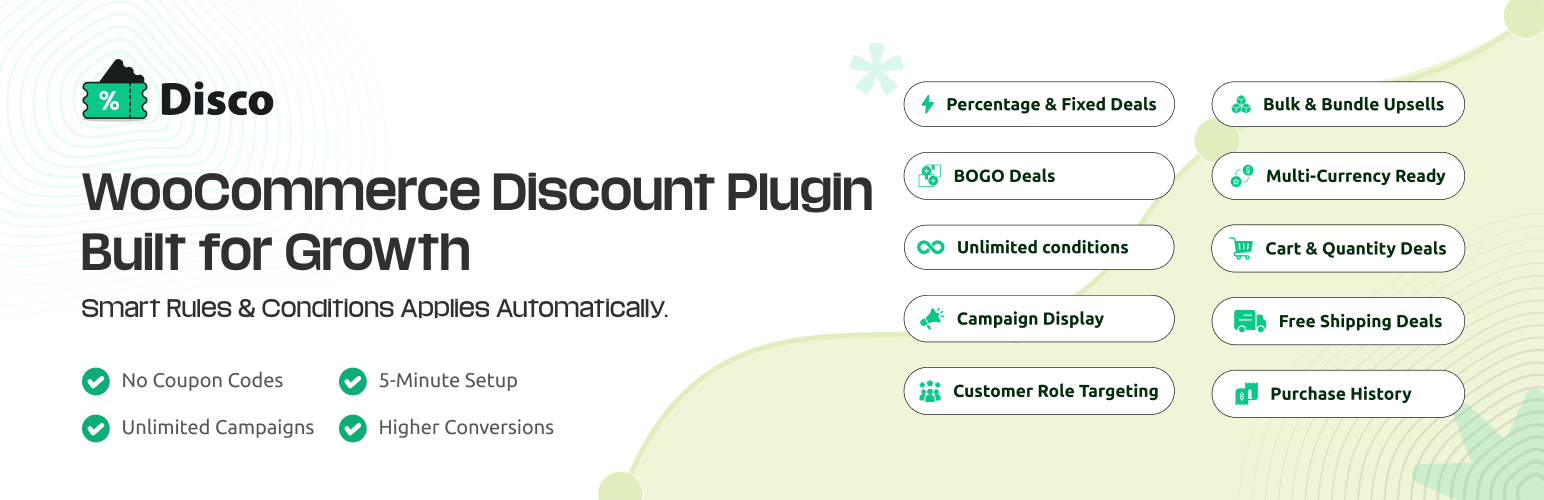
Discount Rules for WooCommerce – Disco is a WordPress plugin designed for WooCommerce stores to automate discount applications based on predefined conditions. It eliminates the need for coupon codes, allowing discounts to apply automatically when customers meet specified criteria, such as purchasing items from a particular category or reaching a certain cart total.
The plugin supports various discount types, including product-based discounts, bulk discounts, bundle deals, and free shipping offers. It is suitable for store owners looking to streamline their discount processes and improve customer experience by reducing friction at checkout.
Best for: WooCommerce store owners seeking to simplify discount management and enhance customer experience.
What it does well
Where it falls short
Disco provides a straightforward solution for automating discounts in WooCommerce, making it a practical choice for those wanting to improve sales without the hassle of coupon codes.
WebAppick's own description of Discount Rules for WooCommerce, lightly tidied.
Disco is a complete WooCommerce discount rules plugin that automatically applies percentage discounts and fixed discounts based on conditions you define. Unlike coupon codes that customers must find and enter manually, Disco discount rules activate instantly when shoppers meet your criteria. No codes to distribute, no codes to forget.
Create product discounts, cart discounts, bulk discounts, bundle discounts, BOGO deals, and free shipping offers using an intuitive visual interface – covering 100+ scenarios without writing code or managing coupon codes.
Upgrade to Pro | View Demo | Complete Documentation | Video Tutorials | Get Support
Fully updated for 2026 with the latest WooCommerce 11.x and WordPress 7.x compatibility.
Traditional WooCommerce discounts rely on coupon codes. This creates several challenges for store owners:
You have to create codes, distribute them through email or social media, hope customers save them, and then hope they remember to enter them at checkout. Studies show that many customers abandon carts when they see a coupon field but don’t have a code – they leave to search for one and often don’t return.
Coupon codes also create customer service issues. Why didn’t my code work?, Can I get a new code, mine expired?, I forgot to enter my code, can you apply it after purchase? These support requests take time and create friction.Disco eliminates these problems entirely.
With Disco, you create discount rules with conditions instead of coupon codes. When a customer meets the conditions, the discount applies automatically. There’s nothing to enter, nothing to remember.
For example, you create a rule: 15% off all products in the Electronics category. Every customer who views those products immediately sees the discounted price. The original price shows with a strikethrough, the discounted price displays prominently. When they add to cart, the discount is already applied. When they checkout, they pay the discounted price. Zero friction.
Or create a rule: Free shipping on orders over $50. Customers adding items to their cart see their shipping cost. The moment their cart crosses $50, shipping becomes free automatically. No code required.
This automatic approach leads to higher conversion rates because you’ve removed the friction between the customer and their discount. They don’t have to do anything except meet the conditions you’ve set.
Disco supports six distinct discount campaign types, each designed for different promotional strategies. You can run multiple campaigns simultaneously to create sophisticated promotional programs.
➡️ Product-Based Discounts: Product discounts let you apply percentage or fixed amount discounts to specific products, entire categories, specific tags, product attributes, or your complete catalog. This is the most versatile discount type.
Other plugins for running discounts.
The discount plugin for WooCommerce helps you create bulk discount, quantity discount, storewide sale, dynamic...

Best WooCommerce coupons plugin to create advanced coupons and discount codes with auto-apply, BOGO, free ship...

The best order export import plugin for WooCommerce. Easily import and export WooCommerce orders and WooCommer...
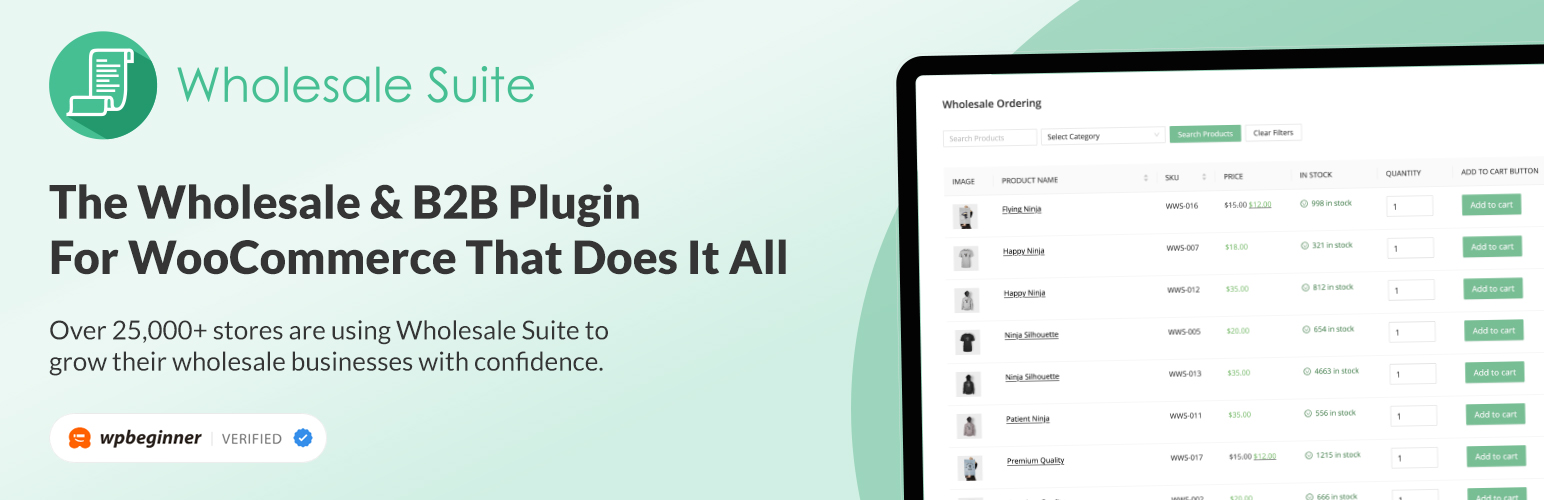
WooCommerce wholesale plugin for serving wholesale & B2B customers. Adds wholesale pricing, user roles, dy...

The most powerful affiliate plugin for WooCommerce. Track commission, generate referral URLs, assign affiliate...

The discount plugin for WooCommerce supports any dynamic pricing discount: bulk discount, role discount, store...