
Ad Inserter
94Manage Google AdSense ads, banners, ad rotation, sticky widgets, AMP ads, ads.txt, tracking, header and footer...
Free
300k+ installs 4.9★ (2,428)
Easy Post Types and Fields makes it quick and easy to add custom post types, custom fields, and taxonomies to your WordPress website.
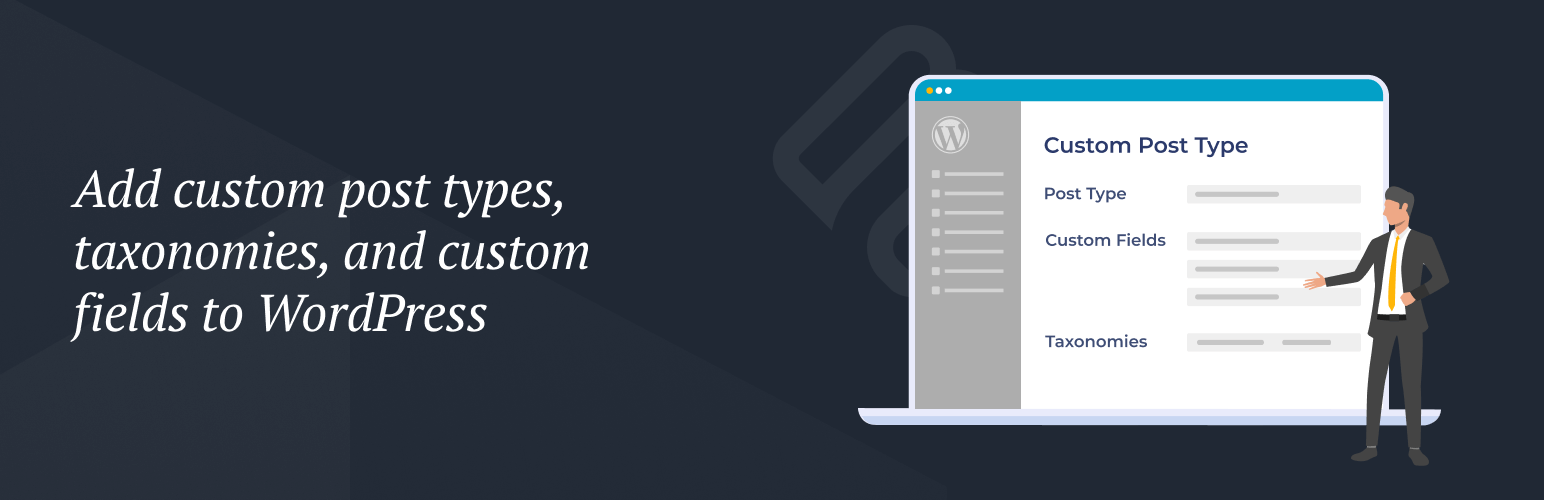
Easy Post Types and Fields is a WordPress plugin that allows you to add custom post types, custom fields, and taxonomies to your website. It provides a simple wizard to create new content types or enhance existing ones, making it easier to manage diverse content within the WordPress admin.
This plugin is suitable for WordPress site owners who need to organize their content more effectively. It enables the creation of dedicated sections for different content types and offers structured data storage through custom fields and taxonomies.
Best for: WordPress site owners looking to enhance content organisation and management.
What it does well
Where it falls short
Easy Post Types and Fields offers essential features for custom content management in WordPress. While it simplifies the process of adding custom types and fields, users may need additional plugins for optimal front-end presentation.
Barn2 Plugins's own description of Easy Post Types and Fields, lightly tidied.
Easy Post Types and Fields makes it quick and easy to add custom post types, custom fields, and taxonomies to your WordPress website.
There are lots of reasons why WordPress site owners need to add extra content types to the CMS:
Create dedicated areas for each type of content within the WordPress admin (these are called ‘custom post types’). For example, if you’re adding ‘Resources’ to your site then it’s best to create a ‘Resources’ custom post type and manage the resources separately from your pages and posts.
Add extra fields (called ‘custom fields’) to your pages, posts, or any custom post type. These are useful for storing and displaying information in a structured way. For example, you might add a ‘Modified Date’ field to your Resources post type.
Create extra ways of categorizing and organizing your website content (these are called ‘custom taxonomies’). These are like categories and tags in WordPress, but the difference is that you can have as many as you like – for any post type. For example, you might create an ‘Industries’ taxonomy in order to group your Resources by industry.
Developed by leading UK-based plugin company Barn2, Easy Post Types and Fields is intentionally simpler and easier to use than other plugins. It has all the essential features that you need to create custom post types, custom fields, and custom taxonomies – without any unnecessary complexity.
Simply create any type of content using a simple and intuitive wizard. You can create brand new custom post types, or add custom fields and taxonomies to existing post types. Either way, it’s incredibly straightforward.
Once you have created your custom post types, fields, and taxonomies, it’s easy to add the extra information to the WordPress CMS. Each custom post type has its own section on the left of the WordPress admin. Your custom fields and taxonomies appear on the ‘Add/Edit’ screen for each post.
View the full plugin documentation in our knowledge base.
By default, your theme will display your custom post types using the same templates as the blog. This will list custom posts in the same way as blog posts, and won’t include your custom fields or taxonomies. This may not be the best way to present your custom content, so we recommend displaying it in a table using the Posts Table Pro plugin.
Posts Table Pro is a dynamic WordPress table plugin that lists any type of content from your website in a searchable table. As well as displaying any custom post type, you can choose which columns of information to show in the table – including your custom fields and custom taxonomies. See below for screenshots.
Your users will view the information in a table on the front end of your site. They can use the search box, sortable columns, and filter dropdowns to find exactly what they’re looking for.
This is how it displays the information from Easy Post Types and Fields:
Create a table listing any or all of the posts from your custom post type. For example, you can list all the custom posts, or list posts with a specific ID, custom field value, custom taxonomy term, published date, etc.
Display each custom field as a separate column in the table. Users can sort the table by custom field.
Display each custom taxonomy as a separate column in the table. Users can sort by taxonomy terms, and also click on a term to filter the table. In addition, you can add each taxonomy as a filter dropdown above the table. That way, users can instantly find custom posts by taxonomy.
Custom post types:
Create an unlimited number of custom post types. Each custom post type has its own section in the WordPress admin, so you can manage your custom content separately from other WordPress post types.
Extend existing post types.
Other plugins for custom content structures.
Manage Google AdSense ads, banners, ad rotation, sticky widgets, AMP ads, ads.txt, tracking, header and footer...

ACF helps customize WordPress with powerful, professional and intuitive fields. Proudly powering over 2 millio...

Checkout Field Editor (Checkout Manager) for WooCommerce – The best WooCommerce checkout manager plugin to man...

Easily reorder posts, pages, custom post types, and taxonomies with intuitive drag-and-drop sorting in the Wor...

The #1 user-rated activity log plugin for event logging, activity monitoring and change tracking.

Admin UI for creating custom content types like post types and taxonomies