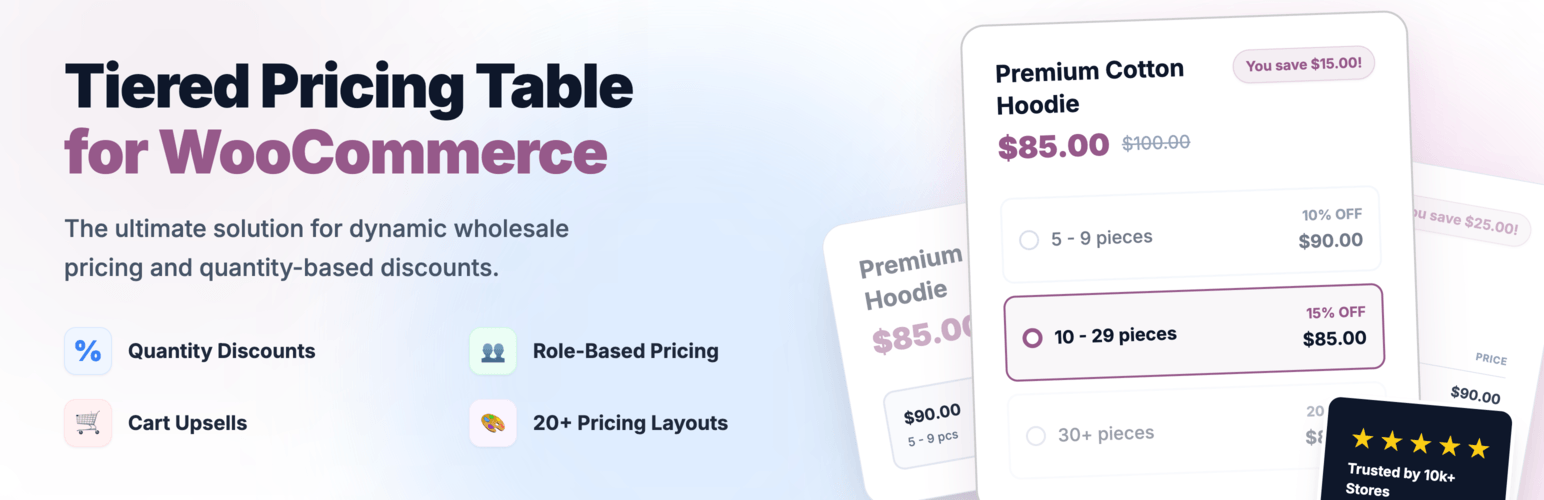
Create bulk, wholesale, and quantity-based pricing in WooCommerce with flexible tables, role-based pricing, an...
Free
10k+ installs 4.7★ (103)
Easily turn your WooCommerce store into catalog mode with the best plugin designed for efficiency and effectiveness.
ELEX WooCommerce Catalog Mode is a WordPress plugin that allows you to convert your WooCommerce store into a catalog mode. This functionality is useful for businesses that want to hide product prices and remove the Add-to-Cart button, providing a more informational browsing experience for customers. You can also replace the Add-to-Cart button with a custom button and redirect customers to external sites for specific products.
The plugin is free and suitable for WooCommerce store owners who need to manage product visibility and pricing without losing customer interest. It is particularly beneficial during maintenance periods or when you want to limit product access to certain user roles.
Best for: WooCommerce store owners needing to manage product visibility and pricing.
What it does well
Where it falls short
ELEX WooCommerce Catalog Mode provides a straightforward solution for turning a WooCommerce store into a catalog, but lacks detailed information on premium features and support.
ELEXtensions's own description of ELEX WooCommerce Catalog Mode, lightly tidied.
ELEX WooCommerce Catalog Mode plugin offers comprehensive solution to turn your store into catalog mode. All functionalities related to catalog mode we have made completely free! Not just that, you can replace the Add-to-Cart button with a custom button on product page and shop page. If you wish to redirect your customers to another site for specific products, you can set a custom URL for custom button on shop page.
For complete list of latest features and details, please visit ELEX WooCommerce Catalog Mode, Wholesale & Role Based Pricing premium version product page.
👉 Premium Plugin Live Demo: Exclusive Live Demo Site
- WooCommerce Role based pricing.
- WooCommerce Cateogry Pricing.
- WooCommerce Wholesale Pricing.
- WooCommerce Customer Specific Pricing.
- WooCommerce Request a Quote.
- Role-Based WooCommerce Sales Tax Options.
- Supports Simple, Variable & Grouped Products.
- Add or Remove WooCommerce & WordPress User roles.
- Set up Role-based pricing for Simple & Variable Products on respective product pages.
- Option to apply Discount/Markup only on Sale Price.
- Hide individual products for various user roles.
- More customization options on individual product pages.
- WordPress Multilingual (WPML) Support.
- Timely compatibility updates and bug fixes.
- Premium Support!
There may be instances where you may consider revising product prices, updating your stocks, do not wish to display product prices to certain type of users, or are running into maintenance issues. In these cases, there are chances that your site traffic might drop, or even worse, you could lose your potential customers. Hence it would be ideal for your site to turn into WooCommerce catalog mode, so that you don’t lose your customers’ interest. A simple solution would be to let your customers know about the status of the product, by using a custom message, instead of order button.
We are a group of WordPress and WooCommerce enthusiasts with a vision to solve genuine problems related to WordPress & WooCommerce stores.
Other plugins for quote requests.
Create bulk, wholesale, and quantity-based pricing in WooCommerce with flexible tables, role-based pricing, an...
NP Quote Request for WooCommerce enables your customers to easily submit quote requests to your WooCommerce st...

Request a Quote for WooCommerce and Elementor plugin shows a Contact Form 7 or WPForms popup on button click....
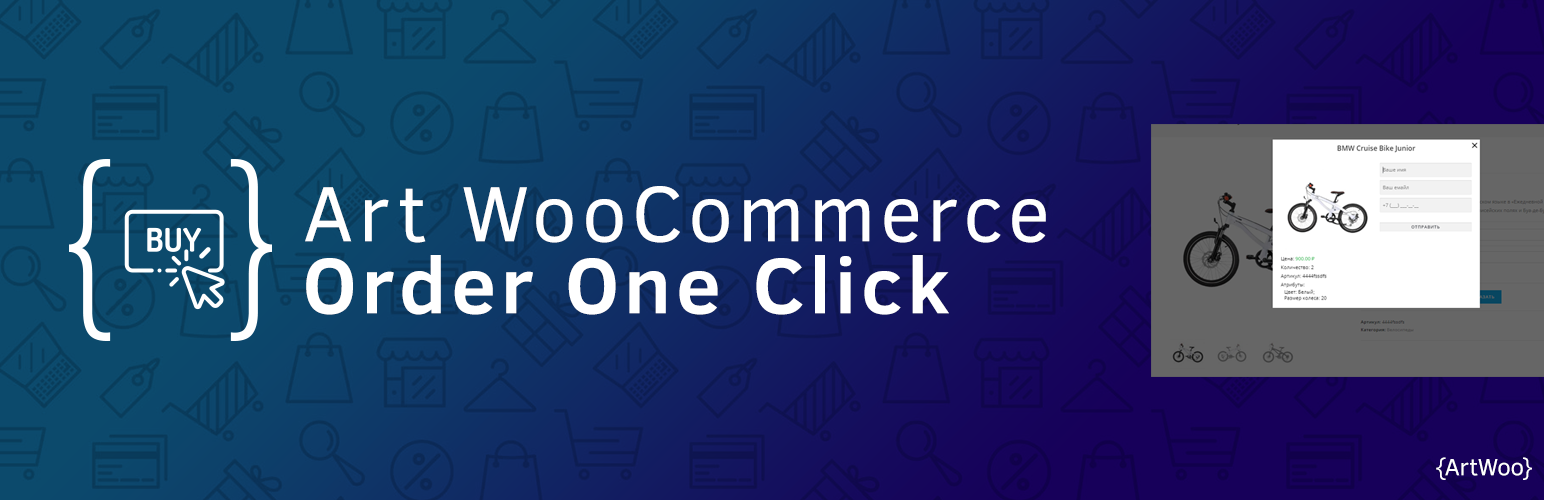
Plugin for WooCommerce. It includes the catalog mode in the store (there are no prices and the Buy button) and...

Best WooCommerce wholesale plugin with features like b2b wholesale prices, wholesale order form, tiered pricin...
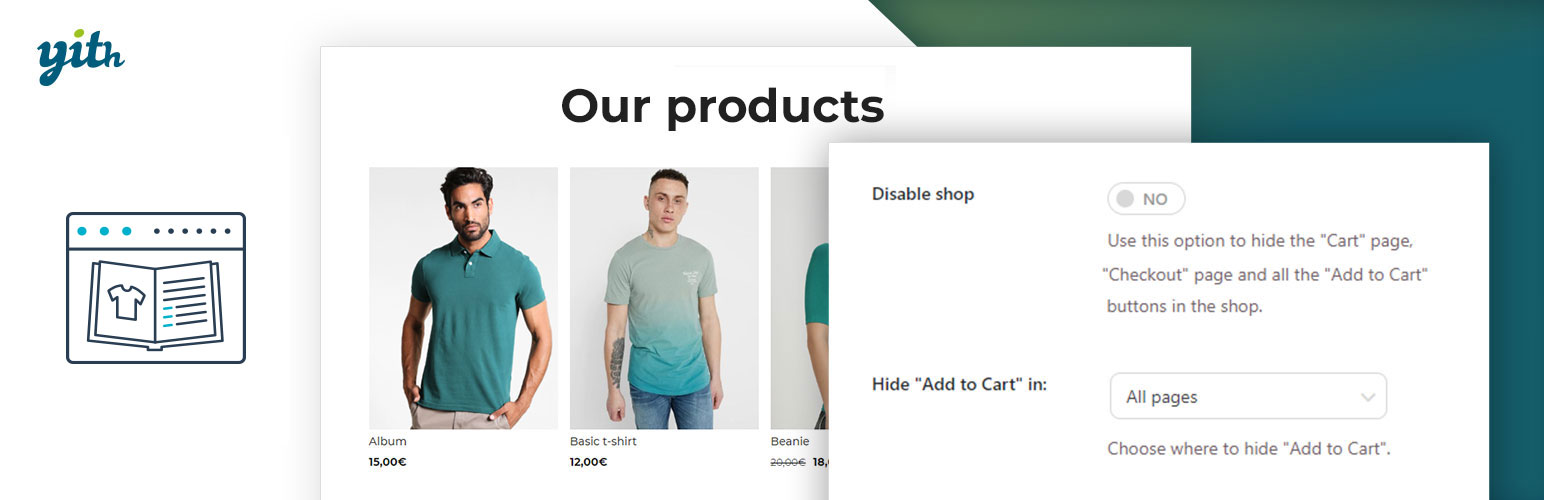
YITH WooCommerce Catalog Mode, a plugin for disabling sales in your e-commerce and turn it into an e-commerce...