
The #1 user-rated activity log plugin for event logging, activity monitoring and change tracking.
Free
300k+ installs 4.7★ (488)
Adds a Dashboard widget that displays the latest messages from your PHP error log. It can also send logged errors to email.

Error Log Monitor is a WordPress plugin that adds a dashboard widget to display the latest messages from your PHP error log. It can also send email notifications about newly logged errors, which can be configured for frequency and recipient address.
The plugin automatically detects the error log location and provides guidance on configuring PHP error logging if it is not already enabled. It is designed for administrators who need to monitor PHP errors effectively, even with large log files.
Best for: This plugin is suitable for WordPress administrators who want to monitor PHP errors on their site.
What it does well
Where it falls short
Error Log Monitor provides essential monitoring features for PHP errors, making it useful for site administrators. Its configuration options allow for tailored error tracking.
Janis Elsts's own description of Error Log Monitor, lightly tidied.
This plugin adds a Dashboard widget that displays the latest messages from your PHP error log. It can also send you email notifications about newly logged errors.
Features
Usage
Once you’ve installed the plugin, go to the Dashboard and enable the “PHP Error Log” widget through the “Screen Options” panel. The widget should automatically display the last 20 lines from your PHP error log. If you see an error message like “Error logging is disabled” instead, follow the displayed instructions to configure error logging.
Email notifications are disabled by default. To enable them, click the “Configure” link in the top-right corner of the widget and enter your email address in the “Periodically email logged errors to:” box. If desired, you can also change email frequency by selecting the minimum time interval between emails from the “How often to send email” drop-down.
Other plugins for monitoring a site.
The #1 user-rated activity log plugin for event logging, activity monitoring and change tracking.
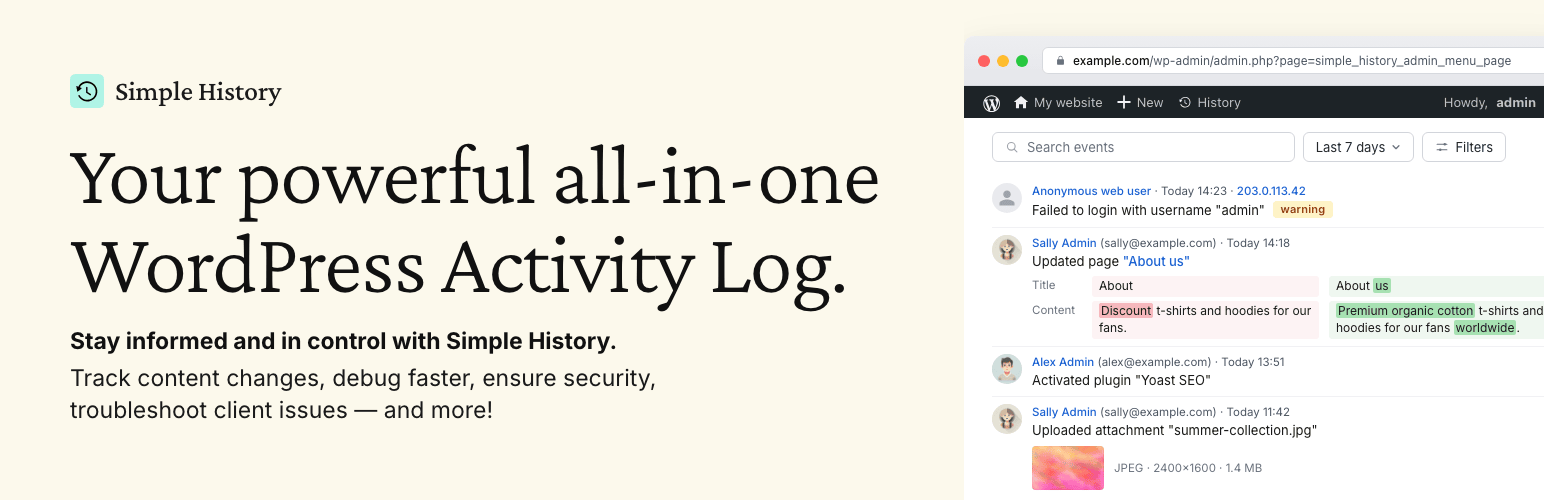
Track changes and user activities on your WordPress site. See who created a page, uploaded an attachment, and...

Manage 301 & 302 redirects. Simple redirection & redirects validation. Includes redirect stats & 4...

WordPress security plugin with malware scanner, IP blocking, audit logs, antivirus scans, firewall, 2FA, brute...

Redirect manager for 301, 302 and 307 redirection. Monitor and fix 404 errors, log every broken link and prote...

Everything you need to sell WordPress maintenance and manage multiple sites effortlessly: backup, update, upti...