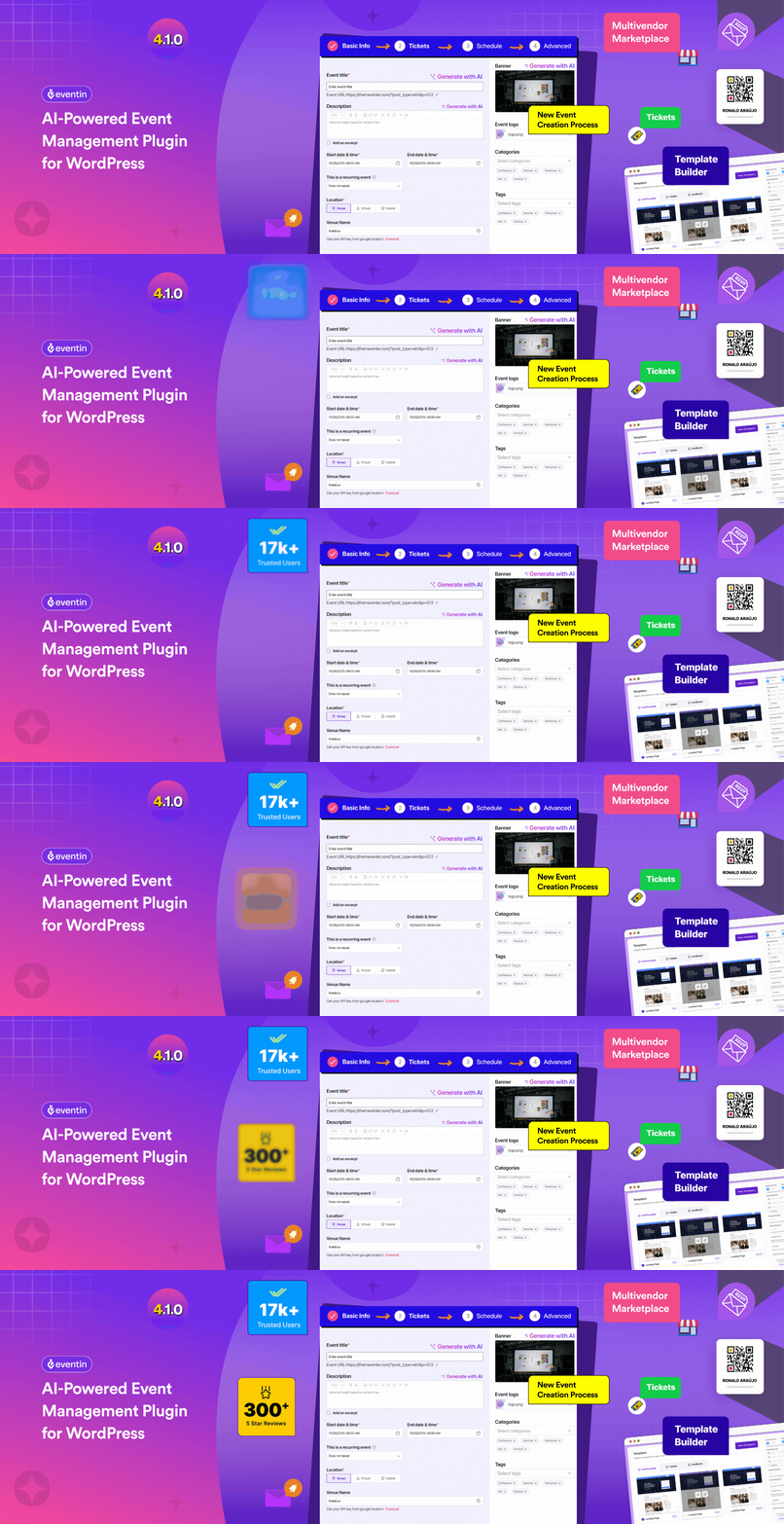
Eventin
87Event calendar plugin for event registration, event tickets, bookings, RSVP, recurring and virtual events with...
Free
10k+ installs 4.7★ (397)
Use this powerful WordPress event plugin to create and sell events, manage tickets, check-ins, recurring schedules, venues, and attendee details with …

Event Tickets Manager for WooCommerce is a WordPress plugin designed to facilitate the creation and management of event-based products within WooCommerce. It allows you to create both real and virtual events, sell tickets, and manage various aspects of event organisation, such as check-in processes and recurring events.
The plugin includes features like an external CSS field for custom styling, event date offsets for setup and wrap-up time, an enhanced event tickets tab for user management, and options for event sharing. It is suitable for store owners looking to manage events directly through their WooCommerce store.
Best for: This plugin is best for WooCommerce store owners who want to manage events and ticket sales on their website.
What it does well
Where it falls short
Event Tickets Manager for WooCommerce offers a solid set of features for event management within WooCommerce, making it a practical choice for those looking to organise events online.
WP Swings's own description of Event Tickets Manager for WooCommerce, lightly tidied.
Enable this event WordPress plugin to create event-based products. With features like The events calendar, Check-in management, Recurring events, Event locations, and more, you can manage everything with ease.
WordPress event plugin can quickly create and manage events on your website. You can create both real and virtual events as well as selling tickets on your WooCommerce stores. This WordPress tickets plugin is capable of easy event creation and its management, displaying your event’s live location over product page, letting you conveniently set the event recurring date and time for any event, easy check-in process by using a QR Code and various other enticing features that will satisfy all your event management needs.
Go for the Premium WooCommerce event Plugin if you are seeking for the additional features like Google meet integration, Zoom integration, Google map integration, event alerts, display your events on multiple location, recurring [daily, weekly and monthly] events, show organizer/attendees details, share events on facebook, track ticket status etc.
This plugin is one of the excellent WordPress events plugin, merchants can manage their entire process from WooCommerce store and be their own boss.
🧐Want to explore more???
Visit our 👇️
Documentation | Plugin Demo | Contact Us
Merchants will get a dedicated field in the WooCommerce event tickets plugin settings where they can enter their own external CSS stylesheets. This allows store owners the ability to customize the appearance of event tickets, event pages, and templates without editing the plugin files or using inline styles.
This functionality of the WooCommerce events plugin allows you to set a buffer period before and after the event begins. This is useful for accommodating setup or wrap-up time for admins, offering early access, or providing a grace period around the official event duration.
The events tickets tab has been enhanced to cater to users’ requirements, booking events on your platform. Customers can view all past and future events, transfer tickets, and view/download PDF tickets. All the elements of the event tickets dashboard are dynamic, so the admins can customize the name and colour to meet the standards of their online event platform. The admin can also change the colour for the event listing page to match the colour of the event dashboard. This will help you maintain the uniformity across your online event store.
The admin can allow their customers to share the listed events on different platforms by sharing the link of the single event page, customers can share it with their friends and family.
Other plugins for selling tickets.
Event calendar plugin for event registration, event tickets, bookings, RSVP, recurring and virtual events with...

Easily manage events and sell tickets on your WordPress site. Sugar Calendar is easy-to-use, reliable, and exc...

Sell event tickets with WooCommerce. Event registration, recurring events, RSVP, attendee management & eve...

Feature Rich and Super Fast Support and Customer Ticketing System for WordPress.

The Events Calendar Elementor widgets help you manage and display an upcoming events list with date, time, ven...

The all in one Events Manager for WordPress: create and manage events, sell event tickets online easily. No Co...