
Popup Maker
94Want to boost sales & marketing efforts? Use your favorite forms & builder. Unlimited popups & imp...
Free
700k+ installs 4.9★ (4,504)
Fixes long filename problem on Windows systems when doing updates, such as updating from EDD based sites.

The Windows Compatibility Fix is a WordPress plugin designed to resolve issues related to long filenames on Windows systems during updates from third-party plugin repositories, particularly Easy Digital Downloads (EDD) sites. It modifies the filename during the update process to ensure compatibility with Windows, preventing errors that can occur when the filename exceeds the system's limits.
This plugin is particularly useful for users running WordPress on Windows who encounter update failures due to long filenames. It can also be used in local development environments with DesktopServer, allowing for seamless updates without affecting live sites.
Best for: This plugin suits WordPress users operating on Windows who need to update themes and plugins from third-party repositories.
What it does well
Where it falls short
The Windows Compatibility Fix addresses a specific issue for Windows users, making it a practical tool for those facing update problems. However, its utility is limited to a niche audience.
Dave Jesch's own description of Windows Compatibility Fix, lightly tidied.
This plugin will fix long filename problems on Windows systems when doing updates from third-party plugin repositories, such as updating from EDD based sites.
Usage Scenarios:
We’ve found that users on Windows systems that are upgrading themes and plugins from a third-party repository, such as an Easy Digital Downloads (EDD) site have problems. They will see an error message of “Update Failed: Could not create directory…”. The reason for this is that during the update process, the file name requested from the EDD site has the product name, user name and other information encoded within it so that EDD knows who is requesting the file. This results in a very long file name. This is not necessarily a problem WordPress itself, or even EDD, as this works on non-Windows systems. But if you are running WordPress on Windows and see this error, it is because of the long file name requested.
If you are using DesktopServer for your local development on Windows and would like to use the Windows Compatibility Fix plugin as a Design Time plugin, you can install this in your C:\xampplite\ds-plugings directory and it can then be automatically activated and used with all of your local development web sites. This allows you to use the plugin in your local environment, where it’s needed and not to deploy it to your live environment where it may not be needed. For more information on DesktopServer and local development tools, please visit our web site at: https://serverpress.com/get-desktopserver/
Because this fix is only needed on Windows systems, the plugin checks the operating system on which it is running and does not initialize itself. If you are having problems with the update process on non-Windows systems, it is more likely an issue with directory permissions.
How it Works:
The Windows Compatibility Fix plugin uses a couple of WordPress filters employed during the update process. It modifies the name of the file that is downloaded to your system, shortening it to just a few characters. This allows WordPress’s update process to work correctly on Windows systems by not creating the long file name in the first place.
Support:
Support Details: We are happy to provide support and help troubleshoot issues. Visit our Contact page at http://serverpress.com/contact/. Users should know however, that we check the WordPress.org support forums once a week on Wednesdays from 6pm to 8pm PST (UTC -8).
ServerPress, LLC is not responsible for any loss of data that may occur as a result of using this tool. We strongly recommend performing a site and database backup before testing and using this tool. However, should you experience such an issue, we want to know about it right away.
We welcome feedback and Pull Requests for this plugin via our public GitHub repository located at: https://github.com/ServerPress/Windows-Compatibility-Fix
Other plugins for selling digital goods.
Want to boost sales & marketing efforts? Use your favorite forms & builder. Unlimited popups & imp...
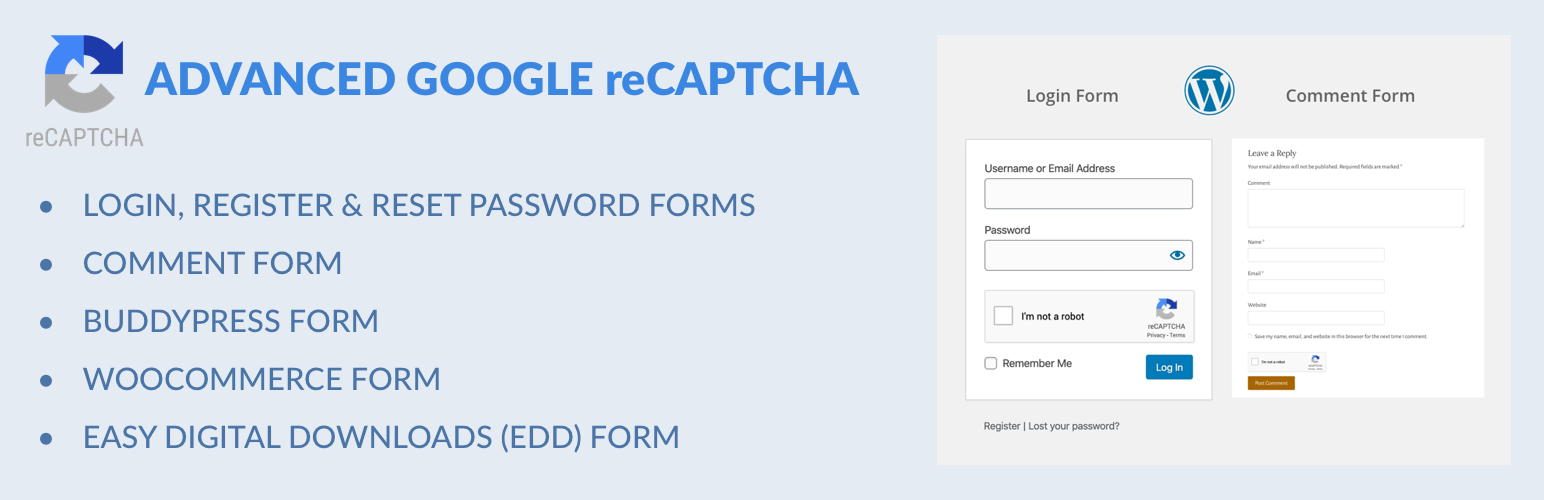
Captcha protection against spam comments & brute force login attacks using Google reCAPTCHA.

Make ecommerce easy with a simple-to-use, all-in-one platform that anyone can set up in just a few minutes!

The #1 eCommerce plugin to sell digital products & subscriptions. Accept payments with Stripe & PayPal...

Automatically displays a shopping cart in your menu bar. Works with WooCommerce and Easy Digital Downloads (ED...
Google Tag Manager and GA4 integration. Including WooCommerce data for Google Analytics 4 and support for serv...