WPThumbs
Themes Plugins By purpose By industry Best-of lists Fix it guides
Free Plugin by WPVibes v1.2.3

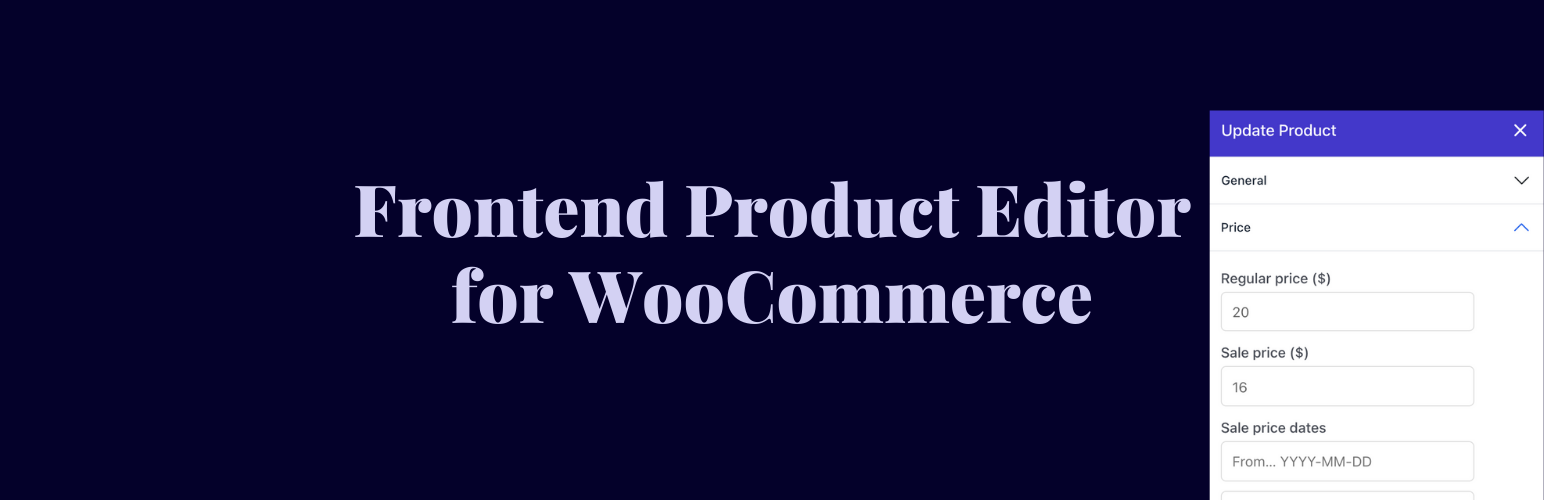
Frontend Product Editor for WooCommerce

Edit any WooCommerce product from your frontend — price, stock, variations, and more — without ever opening wp-admin.
Frontend Product Editor for WooCommerce

The facts

Rating
5★ from 11
Active installs
400+
Price
Free
Last updated
30 Jul 2026
Added
Jan 2022
Requires WP
5.0
Tested up to
WP 7.0.4
Requires PHP
7.4
Downloads
9,270

Our analysis

AI-assisted

Frontend Product Editor for WooCommerce is a WordPress plugin that allows you to edit WooCommerce products directly from the frontend of your site. When logged in as an admin, you can access a flyout panel to make changes to product details, pricing, inventory, and more, all without navigating to the WordPress admin dashboard.

This plugin is designed for WooCommerce store owners who want a more efficient way to manage their products. It supports editing from both single product pages and shop/category archive pages, making it easier to update product information in real time.

Best for: WooCommerce store owners looking for a streamlined product management solution.

What it does well

  • Edit products directly from the frontend
  • No page reloads or context switching required
  • Supports a wide range of product details including pricing and inventory
  • Works with all WooCommerce themes

Where it falls short

  • Limited information on Pro features
  • No details on support or updates beyond the last update date

Verdict

Frontend Product Editor for WooCommerce offers a practical way to manage product details directly from the frontend, making it suitable for those who prefer to avoid the backend interface.

From the developer

WPVibes's own description of Frontend Product Editor for WooCommerce, lightly tidied.

Frontend Product Editor lets you edit WooCommerce products directly from your frontend, without going to wp-admin.

When you are logged in as admin and visit any WooCommerce product page, a floating icon and an admin toolbar option appear. Click either one, and a clean flyout panel slides open — right on top of your product page. Edit the product, save it, and you’re done. The live page reflects the changes instantly.

You can edit products from the single product page or directly from the shop page and category archives (Pro). No page reloads. No context switching.

🚀 Free Features

  1. Edit Products from the Frontend – Open the flyout editor from the admin toolbar or the floating icon on the right edge of the browser. Works on any single product page.
  2. Product Name & Descriptions – Edit the product name, full description, and short description with a WYSIWYG editor.
  3. Pricing & Sale Scheduling – Update the regular price, set a sale price, and schedule sale start and end dates.
  4. Inventory & Stock Management – Manage stock status, enable stock tracking, set quantity, backorder settings, low-stock threshold, and “Sold individually” option.
  5. SKU & Global Unique ID – Update the SKU and Global Unique ID (GTIN, UPC, EAN, ISBN) for any product.
  6. Categories & Tags – Assign categories with a tree picker (create new ones on the fly) and manage product tags.
  7. Shipping Details – Set weight, dimensions, and shipping class without going to the backend.
  8. Tax Settings – Update tax status and tax class per product.
  9. Catalog Visibility & Featured Flag – Control whether a product appears in search and the catalog, and toggle the Featured Product status.
  10. Works with All WooCommerce Themes – The editor panel is isolated from your theme, so it works reliably regardless of which theme you use.

💎 Pro Features – Upgrade to Frontend Product Editor Pro

Variable Products — Full Support

Manage WooCommerce variable products completely from the frontend. No backend required.

  • Browse and manage all variations under a product
  • Create new variations and delete existing ones
  • Edit every variation field: price, stock, SKU, dimensions, shipping class, description, image, downloadable files, virtual flag, and enabled/disabled status
  • Assign attributes to individual variations
  • Bulk regenerate all variations from the product’s attributes in one click
  • Bulk-fill missing prices across all variations
  • Set the default attribute selection for the product

Product Data

  • Featured image & gallery — add, replace, or remove product images and gallery images
  • Global & custom product attributes — manage attribute values and control “used for variations” settings
  • Linked products — assign upsell and cross-sell products
  • Downloadable product fields — upload and manage downloadable files directly from the panel

Store Management

  • Edit from archive pages — click any product on your shop page or category archive and edit it inline without navigating to the product page
  • Role Manager — choose which WordPress user roles can access the frontend editor.

Editor Settings

  • Choose your trigger: admin toolbar, floating button, or both
  • Set the default open tab and enable collapsed-tabs mode
  • Position the editor panel on the left or right, resize it by dragging
  • Set an accent color to match your brand
  • Dedicated settings screen under the WooCommerce menu

Supported Product Types

Read the full description on the official page →

Tagged as

Alternatives

Other plugins for managing stock.

MoreConvert Wishlist for WooCommerce

Free: WC Wishlist, Email automation, Elementor Widgets. Premium: Back-in-Stock Notifier, Save for Later, Multi...

Free 8k+ installs 4.9★ (120)