
Popup Maker
94Want to boost sales & marketing efforts? Use your favorite forms & builder. Unlimited popups & imp...
Free
700k+ installs 4.9★ (4,504)
Let your users reset their forgotten passwords from the frontend of your website.

Frontend Reset Password is a WordPress plugin that allows users to reset their lost or forgotten passwords directly from the frontend of a website. Instead of using the default WordPress reset form, users enter their username or email address to receive a reset link via email. This link redirects them to the site to create a new password, utilising standard WordPress security methods.
This plugin is suitable for sites that restrict access to the WordPress dashboard or for those wanting a custom password reset form on specific pages. It integrates well with Easy Digital Downloads and includes features for customisation, such as changing form text and email templates.
Best for: Websites that need a frontend password reset option, especially those without dashboard access.
What it does well
Where it falls short
Frontend Reset Password offers a straightforward solution for user password resets on WordPress sites. Its customisation options make it adaptable for various site needs.
Wp Enhanced's own description of Frontend Reset Password, lightly tidied.
Frontend Reset Password lets your site users reset their lost or forgotten passwords in the frontend of your site. No more default WordPress reset form! Users fill in their username or email address and a reset password link is emailed to them. When they click this link they’ll be redirected to your site and asked for a new password. Everything is handled using default WordPress methods including security, so you don’t have to worry.
Frontend Reset Password is perfect for sites that have disabled access to the WordPress dashboard, or if you want to include a lost/reset password form on one of your custom site pages. It also works great with Easy Digital Downloads!
Any error messages display right on the form, including whether the username or email address is invalid.
The plugin works by hooking into the lostpassword_url WordPress filter, meaning compatibility with other plugins can be better maintained.
Frontend Reset Password is also translation ready.
New:
– Modern settings framework for easy configuration & searching our documentation
– Password requirements and eye icon toggle
– Customizable reset link text and email templates
– Full documentation at https://docs.wpenhanced.com/frontend-reset-password/
Full documentation and setup guide:
https://docs.wpenhanced.com/frontend-reset-password/
Find answers, usage examples, and troubleshooting tips on our official documentation site.
Quick Start:
1. Add the shortcode [reset_password] to any page.
2. Visit Settings > Frontend Reset Password in your WordPress admin to select your reset page and configure options.
3. (Optional) Customize form text, password requirements, and email templates.
See the online documentation for screenshots and advanced usage.
Customisation Features:
– Change all form text and labels
– Set password requirements (length, character types)
– Show/hide eye icon for password fields
– Customize email subject, sender, and template
– Display login link after password reset
Very little CSS styling is used, so the forms should style with your website theme beautifully.
If you use a frontend login page you can set that in the plugin also. Users are told they can login and are shown the url when they successfully change their password.
Other plugins for selling digital goods.
Want to boost sales & marketing efforts? Use your favorite forms & builder. Unlimited popups & imp...
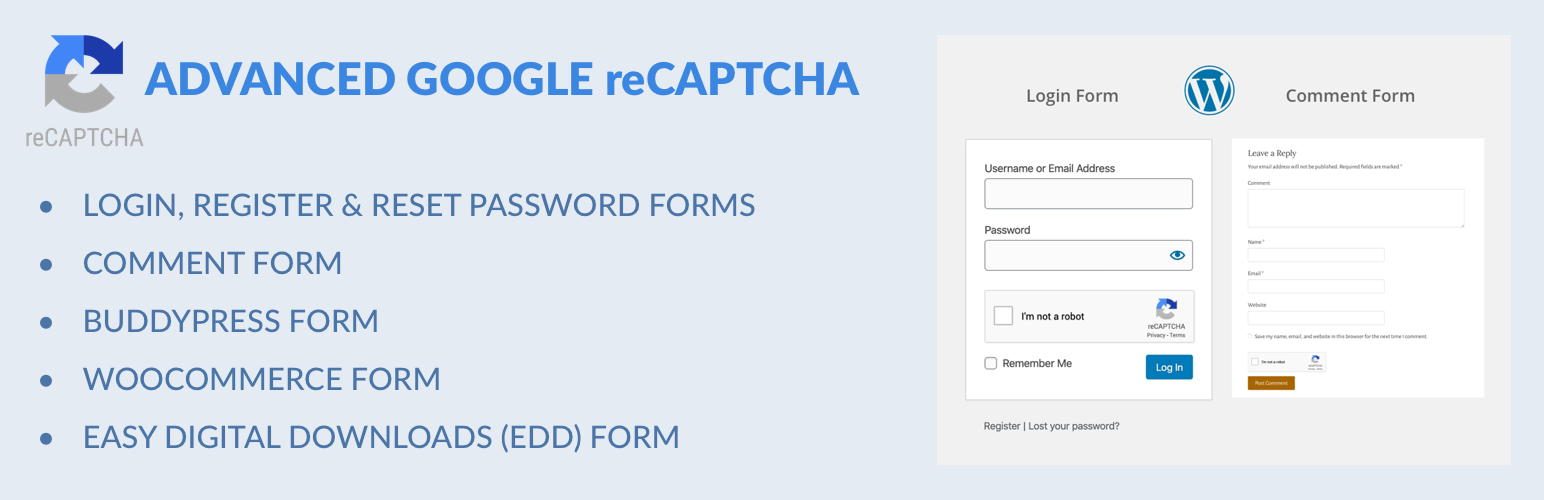
Captcha protection against spam comments & brute force login attacks using Google reCAPTCHA.

Make ecommerce easy with a simple-to-use, all-in-one platform that anyone can set up in just a few minutes!

The #1 eCommerce plugin to sell digital products & subscriptions. Accept payments with Stripe & PayPal...

Automatically displays a shopping cart in your menu bar. Works with WooCommerce and Easy Digital Downloads (ED...

Google Tag Manager and GA4 integration. Including WooCommerce data for Google Analytics 4 and support for serv...