WP Accessibility fixes common accessibility issues in your WordPress site.
Free
60k+ installs 4.8★ (68)
Modifies Gravity Forms form fields and improves validation so that forms meet WCAG 2.0 accessibility requirements.
WCAG 2.0 form fields for Gravity Forms is a WordPress plugin designed to enhance the accessibility of forms created with the Gravity Forms plugin. It wraps various field types in a fieldset, provides on-page validation messages, and adds aria-describedby attributes to improve instructions for screen reader users.
This plugin is suitable for users who want to ensure their Gravity Forms meet WCAG 2.0 accessibility standards. It requires no configuration after installation and aims to improve the usability of forms for individuals with disabilities.
Best for: This plugin is best for website owners using Gravity Forms who want to improve form accessibility.
What it does well
Where it falls short
This plugin provides useful enhancements for accessibility in Gravity Forms, but it does not cover all accessibility aspects. Users should ensure their theme is also accessible.
ovann86's own description of WCAG 2.0 form fields for Gravity Forms, lightly tidied.
This plugin is an add-on for the Gravity Forms plugin. If you don’t yet own a license for Gravity Forms – buy one now! (affiliate link)
What does this plugin do?
See a demo of this plugin at demo.itsupportguides.com/gravity-forms-wcag-20-form-fields
How to I use the plugin?
Simply install and activate the plugin – no configuration required.
Have a suggestion, comment or request?
Please leave a detailed message on the support tab.
Let me know what you think
Please take the time to review the plugin. Your feedback shows the need for Gravity Forms to meet the WCAG 2.0 requirements natively, and will help me understand the value of this plugin.
Please note:
Disclaimer
Gravity Forms is a trademark of Rocketgenius, Inc.
This plugins is provided “as is” without warranty of any kind, expressed or implied. The author shall not be liable for any damages, including but not limited to, direct, indirect, special, incidental or consequential damages or losses that occur out of the use or inability to use the plugin.
Other plugins for accessible sites.
WP Accessibility fixes common accessibility issues in your WordPress site.

OneTap is a multilingual WordPress plugin designed for seamless website accessibility.

Free WordPress accessibility widget to improve accessibility for your website visitors. Supports efforts towar...
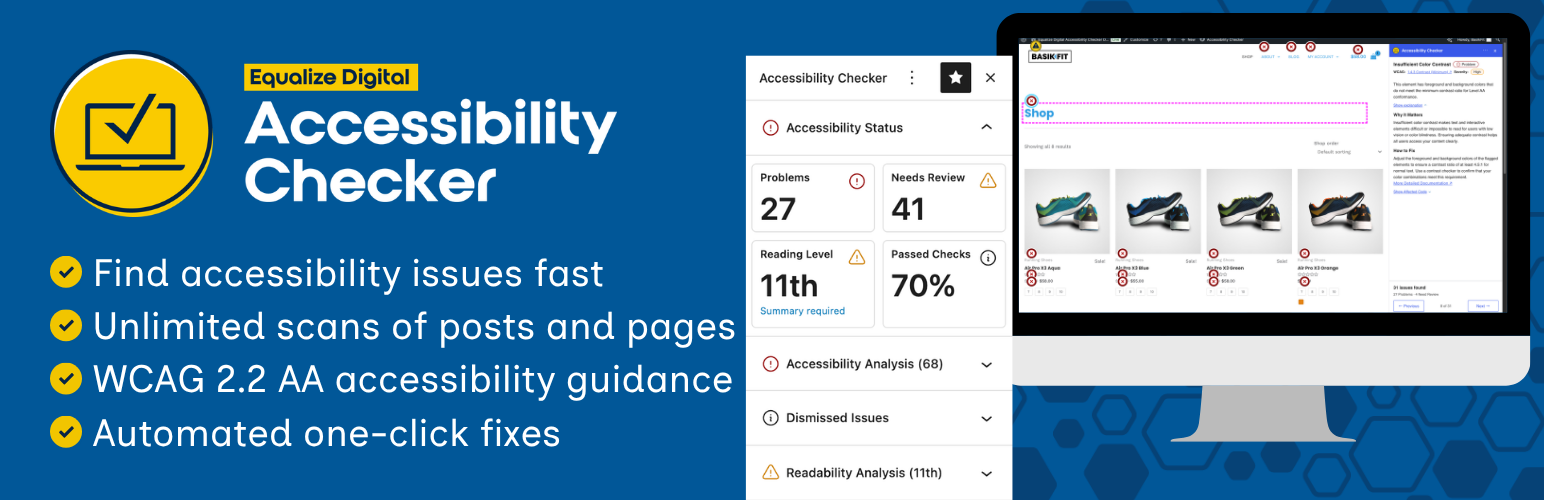
Find and fix accessibility issues with confidence. Real-time reports, automated fixes, and guidance. Reduce co...
Add, edit, and bulk-generate alt text for every WordPress image, manually or automatically using AI. Fix image...
Free text to speech with browser voices + premium AI voices from Google, OpenAI & ElevenLabs. Add an audio...