
The #1 user-rated activity log plugin for event logging, activity monitoring and change tracking.
Free
300k+ installs 4.7★ (488)
Health Check identifies common problems, and helps you troubleshoot plugin and theme conflicts.

Health Check & Troubleshooting is a WordPress plugin designed to identify common configuration errors and known issues within your WordPress installation. It performs various checks and allows themes and plugins to add their own checks as well. The plugin also includes a debug section for gathering server configuration information that can be shared with support representatives.
Additionally, the troubleshooting feature enables a clean session by disabling all plugins and using a default theme, applicable only to your user account. The Tools section checks for tampered WordPress files, email functionality, and plugin compatibility with future PHP updates.
Best for: This plugin is suitable for WordPress site administrators looking to diagnose and troubleshoot issues.
What it does well
Where it falls short
Health Check & Troubleshooting provides essential tools for identifying and resolving common WordPress issues. It may be particularly useful for those who need to gather information for support or perform basic troubleshooting.
WordPress.org's own description of Health Check & Troubleshooting, lightly tidied.
This plugin will perform a number of checks on your WordPress installation to detect common configuration errors and known issues, and also allows plugins and themes to add their own checks.
The debug section, which allows you to gather information about your WordPress and server configuration that you may easily share with support representatives for themes, plugins or on the official WordPress.org support forums.
Troubleshooting allows you to have a clean WordPress session, where all plugins are disabled, and a default theme is used, but only for your user until you disable it or log out.
The Tools section allows you to check that WordPress files have not been tampered with, that emails can be sent, and if your plugins are compatible with any PHP version updates in the future.
For a more extensive example of how to efficiently use the Health Check plugin, check out the WordPress.org support team handbook page about this plugin.
Feedback is welcome both through the WordPress.org forums, the GitHub project page, or on Slack in either #forums or #core-site-health.
Other plugins for monitoring a site.
The #1 user-rated activity log plugin for event logging, activity monitoring and change tracking.
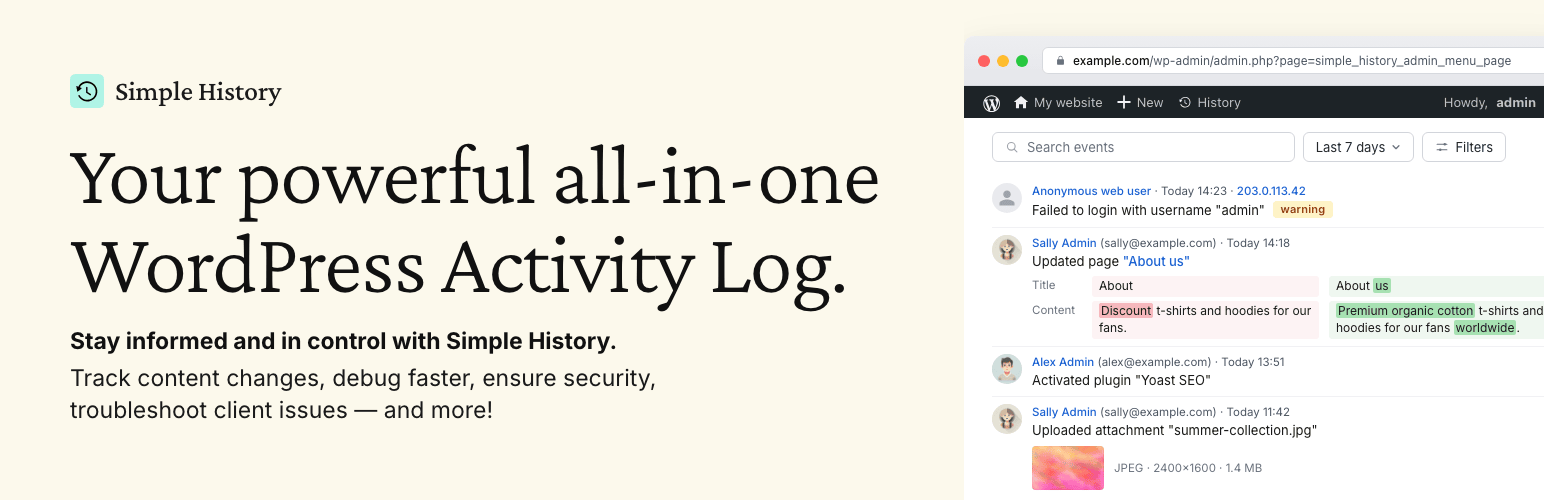
Track changes and user activities on your WordPress site. See who created a page, uploaded an attachment, and...

Manage 301 & 302 redirects. Simple redirection & redirects validation. Includes redirect stats & 4...
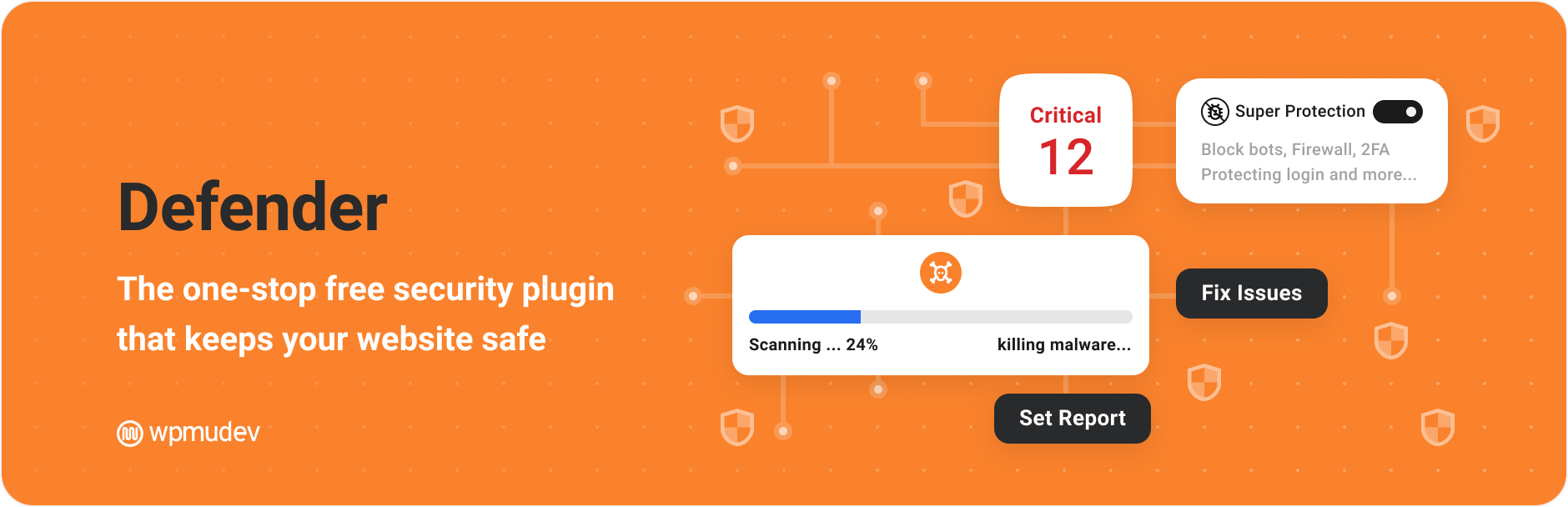
WordPress security plugin with malware scanner, IP blocking, audit logs, antivirus scans, firewall, 2FA, brute...

Redirect manager for 301, 302 and 307 redirection. Monitor and fix 404 errors, log every broken link and prote...

Everything you need to sell WordPress maintenance and manage multiple sites effortlessly: backup, update, upti...