
WhatsApp chat, Facebook Messenger, Telegram, TikTok, Instagram, Email, Line, WeChat Phone call, SMS, 20+ live...
Free
300k+ installs 5★ (1,240)
The one-stop platform for even stronger customer relations. Bolster your customer support with its live chat, chatbot, and knowledge base software.

HelpCrunch is a WordPress plugin designed for customer service, featuring live chat, chatbot automation, and a knowledge base. It allows you to engage with website visitors in real time and manage conversations through various messaging platforms like Telegram and Facebook.
The plugin includes tools for automating responses, tracking performance metrics, and customising the chat widget to fit your brand. It is suitable for businesses looking to enhance their customer support capabilities and streamline communication with clients.
Best for: This plugin is best for businesses wanting to improve customer service through real-time communication.
What it does well
Where it falls short
HelpCrunch provides a comprehensive solution for customer support, but details on some features are limited.
HelpCrunch's own description of HelpCrunch, lightly tidied.
Take your customer support to the next level with the HelpCrunch WordPress plugin. Do you think it’s a tough nut to crack? Not at all!
Thanks to our full-house solution, you can:
But that’s just scratching the surface. Let’s take a deeper look at HelpCrunch’s advanced toolset.
Being the platform’s flagship feature, live chat helps you solve customers’ queries like a pro, acquire more clients and process requests in the nick of time.
You don’t have to be a mastermind to add the HelpCrunch live chat on your WordPress-powered website. Just follow this step-by-step instruction:
STEP 1. Log into your WordPress account.
STEP 2. Find the Plugins section and press Add new.
STEP 3. In the Search box, type in HelpCrunch.
STEP 4. Hit Install and Activate.
STEP 5. Log in to your HelpCrunch account in a separate browser tab.
STEP 6. Go to Settings → Channels → Website Widgets and choose the widget you’d like to install on your WordPress website.
STEP 7. You will be redirected to the Installation page. Select WordPress installation guide and copy the code snippet from the HTML box.
STEP 8. Go back to your WordPress account and find the HelpCrunch live chat widget under installed plugins. Open plugin Settings.
STEP 9. Paste the copied HelpCrunch code snippet into the HelpCrunch Code field and save changes.
Now our live chat widget is displayed in the bottom right corner of your website.
If you have any problems with the setup, please check the installation guide. If you have any questions, just log in to your HelpCrunch account and chat with us. We’ll help you with everything 🤗
Your customer service can be a great differentiator and help you stand out from the competition. Delighting your customers should be a top priority, and one of the best ways to achieve this is by communicating with them in the most convenient way possible. Luckily, HelpCrunch integrates with a range of popular messaging applications, such as:
Such integration can help you provide a seamless customer experience. No matter which channels your customers are using to interact with your business, you will be providing the best possible customer service. Furthermore, HelpCrunch can help your team save a lot of time and effort. Our shared inbox provides an intuitive interface for managing all customer requests from multiple channels in one place, without having to switch between different tools.
Other plugins for customer support.
WhatsApp chat, Facebook Messenger, Telegram, TikTok, Instagram, Email, Line, WeChat Phone call, SMS, 20+ live...
AI meets WordPress. Your site can now chat, write poetry, solve problems, and maybe make you coffee.

AI powered SEO assistant & content writer with 40+ templates, chatbot, NLP keyword research, AEO, GEO, SEO...

AI chatbot agent & human live chat for customer support, FAQ, chat buttons including WhatsApp with Chatway...
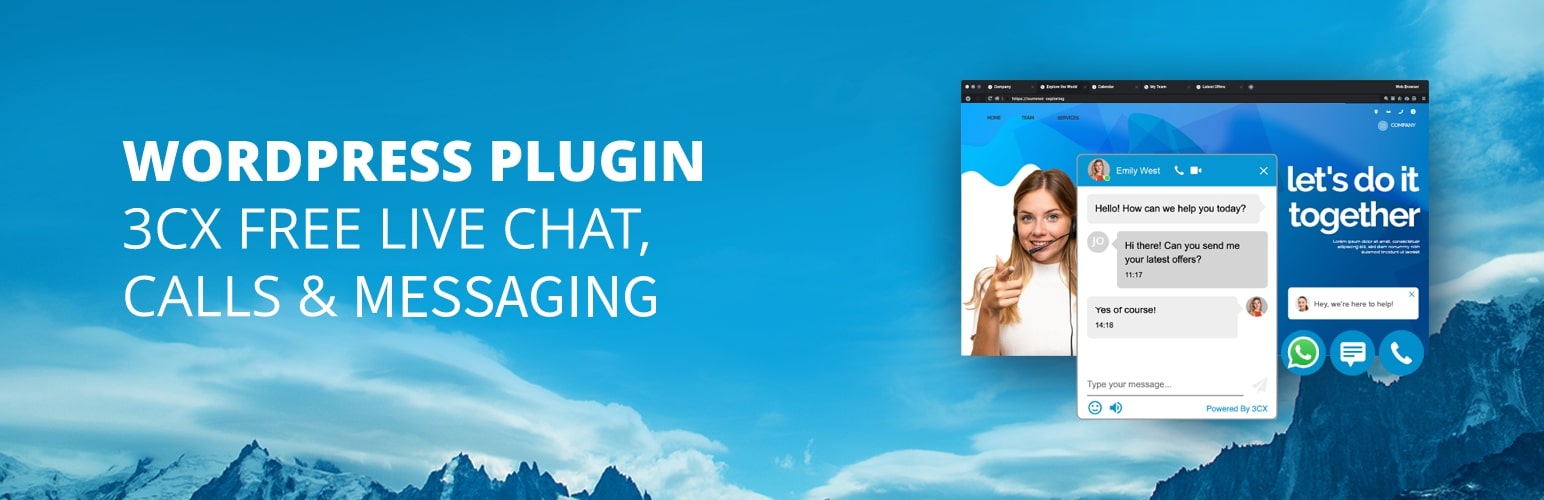
Chat with your website visitors in real-time for free! Engage with your customers and increase sales.
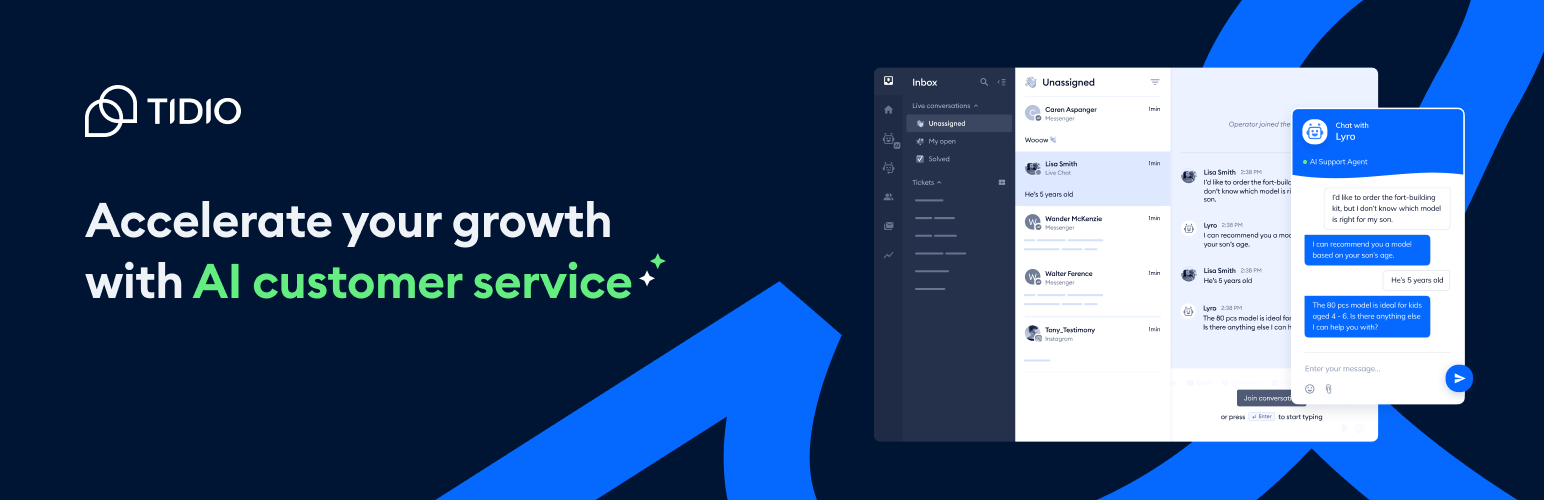
Add Tidio Live Chat to your WordPress for free to answer customers’ questions, engage website visitors, genera...