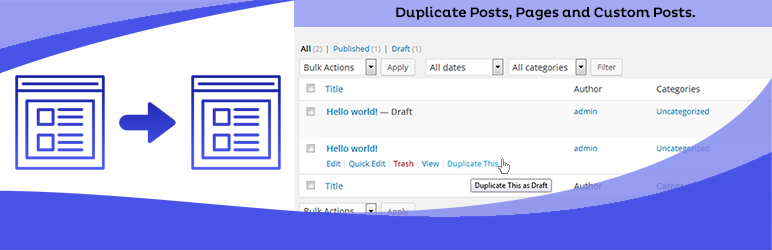
Duplicate Posts, Pages and Custom Posts easily using single click
Free
3M+ installs 4.8★ (465)
This lightweight plugin hides all featured images on pages and posts when they are viewed in their own tab. The posts are not modified -- they still h …

Hide Featured Image on All Single Page/Post is a WordPress plugin designed to hide featured images on individual posts and pages. It does not modify the posts themselves; instead, it disables the theme’s ability to access the featured image when rendering the page. This means that while the featured image remains in the post metadata, it will not be displayed on the actual page or post view.
The plugin is straightforward with no settings to configure. It applies to both existing and new posts after activation. However, if you want to display a featured image on older posts, you will need to manually insert it into the content. This plugin is suitable for users who want to manage the visibility of featured images without altering the underlying content.
Best for: This plugin is best for users who want to hide featured images on their WordPress posts and pages without altering the content.
What it does well
Where it falls short
Hide Featured Image on All Single Page/Post offers a simple solution for managing featured image visibility. However, its effectiveness may vary depending on the theme used.
Tyler Tork's own description of Hide featured image on all single page/post, lightly tidied.
This lightweight plugin hides all featured images on pages and posts when they are viewed in their own tab. The posts are not modified — they still have a featured image if you selected one. The plugin only disables the theme’s ability to access the image when rendering the page. If your theme displays featured images in search results, Posts page, category lists, and so on, it still can do that. Social media platforms and search engines that look for an image to accompany the excerpt, can also still find the featured image URL in the post metadata.
There are no settings; the plugin just does the one thing.
The change applies to existing posts as well as anything you create after activation. You would need to edit any old posts that are adversely affected by this change (if you want the featured image to display, you would have to insert it into the content). If you have a lot of old content, you might want to use a different plugin such as Conditionally display featured image on singular pages and posts, which by default only affects new posts.
TECHNICAL NOTE
Themes that find the featured image by looking up data in the database directly as opposed to calling get_the_post_thumbnail() or wp_get_attachment_image(), may still emit HTML for the featured image despite this plugin. As a second line of defense, the plugin loads a stylesheet that tries to hide the image if it is present in the HTML. This also might fail if the theme has used unusual entities and class names. Custom CSS rules should always be possible as a fallback (in which case you don’t need this plugin).
This plugin also (not on purpose) blocks the featured image from appearing in the content where you’ve inserted a “Post featured image” block. I’m looking into whether it might be possible to detect the difference between a request for the featured image for default display versus a deliberate insertion later. In the meantime, as a workaround, don’t use the “Post featured image” block, but instead insert an “Image” block and re-select the image from your media library (I prefer that anyway since it gives more control over size, alt text, etc).
If you find a theme this doesn’t work with, please let me know.
The author is not soliciting donations for himself. If you find this useful and want to pay it forward, please consider donating to an organization that directly helps people in need.
Other plugins for dating sites.
Duplicate Posts, Pages and Custom Posts easily using single click

HappyAddons packs Header Footer Builder, Megamenu, Single Post, Archive Page, & 500+ Ready Templates into...

Site metrics and social media analytics for Instagram, Facebook, YouTube, LinkedIn, X Twitter. The single best...
Disable admin notices and hide dashboard notifications from plugins, themes and core. Hide all notices, select...

Password protect WordPress pages and posts by user roles or with multiple passwords; protect your entire websi...
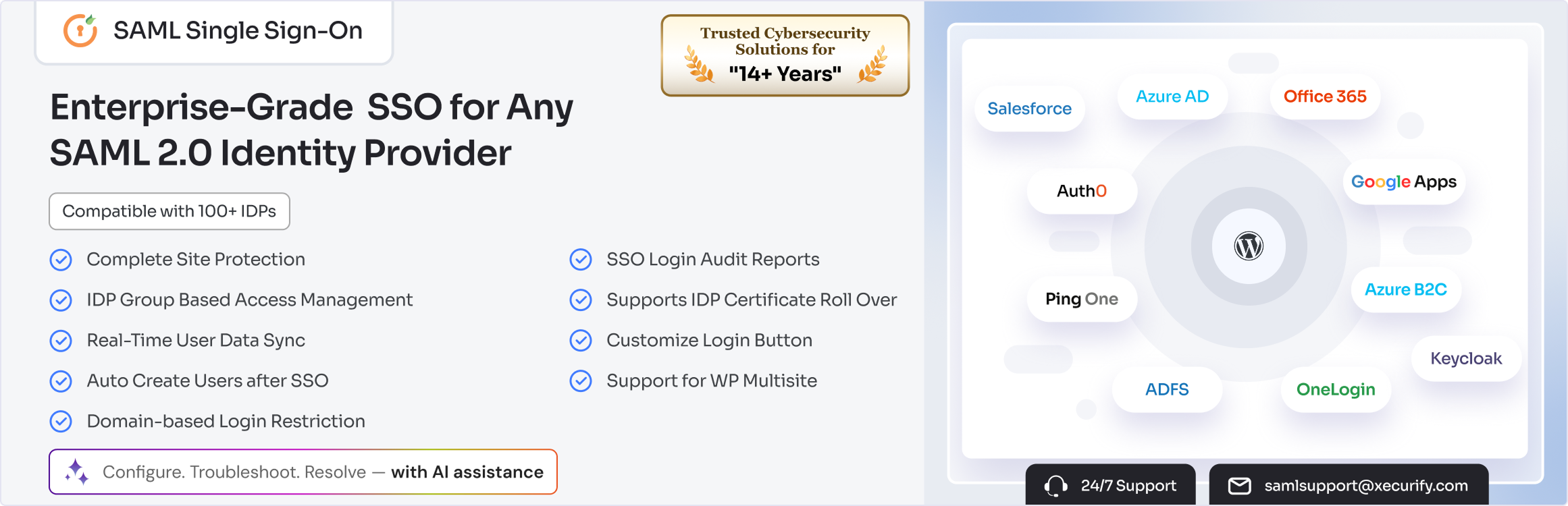
SAML SSO (Single Sign On) for WordPress Login with Okta, Entra ID/Azure AD, GSuite, Salesforce & All SAML...