
Show a waitlist form on out-of-stock products and automatically email subscribers when items are restocked. Tu...
Free
20k+ installs 4.7★ (122)
Complete inventory story for WooCommerce

Inventory History is a WordPress plugin designed to log and monitor changes in product stock quantities within WooCommerce. It addresses the lack of stock change history in WooCommerce by recording various events related to stock modifications, such as product creation, stock updates, and order edits.
Site administrators can access the inventory history from the admin dashboard, where they can filter logs by event type, order ID, or product variation. This plugin is suitable for WooCommerce store owners who need to track inventory changes for better management and oversight.
Best for: WooCommerce store owners who need to track product stock changes.
What it does well
Where it falls short
Inventory History provides a useful solution for logging stock changes in WooCommerce, though its functionality is limited to basic logging features.
Yashar's own description of Inventory History, lightly tidied.
By default, WooCommerce does not save any kind of log or history for product stock changes. This means anyone with the edit access on WC products, may manipulate the stock quantities without getting logged somewhere.
WooCommerce Inventory History solves this problem and adds extra functionalities to monitor product stock quantity changes.
This plugin tries to log every stock change caused by customers or admins during order placement, product edit, order edit.
Site admins can view the inventory history of each product, from admin dashboard and filter the logs by event type, order ID or product variation (for variable products).
Each log contains information about the event, including customer or admin user ID, old stock quantity, stock change, new stock quantity, event type, date and order ID.
Trigger Events
REQUIREMENTS
WooCommerce Inventory History requires PHP version 7.1 or above and WooCommerce version 4.0 or above, to work smoothly.
Other plugins for managing stock.
Show a waitlist form on out-of-stock products and automatically email subscribers when items are restocked. Tu...
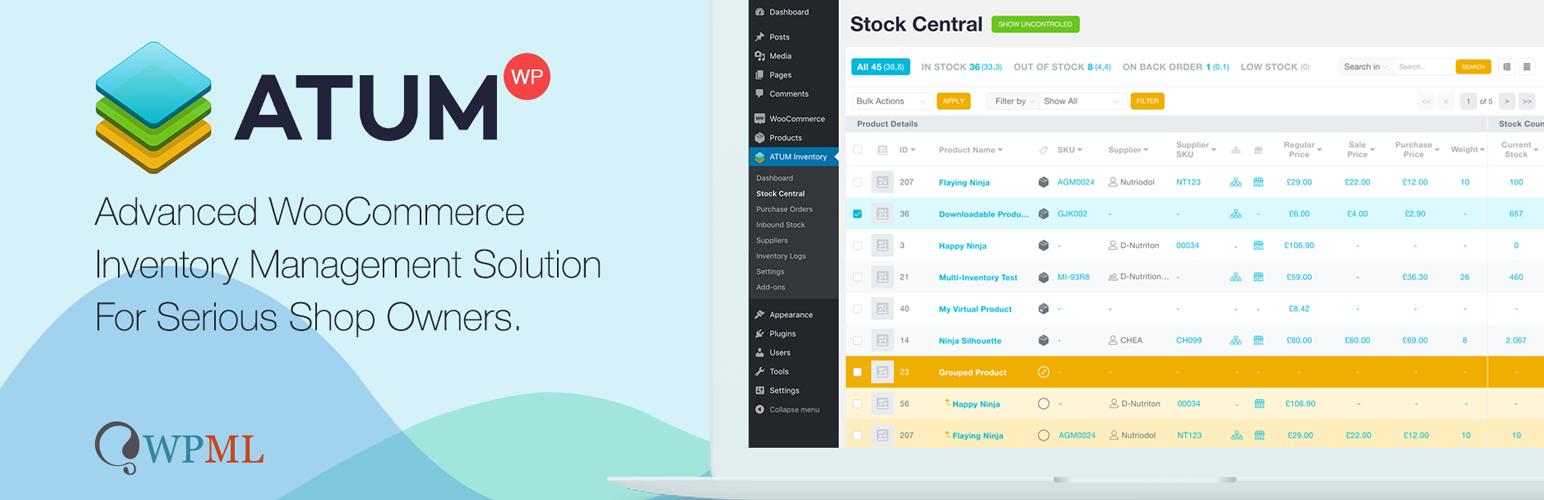
WooCommerce Full Inventory Management, Purchase Orders, Suppliers, Inbound Stock, Inventory Logs, WooCommerce...
Manage GTINs (EAN, UPC, ISBN, etc.) effortlessly in WooCommerce! Create, save, search, and display EANs easily...

Free: WC Wishlist, Email automation, Elementor Widgets. Premium: Back-in-Stock Notifier, Save for Later, Multi...

WooCommerce Zoho Connector allows you to quickly integrate WooCommerce Orders with Zoho CRM, Books, Inventory...
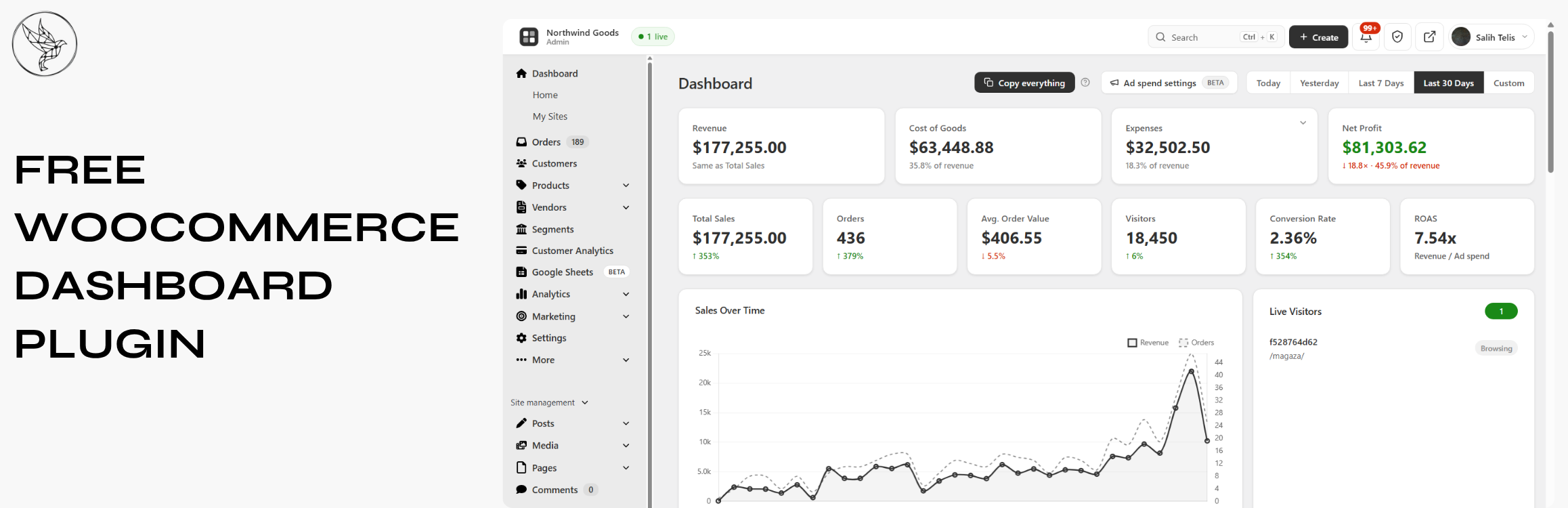
Free WooCommerce dashboard & sales report: abandoned cart recovery, Google Sheets sync, ROAS, bulk editor...