
The #1 user-rated activity log plugin for event logging, activity monitoring and change tracking.
Free
300k+ installs 4.7★ (488)
The ultimate solution for tracking activities and security issues on your WordPress site.

LogDash Activity Log is a WordPress plugin that tracks various activities on your website. It provides an intuitive dashboard that allows you to monitor user logins, content changes, and plugin updates, among other actions. This tool is suitable for anyone managing a WordPress site, from personal blogs to corporate websites, looking to enhance site security and streamline management.
The plugin helps you gain visibility into site activities, strengthens security by identifying suspicious behaviour, and boosts user productivity by monitoring actions. It also simplifies troubleshooting and promotes user accountability through detailed logs.
Best for: This plugin is best for WordPress site owners who want to monitor activity and enhance security.
What it does well
Where it falls short
LogDash Activity Log is a practical tool for tracking site activities and improving security. It offers essential features for effective site management.
Deryck's own description of LogDash Activity Log, lightly tidied.
LogDash Activity Log is the ultimate solution for tracking activities on your WordPress site. With its comprehensive features and intuitive interface, managing your website’s activity log has never been easier.
Designed with simplicity in mind, LogDash Activity Log allows you to effortlessly monitor and track all actions on your WordPress site, including user logins, content changes, plugin updates, and more. Its user-friendly dashboard gives you instant access to critical information, making it easy to identify and resolve issues quickly.
Whether you’re managing a personal blog or a large corporate website, LogDash Activity Log Plugin is the perfect tool for enhancing your site’s security.
Log everything that happens on you WordPress website to:
LogDash Activity Log is FREE. You can keep your log events for as long as you need – there’s no restriction on the duration of your logs.
Here’s an overview of the modifications that the plugin is capable of tracking and storing:
Note: LogDash also support WooCommerce, ACF, LogDash as well a every Custom Post Type. Support will be improved and extended in a Premium version in the future.
Other plugins for monitoring a site.
The #1 user-rated activity log plugin for event logging, activity monitoring and change tracking.
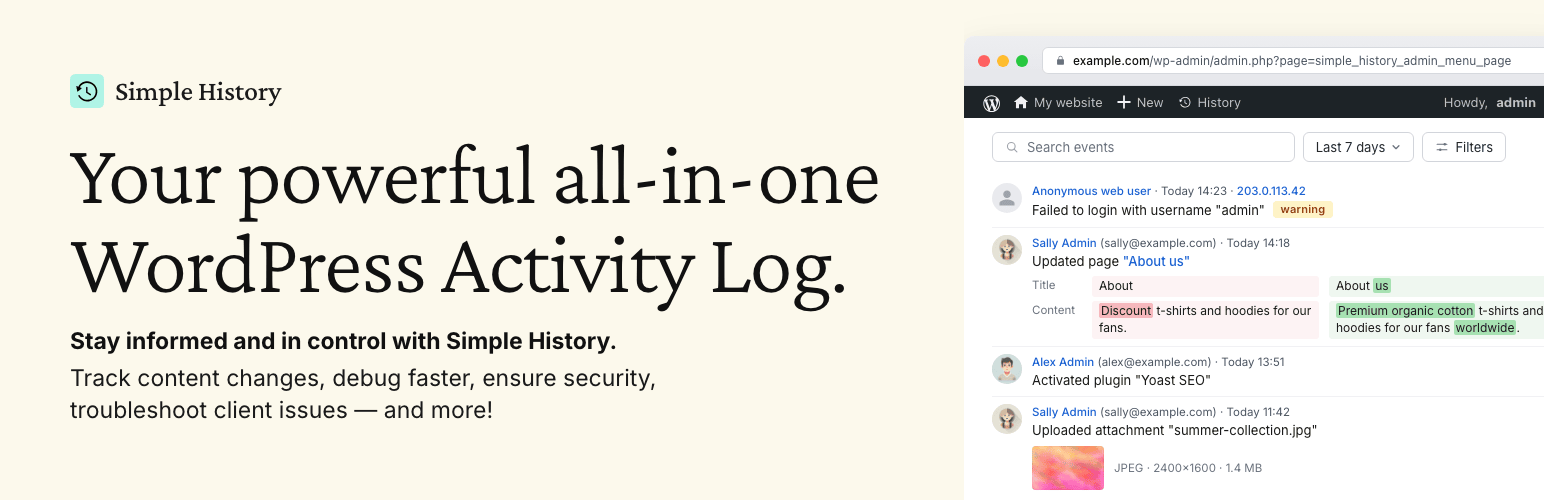
Track changes and user activities on your WordPress site. See who created a page, uploaded an attachment, and...

Manage 301 & 302 redirects. Simple redirection & redirects validation. Includes redirect stats & 4...
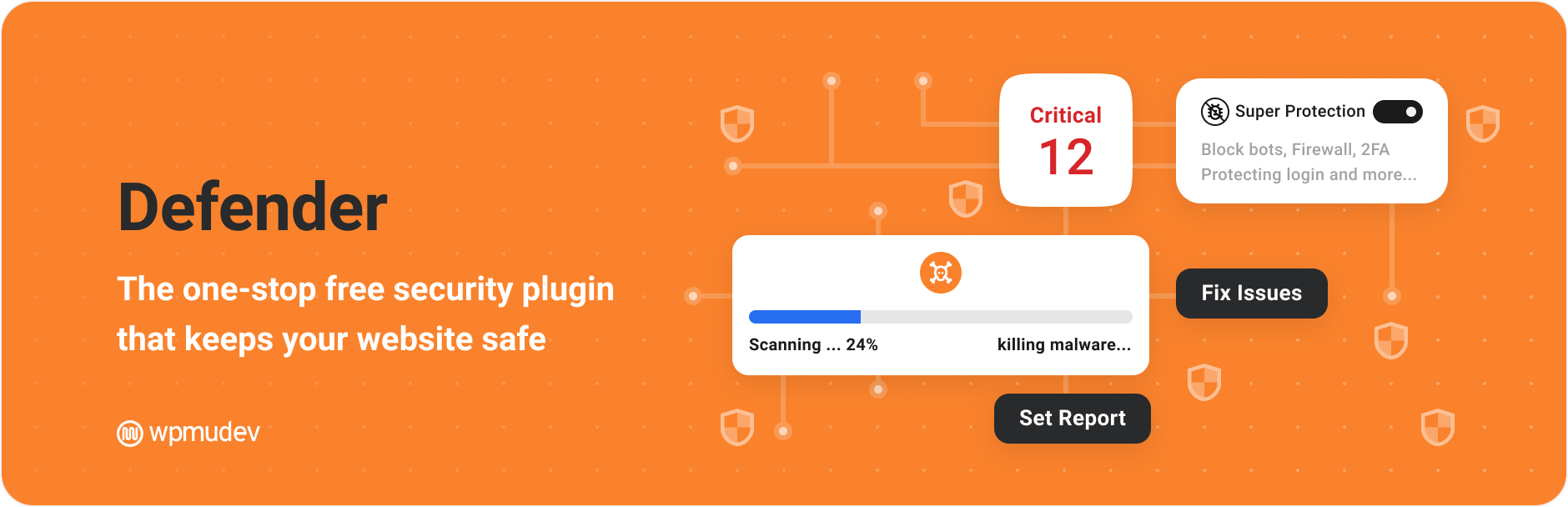
WordPress security plugin with malware scanner, IP blocking, audit logs, antivirus scans, firewall, 2FA, brute...

Redirect manager for 301, 302 and 307 redirection. Monitor and fix 404 errors, log every broken link and prote...
Everything you need to sell WordPress maintenance and manage multiple sites effortlessly: backup, update, upti...