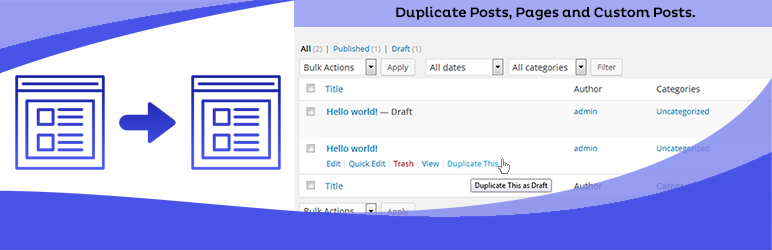
Duplicate Posts, Pages and Custom Posts easily using single click
Free
3M+ installs 4.8★ (465)
Single Sign-On using WordPress - Login with WordPress to your application/sites using your WordPress account. [24/7 Support]
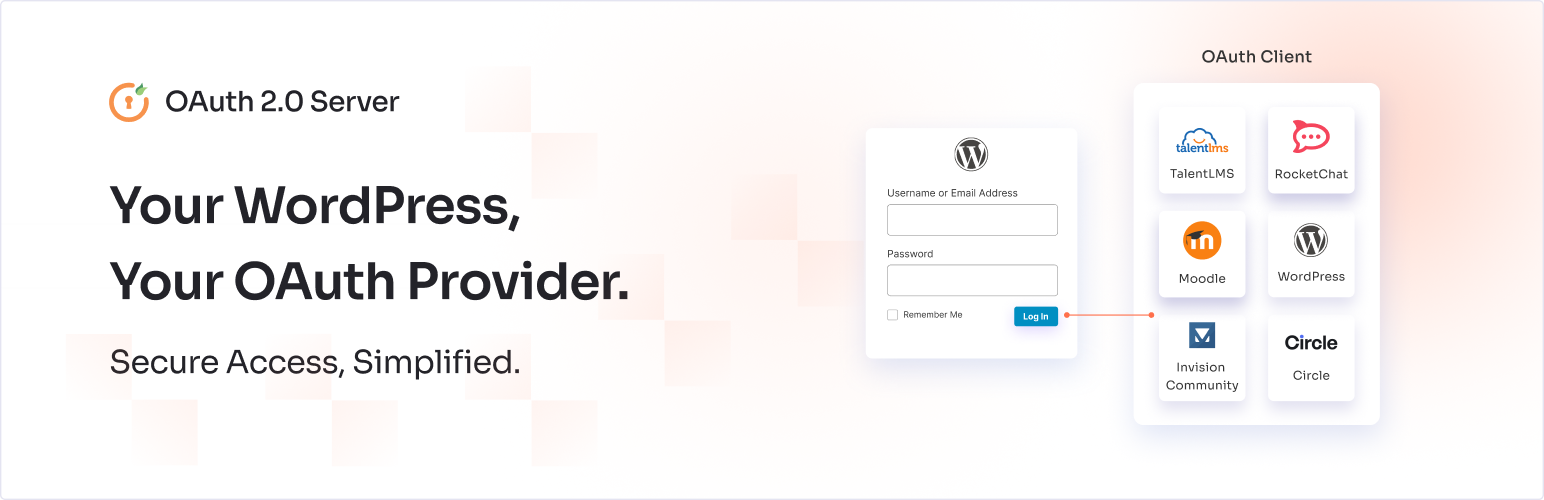
WP OAuth Server is a WordPress plugin that transforms your site into an OAuth Server, allowing users to log in to various applications using their WordPress credentials. It supports OAuth 2.0, OpenID Connect, and JWT protocols, enabling Single Sign-On (SSO) for a wide range of compliant applications.
This plugin is suitable for users who want to simplify their login process across multiple platforms without needing to remember different usernames and passwords. It is particularly useful for those managing sites that require integration with various OAuth 2.0 compliant applications.
Best for: This plugin suits WordPress site owners needing SSO capabilities for multiple applications.
What it does well
Where it falls short
WP OAuth Server provides a straightforward solution for integrating WordPress with various applications using SSO. It is a practical choice for those looking to streamline user authentication across platforms.
miniOrange's own description of WP OAuth Server, lightly tidied.
WP OAuth Server plugin turns your WordPress site into an OAuth Server, enabling Login with WordPress. It allows you to login into Rocket Chat, Invision Community, WordPress, Odoo, EasyGenerator, Salesforce, Zapier, Moodle WordPress SSO, ServiceNow, Edunext, Wickr, Freshdesk, FreshWorks, ServiceNow, ShinyProxy, Knack database, Circle.so, Tribe.so, Tribe, Mobilize, Nextcloud SSO, Church Online, iSpring LMS, Academy of Mine, BoardEffect, TalentLMS, Laravel, PowerSchool, PowerSchool, Joomla, HubSpot SSO, shopify sso integration, MeritHub, Bookstack, Pimcore, 360 Learning, EventMobi, Synology, Drupal, Piano Analytics, Zerotier, and any other OAuth 2.0 compliant applications using WordPress SSO credentials.
| WordPress OAuth Server Setup Guides | API Documentation | Demo / Trial |
You can checkout the below video tutorial to know how to setup SSO with your OAuth/OpenID Compliant Applications.
Basically, the OAuth Server plugin allows users to login into applications that are OAuth 2.0 compliant, facilitating oauth server SSO using their WordPress login credentials. As it’s name suggests, it follows the OAuth 2.0 protocol. Along with that, it also supports OpenID Connect (OIDC), and JWT protocols.
The primary goal of the OAuth Server plugin is to provide Single Sign-On Login with WordPress, so users do not need to remember a username and password for each application.
Using WordPress as OAuth Server, once Single Sign On is enabled, users do not need to store sensitive information to login into different applications.
Discovery URL
The discovery url / well-known endpoint can be used to get metadata about your Identity Server, essential for setting up oauth server SSO. It will return information about the OAuth/OpenID endpoints, issuer URL, supported grant types, supported scopes, key material along with claims in the JSON format. These details can be used by the clients to create an OpenID server request, enhancing the WordPress SSO experience. The well known configuration URL is accessible via /.well-known/openid-configuration, in relation to the issuer URL.
JWT Token Verification
JWT signing, which ensures the integrity of the tokens used during the WordPress SSO process, supports both symmetric and asymmetric algorithms provided by the OAuth Server. The plugin’s free version supports HS256, while the premium version supports RS256, enhancing security especially in scenarios involving HubSpot SSO and Nextcloud SSO.
HS256, a symmetric signature algorithm, indicates that the signature is generated and verified using the same secret key. It is supported in the free version of the OAuth Server plugin, which is useful for basic OAuth Server SSO configurations.
RS256, an asymmetric signature algorithm is different from a symmetric algorithm in that a pair of private and public keys is used to sign and validate the data respectively instead of a single secret key in an oauth server SSO setup.
Why RSA algorithm should be used?
The use of a public and private key pair makes RS256 more secure in comparison to HS256 where the public key is shared and might be compromised whereas in RS256, even if you do not have the control over your client, your data remains secure as it is signed using a private key. The premium version of the OAuth Server plugin supports the RS256 algorithm.
Postman collection
Postman collection JSON is a file that can be used for testing the configuration of OAuth 2.0 flow in the WP OAuth Server plugin without configuring an external OAuth Client by generating the access token and the API call to the resource endpoint subsequently.
Other plugins for dating sites.
Duplicate Posts, Pages and Custom Posts easily using single click

HappyAddons packs Header Footer Builder, Megamenu, Single Post, Archive Page, & 500+ Ready Templates into...

Site metrics and social media analytics for Instagram, Facebook, YouTube, LinkedIn, X Twitter. The single best...

Disable admin notices and hide dashboard notifications from plugins, themes and core. Hide all notices, select...

Password protect WordPress pages and posts by user roles or with multiple passwords; protect your entire websi...
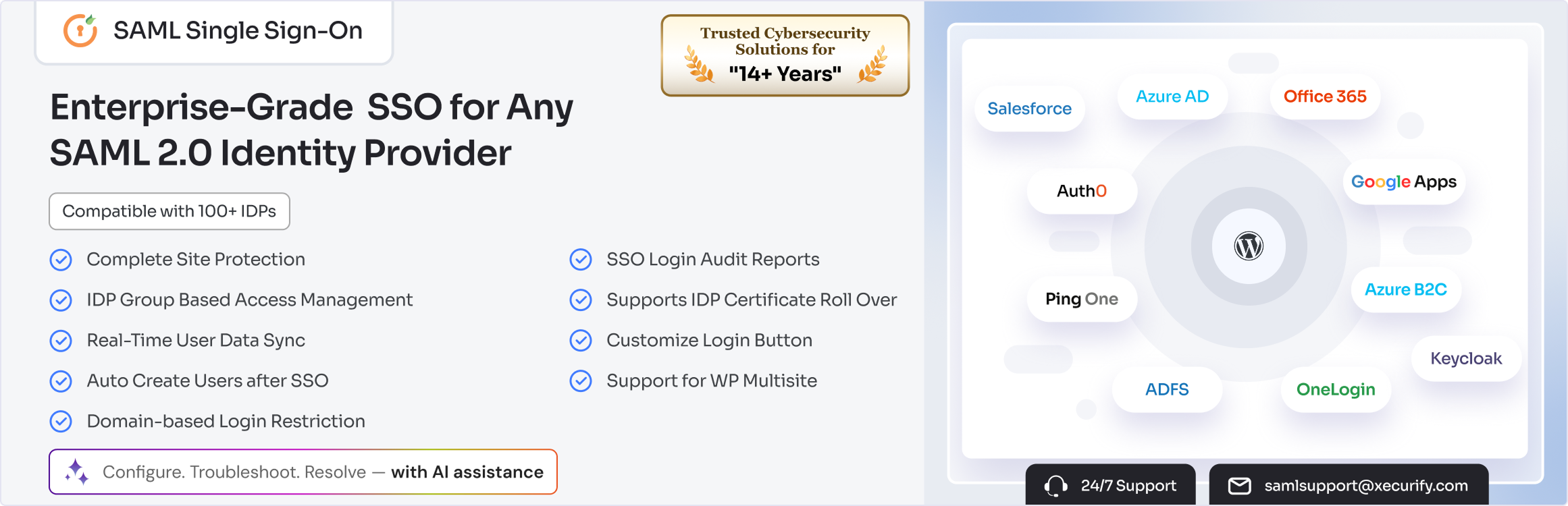
SAML SSO (Single Sign On) for WordPress Login with Okta, Entra ID/Azure AD, GSuite, Salesforce & All SAML...