WP Accessibility fixes common accessibility issues in your WordPress site.
Free
60k+ installs 4.8★ (68)
Accessible WordPress event calendar plugin. Manage single or recurring events, event venues, and display your calendar anywhere on your site.

My Calendar is a WordPress plugin designed for managing events with a focus on accessibility. It allows you to create and display event calendars with various views, including grid and list formats, and offers customisation options for design and functionality. The plugin is suitable for users who need a flexible event management solution that prioritises accessibility for all visitors.
The plugin supports features like recurring events, event categorisation, and location management. It is also compatible with WordPress Multisite, making it ideal for users managing multiple sites. My Calendar includes built-in settings for ADA compliance, ensuring that events are accessible to individuals using assistive technologies.
Best for: This plugin suits website owners who need to manage and display events while ensuring accessibility for all users.
What it does well
Where it falls short
My Calendar is a robust solution for event management with a strong emphasis on accessibility. It is well-suited for users looking for a flexible and customisable calendar plugin.
Joe Dolson's own description of My Calendar, lightly tidied.
My Calendar offers easy-to-use WordPress event management with rich options for custom displays. Display individual event calendars in WordPress Multisite, offer multiple views of calendars limited by event categories, locations or author, or show simple text-based lists of your upcoming events.
You’ll find enormous design flexibility for your custom calendar. With recurring event support, design customization tools, custom templating, and category and venue support out of the box, My Calendar gives you a great feature set to get your calendar set up.
My Calendar is an events calendar focused on holistic accessibility: providing a positive experience for site visitors and administrators who use assistive technology. It includes built-in settings where you can describe the ADA compliance features of your events and venues. Accessibility is a critical part of your website, so your audience can get equal access and experience to the events you list.
Learn about accessible events or visit the My Calendar demo
While My Calendar has a strong focus on backwards compatibility, it is officially built with an accessibility first mindset. That means that if a choice has to be made between improving accessibility and breaking backwards compatibility, the more accessible choice will always come first.
Looking for more? Buy My Calendar Pro, the premium extension for My Calendar.
My Calendar Pro adds tons of great additional features:
Do you sell tickets for your events? Use My Tickets and sell tickets for My Calendar events. Set prices, ticket availability, and sell multiple events at the same time using My Tickets.
Other plugins for accessible sites.
WP Accessibility fixes common accessibility issues in your WordPress site.

OneTap is a multilingual WordPress plugin designed for seamless website accessibility.

Free WordPress accessibility widget to improve accessibility for your website visitors. Supports efforts towar...
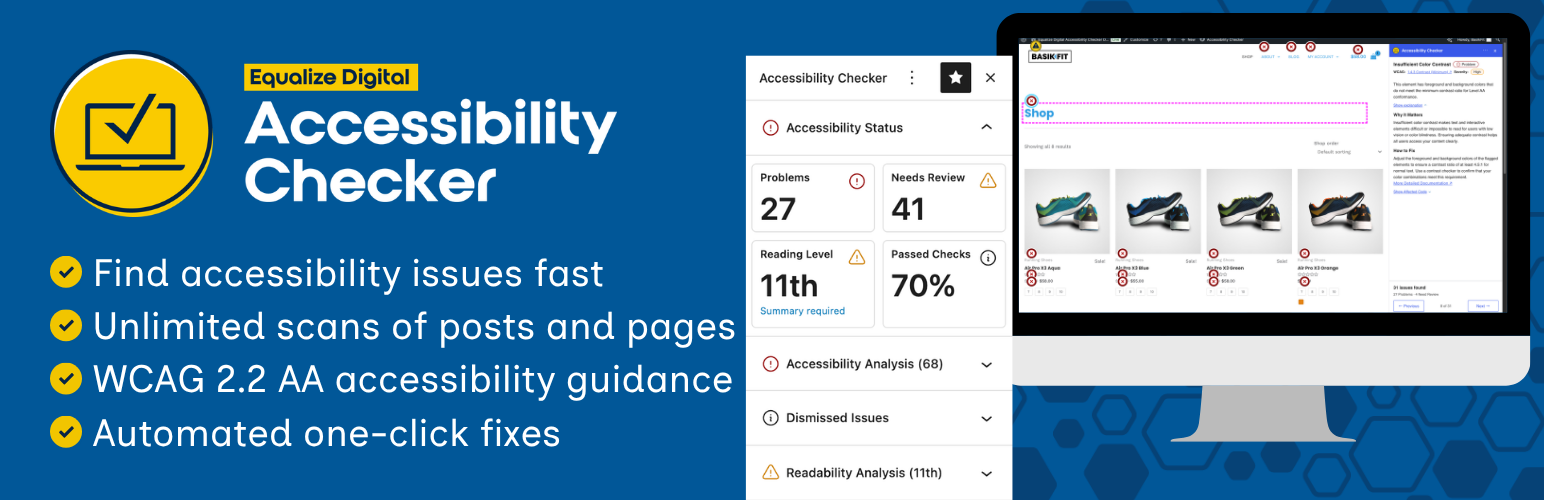
Find and fix accessibility issues with confidence. Real-time reports, automated fixes, and guidance. Reduce co...
Add, edit, and bulk-generate alt text for every WordPress image, manually or automatically using AI. Fix image...

Free text to speech with browser voices + premium AI voices from Google, OpenAI & ElevenLabs. Add an audio...