
ECS
88Seven free modules for Elementor: dark mode, container layouts, mobile menu, editorial text, style presets, JS...
Free
100k+ installs 4.6★ (117)
Switch between light and dark themes for a more comfortable viewing experience, day or night.

Onyx Dark Mode Switcher is a WordPress plugin that allows visitors to toggle between light and dark modes with a single click. It automatically generates a matching dark palette based on the colours of your theme, requiring no additional configuration. The plugin remembers the user's choice for future visits.
The plugin offers various ways to activate dark mode, including a floating toggle button, system-aware settings, scheduled activation, and keyboard shortcuts. Users can also style the switch button and choose from 13 colour presets or create their own custom palette, ensuring a cohesive design with the rest of the site.
Best for: This plugin is suitable for any WordPress site looking to enhance user experience with dark mode functionality.
What it does well
Where it falls short
Onyx Dark Mode Switcher provides a straightforward solution for implementing dark mode on WordPress sites, with customisation options to fit various design needs.
hashthemes's own description of Onyx Dark Mode Switcher, lightly tidied.
A lightweight WordPress plugin that lets your visitors switch between light and dark mode in one click.
Install it, activate it, and you are done. Onyx reads the colors your theme actually renders and works out a matching dark palette on its own, so there is no stylesheet to write and no theme to configure. It works with any WordPress theme.
Dark mode is applied before the page paints, so visitors never see a flash of white before the page turns dark. Their choice is remembered on their next visit.
Everything below is optional. Onyx is useful the moment you activate it, and every setting is there for the day you want to fine tune it.
Dark mode does not have to be a button your visitors go looking for. Choose whichever of these suit your audience, or use them together.
Whichever route a visitor takes, their choice is remembered on their next visit.
The floating button is meant to look like part of your design, not like a plugin.
Pick a ready made dark palette or build one yourself. The Colors tab previews your choice live, before you save.
The parts of a page that most often look wrong in dark mode are the ones that carry their own colors. Onyx gives each of them a control.
Other plugins for dark mode.
Seven free modules for Elementor: dark mode, container layouts, mobile menu, editorial text, style presets, JS...

A clean, lightweight dark mode for the WordPress admin dashboard.
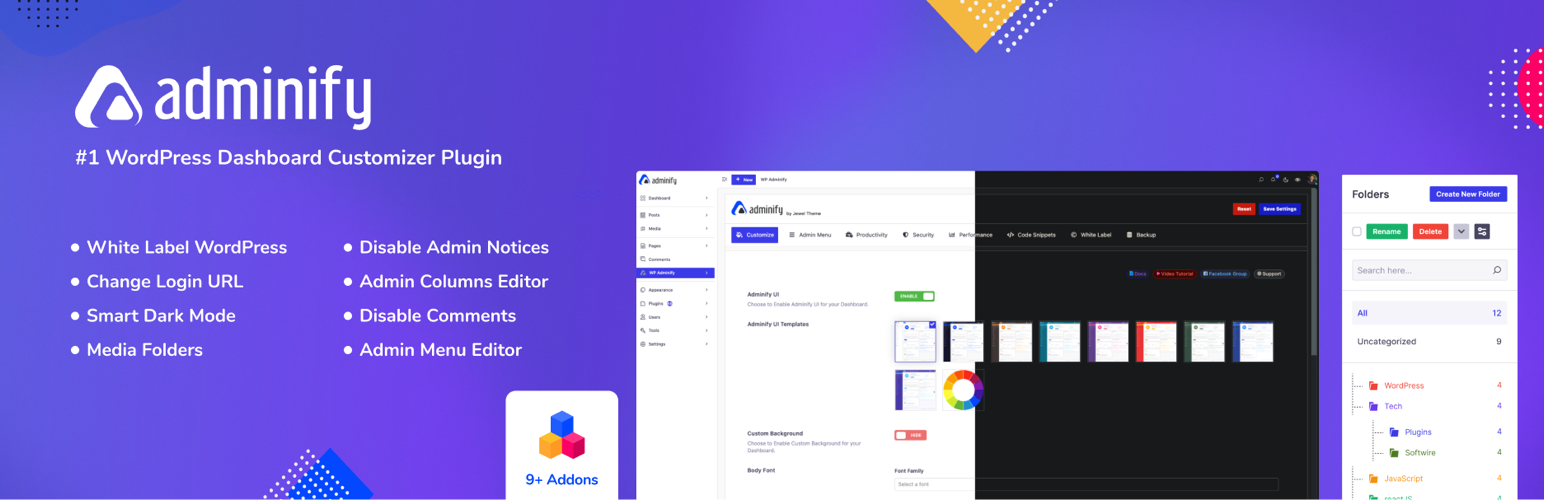
White label WordPress admin, admin menu editor, login page customizer, admin dark mode, media library folders,...
Bring dark mode toggle switch to your WordPress website. A simple switch to turn on and off the dark mode. Fas...

Experience Darklup — Your WordPress ally for dark mode, dark themes, night mode and accessibility. Switch to a...

Show your logo anywhere: theme header, login screen, admin bar and emails. Retina, dark mode, mobile, sticky,...