
WP Accessibility fixes common accessibility issues in your WordPress site.
Free
60k+ installs 4.8★ (68)
A simple PDF viewer widget for Elementor that displays PDFs directly on your website.

PDF Smart Viewer for Elementor is a WordPress plugin that allows you to display PDF documents directly on your website using the Elementor page builder. It provides a clean viewer interface with zoom controls, download and print options, and supports PDFs from both your site and external URLs.
The plugin is designed to be responsive, ensuring a good viewing experience on both mobile and desktop devices. It includes features like page navigation and accessibility support, making it suitable for users who need to present PDF content in an engaging way.
Best for: This plugin is suitable for websites that need to showcase PDF documents effectively.
What it does well
Where it falls short
PDF Smart Viewer for Elementor offers a straightforward solution for displaying PDFs, though some features are still in development. It may meet your needs if you require basic PDF viewing functionality.
DeKnows's own description of PDF Smart Viewer for Elementor, lightly tidied.
A simple PDF viewer widget for Elementor that displays PDFs directly on your website.
Go to Settings → PDF Smart Viewer to configure:
* Default zoom level
* Default height (100% by default)
* Which buttons to show
Need help? Contact us at deknows.com
Other plugins for accessible sites.
WP Accessibility fixes common accessibility issues in your WordPress site.

OneTap is a multilingual WordPress plugin designed for seamless website accessibility.

Free WordPress accessibility widget to improve accessibility for your website visitors. Supports efforts towar...
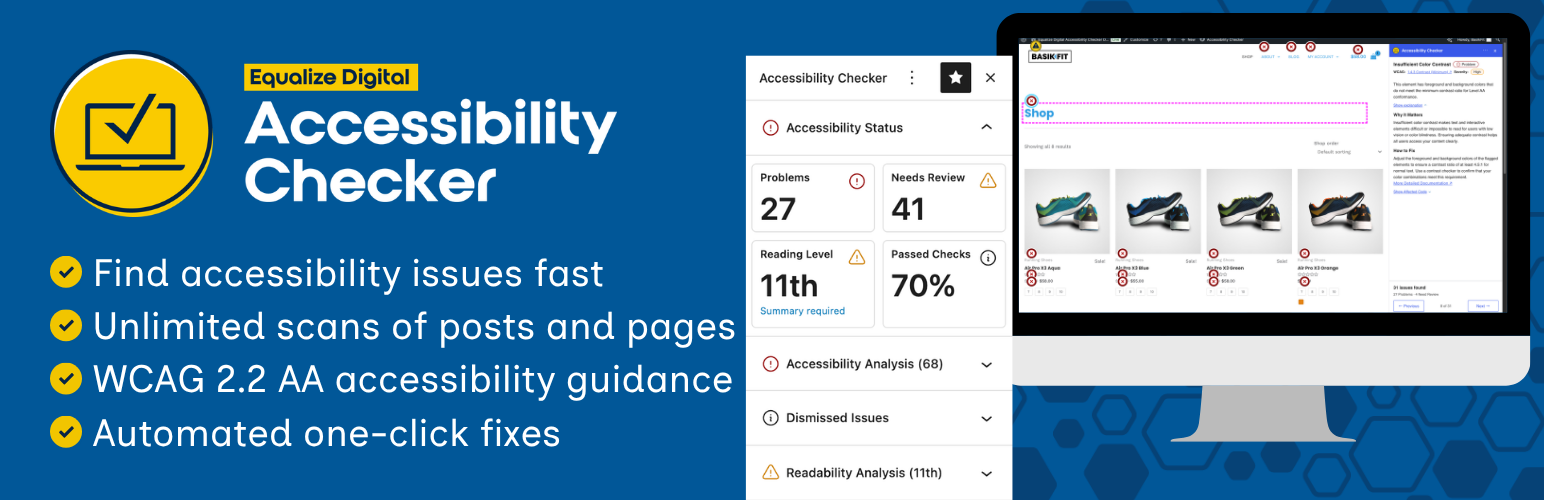
Find and fix accessibility issues with confidence. Real-time reports, automated fixes, and guidance. Reduce co...

Add, edit, and bulk-generate alt text for every WordPress image, manually or automatically using AI. Fix image...

Free text to speech with browser voices + premium AI voices from Google, OpenAI & ElevenLabs. Add an audio...