
Ad Inserter
94Manage Google AdSense ads, banners, ad rotation, sticky widgets, AMP ads, ads.txt, tracking, header and footer...
Free
300k+ installs 4.9★ (2,428)
Events calendar - the simple way. Easily display any WordPress post as an event on a flexible front-end calendar. Supports any post type.
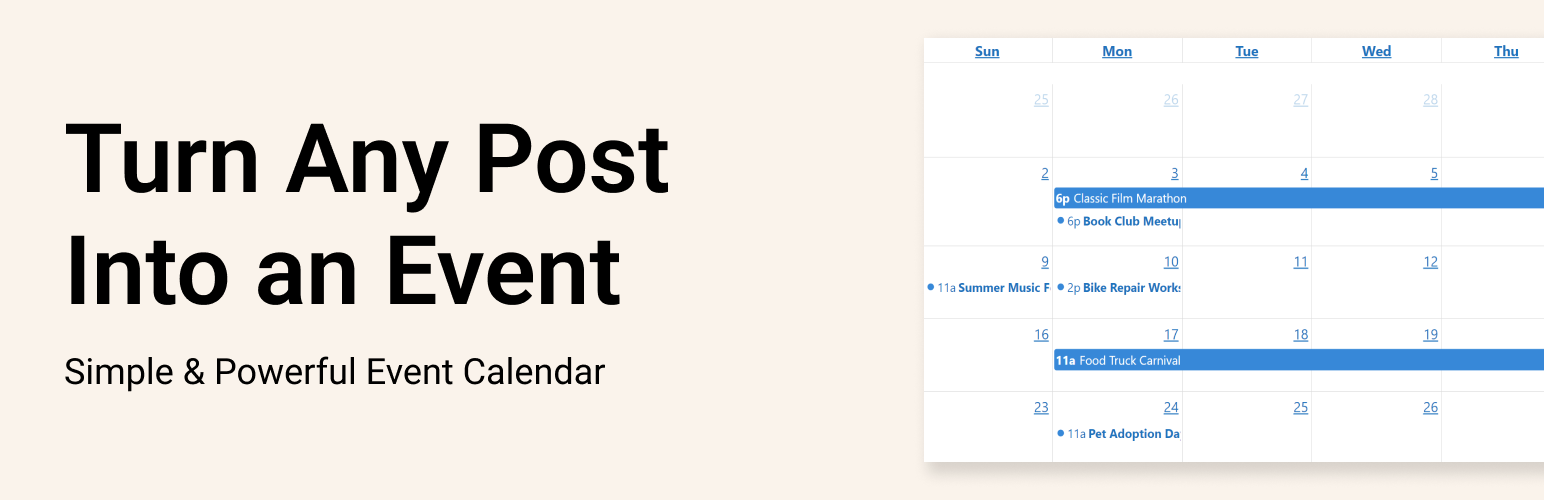
Pie Calendar is a WordPress plugin that allows you to create an event calendar by converting any post on your site into an event. It offers a straightforward interface that integrates with the existing WordPress editor, enabling you to set event dates and display them on a calendar with minimal setup time.
The plugin supports various post types, including custom post types, and allows for single, multi-day, and all-day events. Users can choose from multiple calendar views and utilize custom fields for event details, making it suitable for those looking to manage events on their WordPress site efficiently.
Best for: This plugin is suitable for WordPress users who need a simple way to manage and display events on their site.
What it does well
Where it falls short
Pie Calendar provides a straightforward solution for creating an event calendar without complex setups. It is a practical choice for those wanting to enhance their site with event management capabilities.
Jonathan Jernigan's own description of Pie Calendar, lightly tidied.
Create an event calendar in less than 4 minutes. Simple, flexible, and light-weight.
Pie Calendar lets you effortlessly turn any post on your WordPress site into an event, making it visible on a user-friendly front-end calendar. It doesn’t lock you into any post type – use the default WordPress posts or pages, or create your own Custom Post Type (CPT).
This plugin is crafted with careful thought, ensuring an event management system that’s lean, powerful, and incredibly flexible. Whether it’s a page, post, or CPT, any post on your site can be turned into an event and featured on your calendar in a matter of minutes.
Work directly in the WordPress Editor with existing posts and interfaces you’re already familiar with.
There’s no external editor or custom interface to learn. In a matter of minutes, you can turn any post into an event on your calendar.
Once you’ve installed the plugin, go to any post or page and enable the “Show on Calendar” toggle.
Then, configure the options to your liking. Set a start date and time, optionally set an end date, and configure the all day event if you’d like.
You can do this to as many or as few posts as you’d like. Any post type will be supported, so long as your custom post types have supports: editor and supports: custom fields turned on. For clarity on this, watch the video embedded above.
Then, add the [piecal] shortcode anywhere you want your calendar to appear.
The shortcode accepts a few different parameters:
Other plugins for custom content structures.
Manage Google AdSense ads, banners, ad rotation, sticky widgets, AMP ads, ads.txt, tracking, header and footer...

ACF helps customize WordPress with powerful, professional and intuitive fields. Proudly powering over 2 millio...

Checkout Field Editor (Checkout Manager) for WooCommerce – The best WooCommerce checkout manager plugin to man...

Easily reorder posts, pages, custom post types, and taxonomies with intuitive drag-and-drop sorting in the Wor...

The #1 user-rated activity log plugin for event logging, activity monitoring and change tracking.

Admin UI for creating custom content types like post types and taxonomies