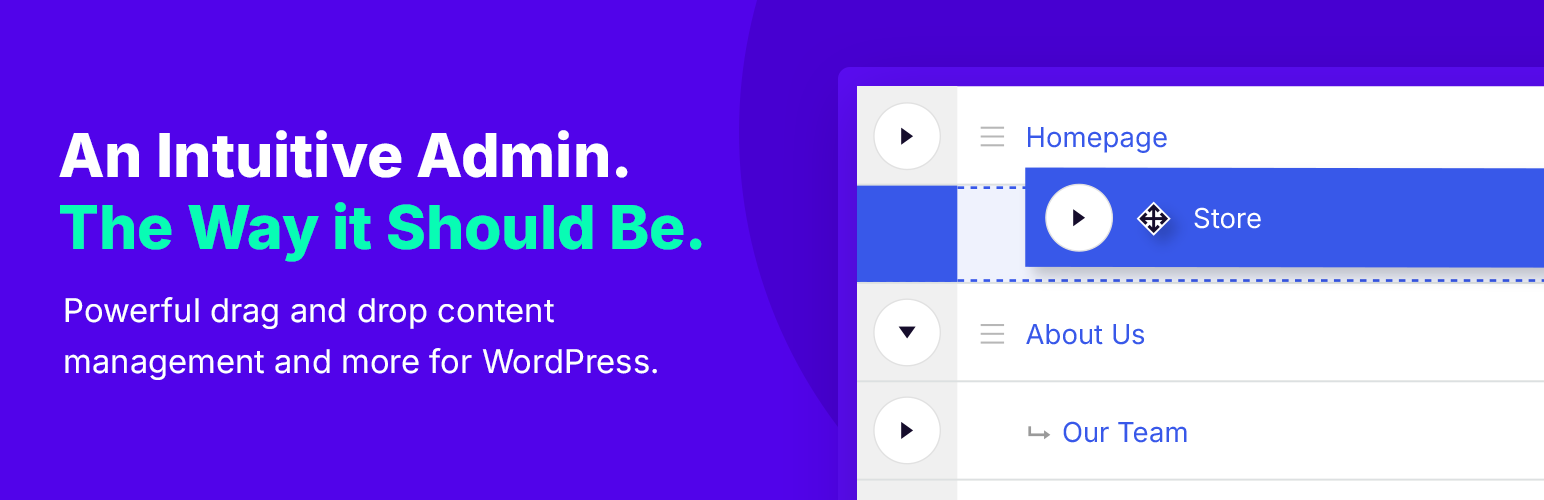
Nested Pages
88Nested Pages provides a drag and drop interface for managing pages & posts in the WordPress admin, while m...
Free
90k+ installs 4.7★ (126)
A plugin that adds the "Featured Image" column in admin posts and pages list.

Post List Featured Image is a WordPress plugin that adds a 'Featured Image' column to the admin posts and pages list. This allows site owners to easily identify which posts or pages have a featured image set, enhancing the management of content.
You can choose from three thumbnail sizes, sort the post list by featured image, and filter posts based on whether they have a featured image. The plugin is particularly useful for administrators and developers managing large sites, as it helps streamline the process of assigning featured images.
Best for: This plugin suits WordPress site administrators and developers who need to manage featured images efficiently.
What it does well
Where it falls short
Post List Featured Image provides a straightforward solution for managing featured images in WordPress. Its basic functionality is useful, but users may need to consider the Pro Addon for additional features.
Johnny's own description of Post List Featured Image, lightly tidied.
Finally a simple plugin that adds the “Featured Image” column in admin posts and pages list. It lets the wordpress site owners see which posts or pages have a featured image set.
Choose between three thumbnail sizes.
Sort the Post List by Featured Image
Filter the Post List by Has/Does Not Have Featured Image
Of course, this is mainly intended for use on the Post List page, since most themes require a featured image be set for the excerpt thumbnail image. It doesn’t seem like much, and the plugin is truly non-invasive to the rest for the WP install. But the value that this simple tool can have on the overall organization for Admins and Developers of WordPress websites is priceless.
By enhancing the plugin with the Pro Addon, you can easily change, add, or remove images with the Quick Edit feature, directly from your Posts List Page, which now includes standard Post Editor Media Library selection. Pro also now supports Custom Post Type lists.
Choose between 50px, 100px and 150px
On the Post/Page list pages of the Admin area, click on the Featured Image column heading to sort by Featured Image ID.
On the Post/Page list pages of the Admin area, Choose to Filter the posts by “Show All Posts with Featured Image” or “Show All Posts without Featured Image”
This is especially helpful for assigning new featured image to posts that do not have them. Or this helps with large sites, with many posts, and editing the post featured images for those posts using the “Quick Edit” feature, available with the Pro Addon
Please remember, if you do not see the Featured Image column in your Post/Page Lists to click on “Screen Options” in the upper right corner, and tick the box for Featured Image.
Other plugins for bulk editing.
Nested Pages provides a drag and drop interface for managing pages & posts in the WordPress admin, while m...

BEAR - WooCommerce Bulk Editor Professional (former WOOBE) is plugin for bulk edit/manage woocommerce products...
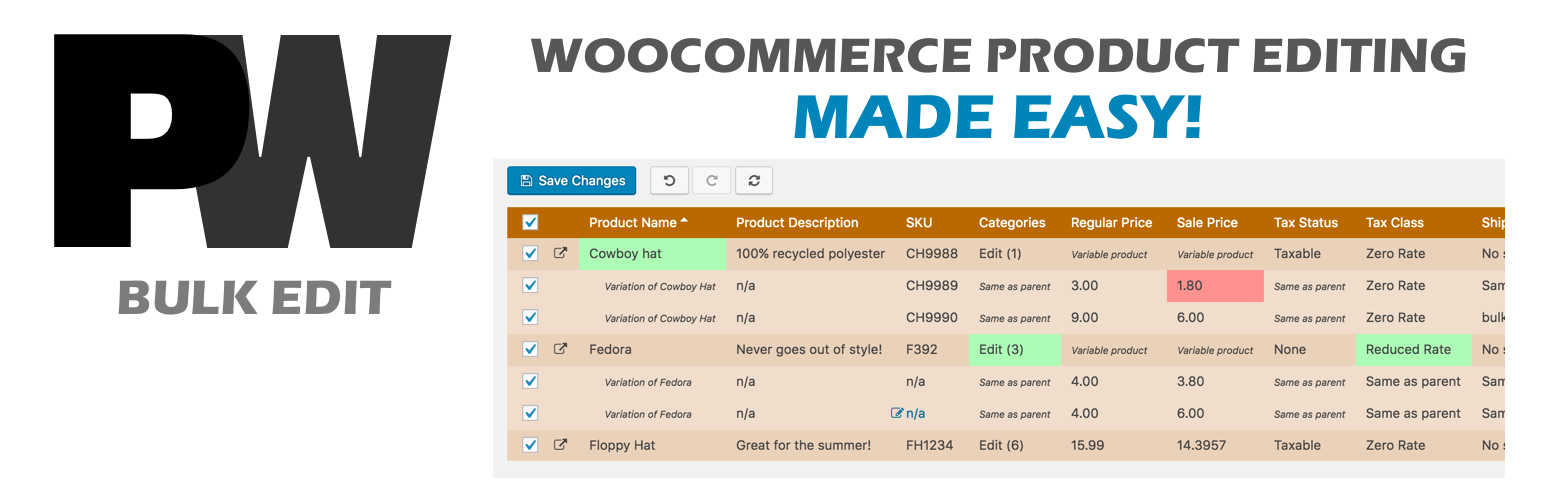
A powerful way to update your WooCommerce product catalog. Finally, no more tedious clicking through countless...
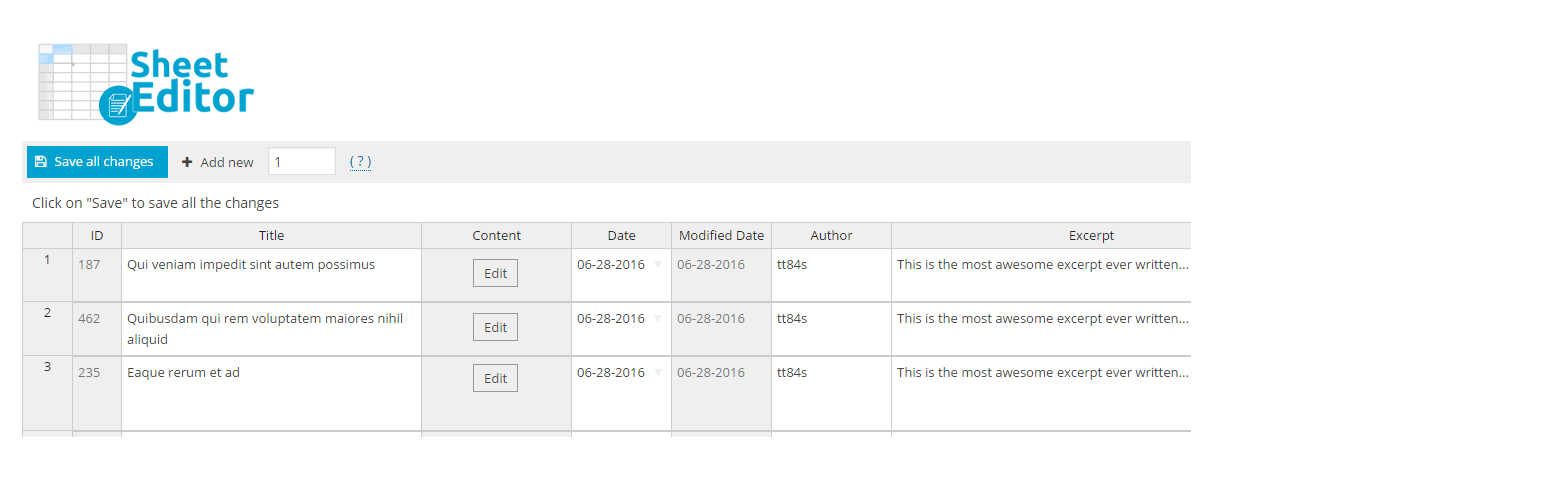
Modern Bulk Editor for WooCommerce products, create and edit hundreds of products in a spreadsheet inside wp-a...

An easy-to-use plugin for the Astra theme that lets you edit Page Meta Settings for multiple pages/posts at on...

Editorial Calendar allows you to view all your posts, schedule post, make quick edits, and manage your blog by...