
Ad Inserter
94Manage Google AdSense ads, banners, ad rotation, sticky widgets, AMP ads, ads.txt, tracking, header and footer...
Free
300k+ installs 4.9★ (2,428)
Create stunning and interactive timelines for your WordPress posts with ease. Post Timeline is the ultimate plugin for displaying your WordPress conte …
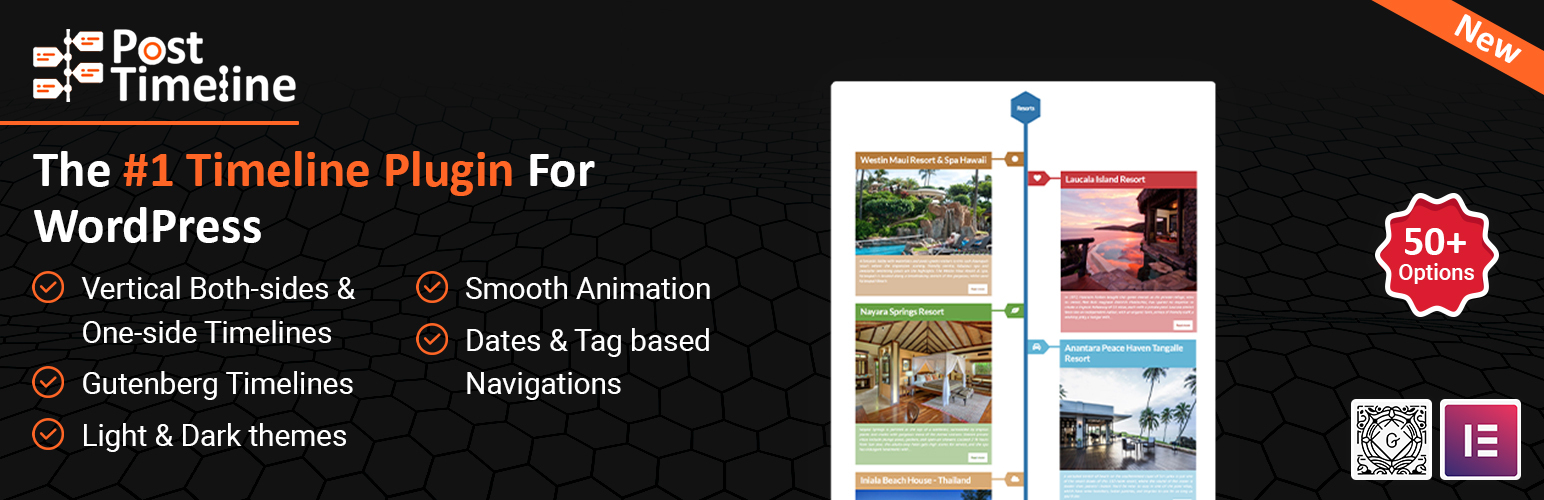
Post Timeline is a WordPress plugin that allows you to create interactive timelines for your posts. It is designed to display content in a visually appealing format, making it suitable for showcasing blog histories, company milestones, or any sequential content.
You can create unlimited vertical timelines and generate animated scroll navigation based on tags or dates. The plugin supports custom post types and allows for multiple timelines by categorising posts, which can be displayed using shortcodes.
Best for: This plugin is suitable for bloggers and businesses wanting to display chronological content attractively.
What it does well
Where it falls short
Post Timeline provides a straightforward way to create timelines for WordPress content, though detailed feature information is limited.
Agile Logix's own description of Post Timeline, lightly tidied.
Create stunning and interactive timelines for your WordPress posts with ease. Post Timeline is the ultimate plugin for displaying your WordPress content in a visually appealing timeline format. Whether you want to showcase your blog history, company milestones, or any sequential content, Post Timeline offers a variety of customization options to fit your needs.
Post Timeline is the WordPress Plugin that creates beautiful timeline pages for your WordPress posts. With this plugin, users can create unlimited vertical timelines and automatically generate animated scroll navigation based on tags or dates in ascending order.
Use the shortcode [post-timeline] to create a Post Timeline on any page or post.
To create multiple timelines, the admin needs to create multiple categories and assign posts to those categories. Then use the shortcode below:
[post-timeline category="3"]
Where 3 is the category ID. All the posts associated with Category ID 3 will appear with the above shortcode.
How to Create Multiple Timelines
Post Timeline Tags is an important tab of a timeline. Through this tab, admin users can create tags and associate their posts with those tags. Once all the posts are assigned to those tags, the Post Timeline will collect all the tags and use them in navigation.
Post Timeline supports custom post types, making it versatile for a variety of content. To create a timeline for a custom post type, use the attribute post-type as shown below:
[post-timeline post-type="custom_post_type"]
Other plugins for custom content structures.
Manage Google AdSense ads, banners, ad rotation, sticky widgets, AMP ads, ads.txt, tracking, header and footer...

ACF helps customize WordPress with powerful, professional and intuitive fields. Proudly powering over 2 millio...

Checkout Field Editor (Checkout Manager) for WooCommerce – The best WooCommerce checkout manager plugin to man...

Easily reorder posts, pages, custom post types, and taxonomies with intuitive drag-and-drop sorting in the Wor...

The #1 user-rated activity log plugin for event logging, activity monitoring and change tracking.

Admin UI for creating custom content types like post types and taxonomies