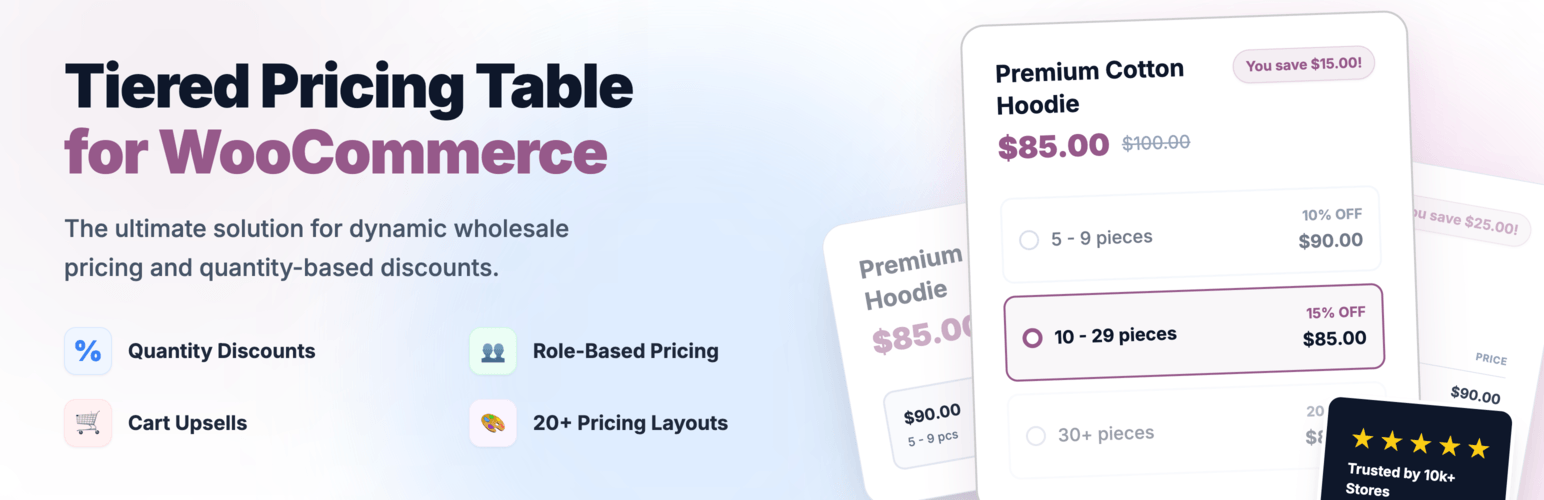
Create bulk, wholesale, and quantity-based pricing in WooCommerce with flexible tables, role-based pricing, an...
Free
10k+ installs 4.7★ (103)
Product Catalog Mode for WooCommerce TURN INTO your online store as CATALOG ONLY MODE hiding by product price, Add to Cart button on a single click.
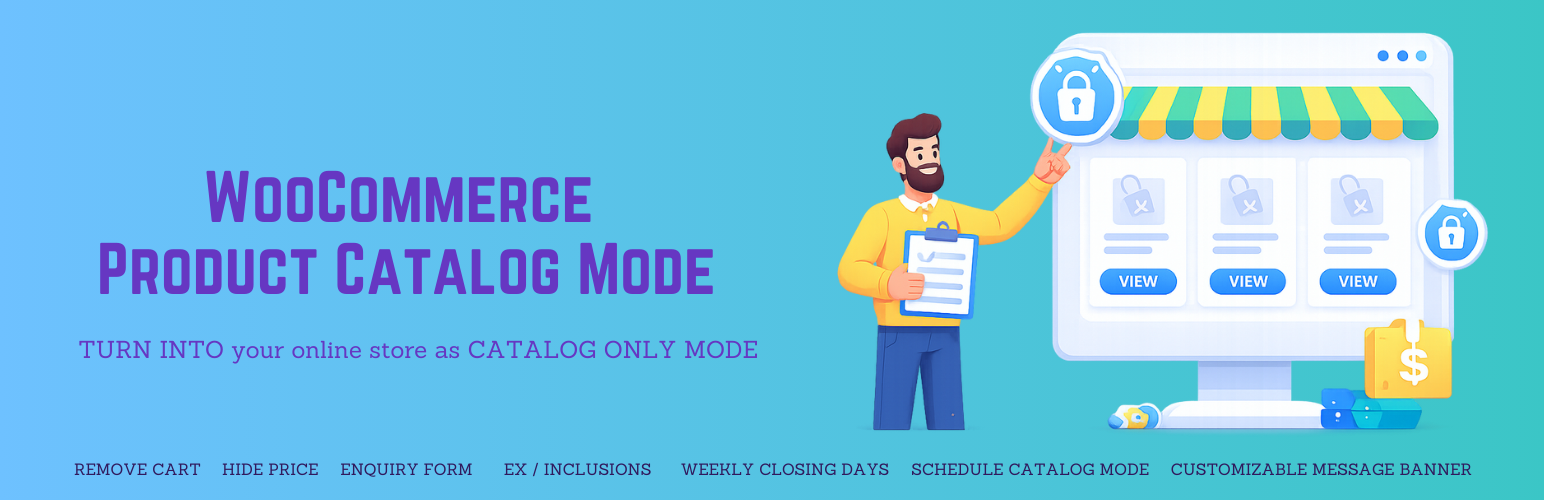
Product Catalog Mode for WooCommerce is a WordPress plugin that allows store owners to convert their WooCommerce store into a product catalog. This functionality is useful during periods when immediate purchases are not desired, such as holidays or maintenance. The plugin provides options to hide prices and Add to Cart buttons, enabling a more inquiry-based selling approach.
With advanced scheduling controls, you can activate catalog mode based on specific weekdays, times, or date ranges. Additionally, it allows for the replacement of hidden prices with custom messages to guide customers, ensuring a professional appearance while capturing potential leads through an enquiry system.
Best for: This plugin suits WooCommerce store owners who want to display products without immediate purchasing options.
What it does well
Where it falls short
Product Catalog Mode for WooCommerce provides useful features for store owners looking to manage product visibility and inquiries effectively. It offers flexibility in how products are presented during specific periods.
WP Artisan's own description of Product Catalog Mode For WooCommerce, lightly tidied.
Sometimes store owners want to display products as a catalog without allowing immediate purchases. This may be necessary during holidays, maintenance periods, sales preparation, wholesale-only operations, or limited-time sales restrictions.
Product Catalog Mode for WooCommerce allows you to instantly turn your WooCommerce store into a catalog by removing Add to Cart buttons and hiding prices with a single click.
You can enable catalog mode globally or apply it conditionally based on visitors, user roles, countries, or scheduled time periods.
The plugin now includes advanced scheduling controls, allowing store owners to activate catalog mode:
* On selected weekdays
* Within specific start and end times
* Between defined start and end dates
This provides precise control over when your store accepts orders.
Replace hidden prices with meaningful text
Instead of leaving empty space when product prices are hidden, you can display custom text such as:
* "Price on request"
* "Login to view price"
* "Contact us for pricing"
This ensures your store looks professional while clearly guiding customers on the next step, improving user experience and engagement.
You can also display fully customizable messages on:
* Shop and archive pages
* Product details page
Message placement can be configured for shop/archive pages.
Turn your store into an enquiry-based selling system
Instead of losing potential customers when purchases are disabled, you can capture leads directly from product pages.
The plugin includes a powerful enquiry system that allows customers to submit product-specific enquiries.
Other plugins for quote requests.
Create bulk, wholesale, and quantity-based pricing in WooCommerce with flexible tables, role-based pricing, an...

NP Quote Request for WooCommerce enables your customers to easily submit quote requests to your WooCommerce st...

Request a Quote for WooCommerce and Elementor plugin shows a Contact Form 7 or WPForms popup on button click....
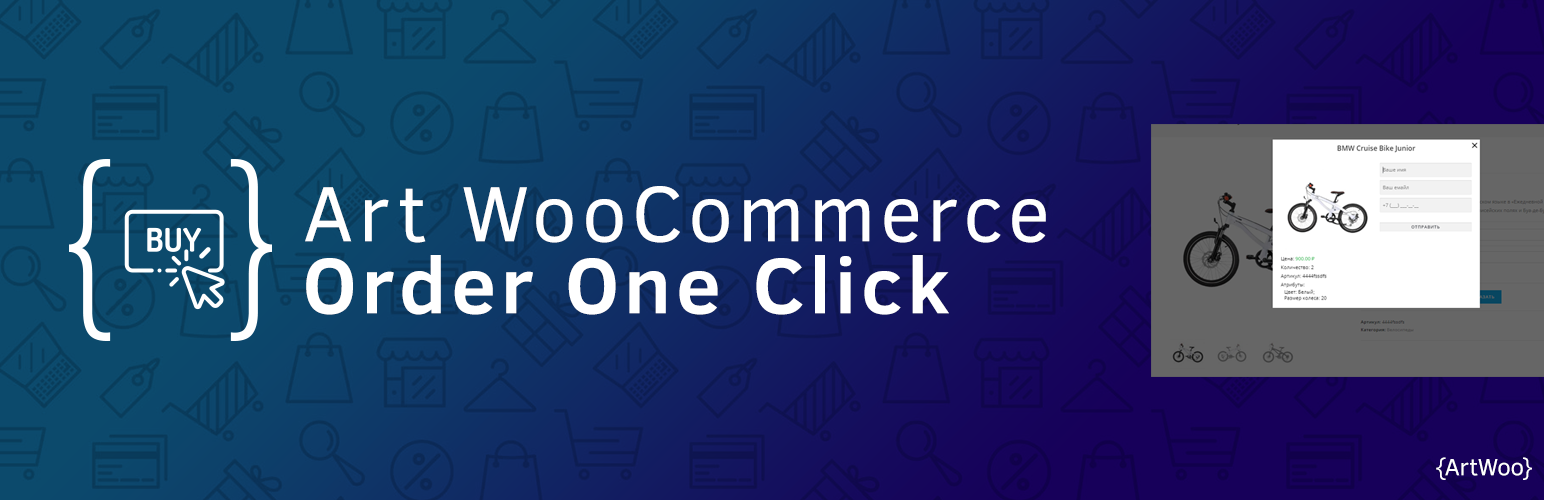
Plugin for WooCommerce. It includes the catalog mode in the store (there are no prices and the Buy button) and...

Best WooCommerce wholesale plugin with features like b2b wholesale prices, wholesale order form, tiered pricin...
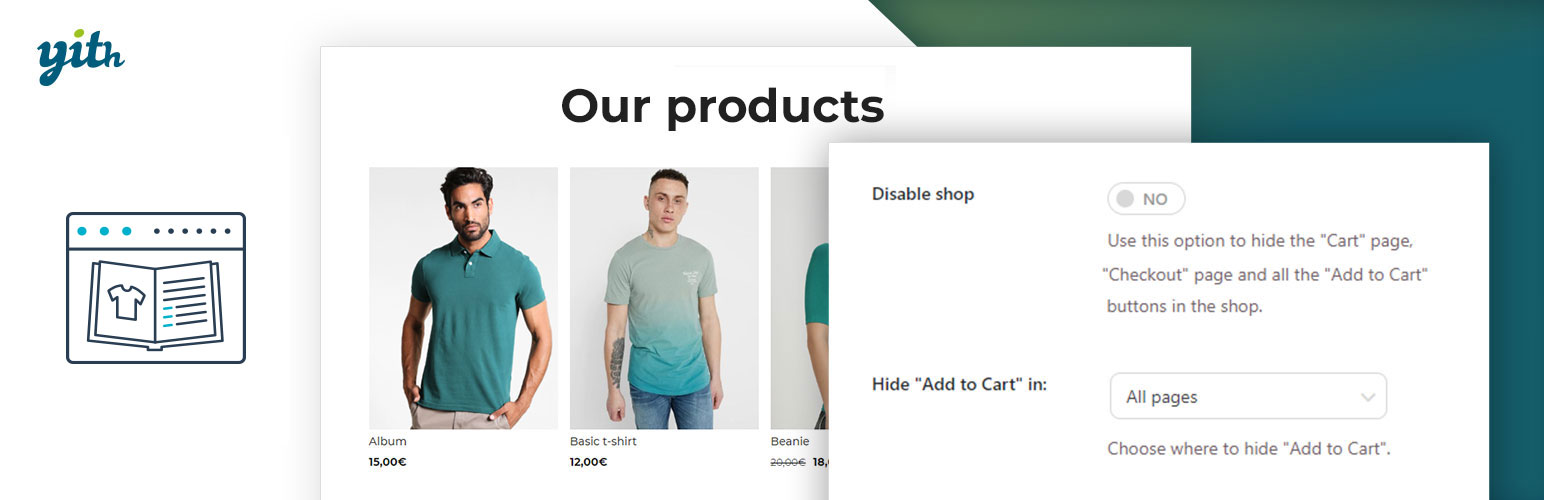
YITH WooCommerce Catalog Mode, a plugin for disabling sales in your e-commerce and turn it into an e-commerce...